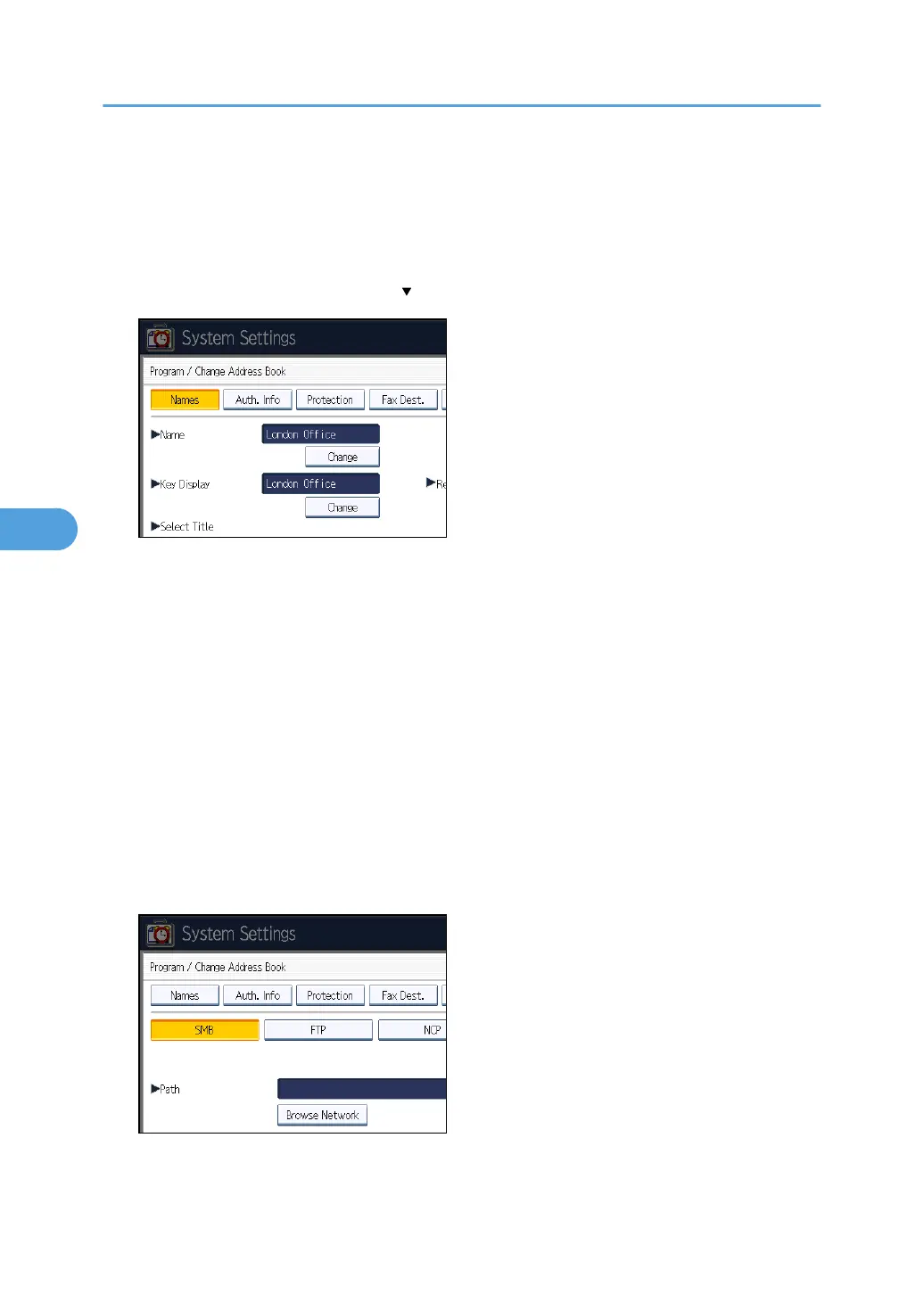
4. Press [Address Book Management].
5. Check that [Program / Change] is selected.
6. Select the name whose folder you want to register.
Press the name key, or enter the registered number using the number keys.
7. Press [Auth. Info], and then press [ Next].
8. Press [Specify Other Auth. Info] on the right side of "Folder Authentication".
When [Do not Specify] is selected, the SMB User Name and SMB Password that you have
specified in "Default User Name / Password (Send)" of File Transfer settings applies.
9. Press [Change] under "Login User Name".
10. Enter the login user name of the destination computer, and then press [OK].
11. Press [Change] under "Login Password".
12. Enter the password of the destination computer, and then press [OK].
13. Enter the password again to confirm, and then press [OK].
14. Press [Folder].
15. Check that [SMB] is selected.
To specify a folder, you can either enter the path manually or locate the folder by browsing the
network.
16. Press [Change] or [Browse Network], and then specify the folder.
To specify a folder, you can enter the path to it manually, or select it by browsing the network.
5. Registering Addresses and Users for Facsimile/Scanner Functions
260



 To Next Page