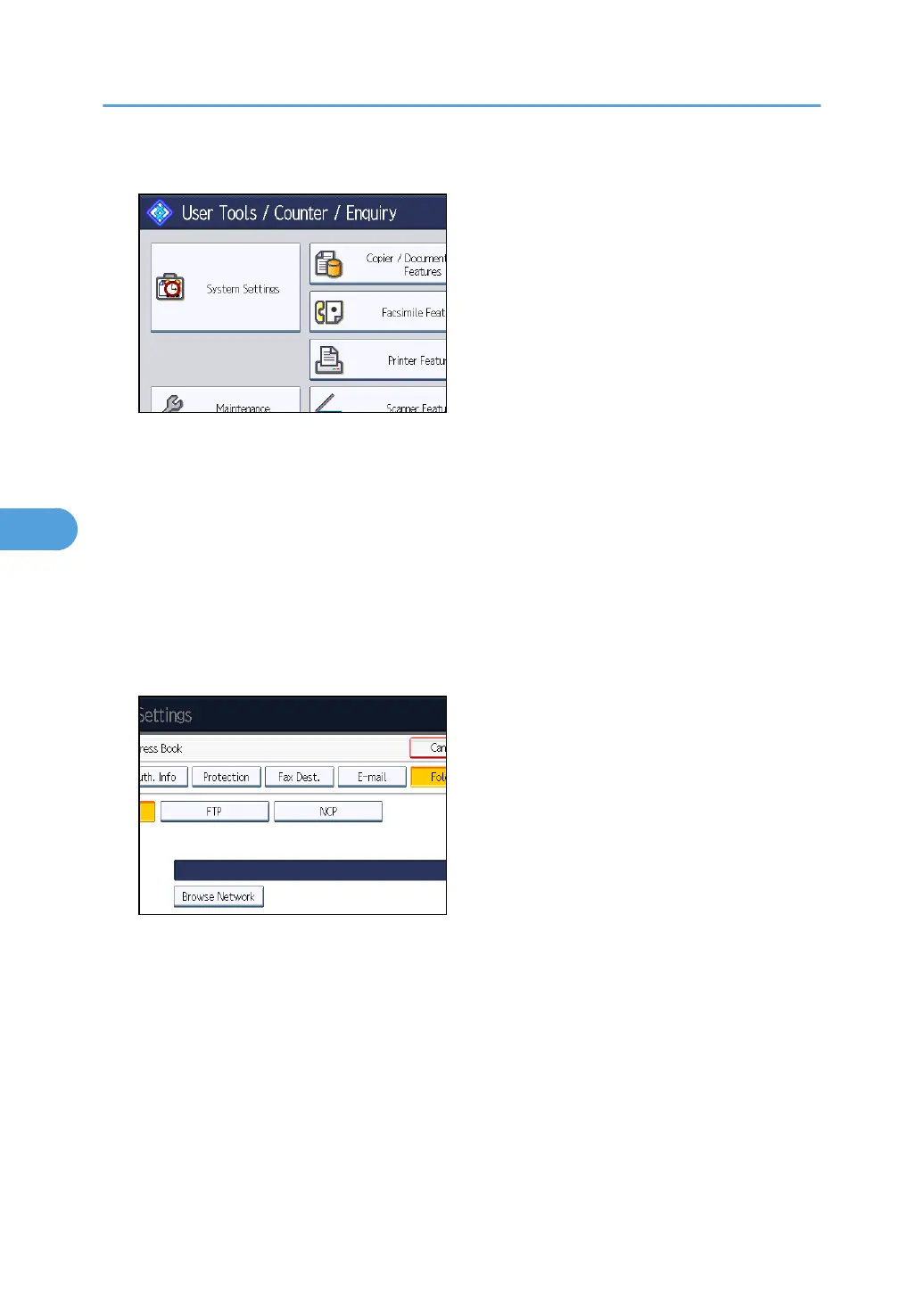
2. Press [System Settings].
3. Press [Administrator Tools].
4. Press [Address Book Management].
5. Check that [Program / Change] is selected.
6. Press the name you want to register or enter the registered number using the number
keys.
You can search by the registered name, user code, fax number, folder name, e-mail address, or IP-
Fax destination.
7. Press [Folder].
8. Press [NCP].
9. Select "Connection Type".
If you want to specify a folder in an NDS tree, press [NDS]. If you want to specify a folder on a
NetWare server, press [Bindery].
If you have set "Connection Type" to [NDS], enter the user name followed by the name of the
context where the user object is located. If the user name is "user" and the context name is
"context", enter "user.context".
10. Specify the path.
For details about how to specify the path manually, see "Locating the NCP folder manually".
For details about how to specify the path using Browse Network, see "Locating the NCP folder
using Browse Network".
5. Registering Addresses and Users for Facsimile/Scanner Functions
272



 To Next Page