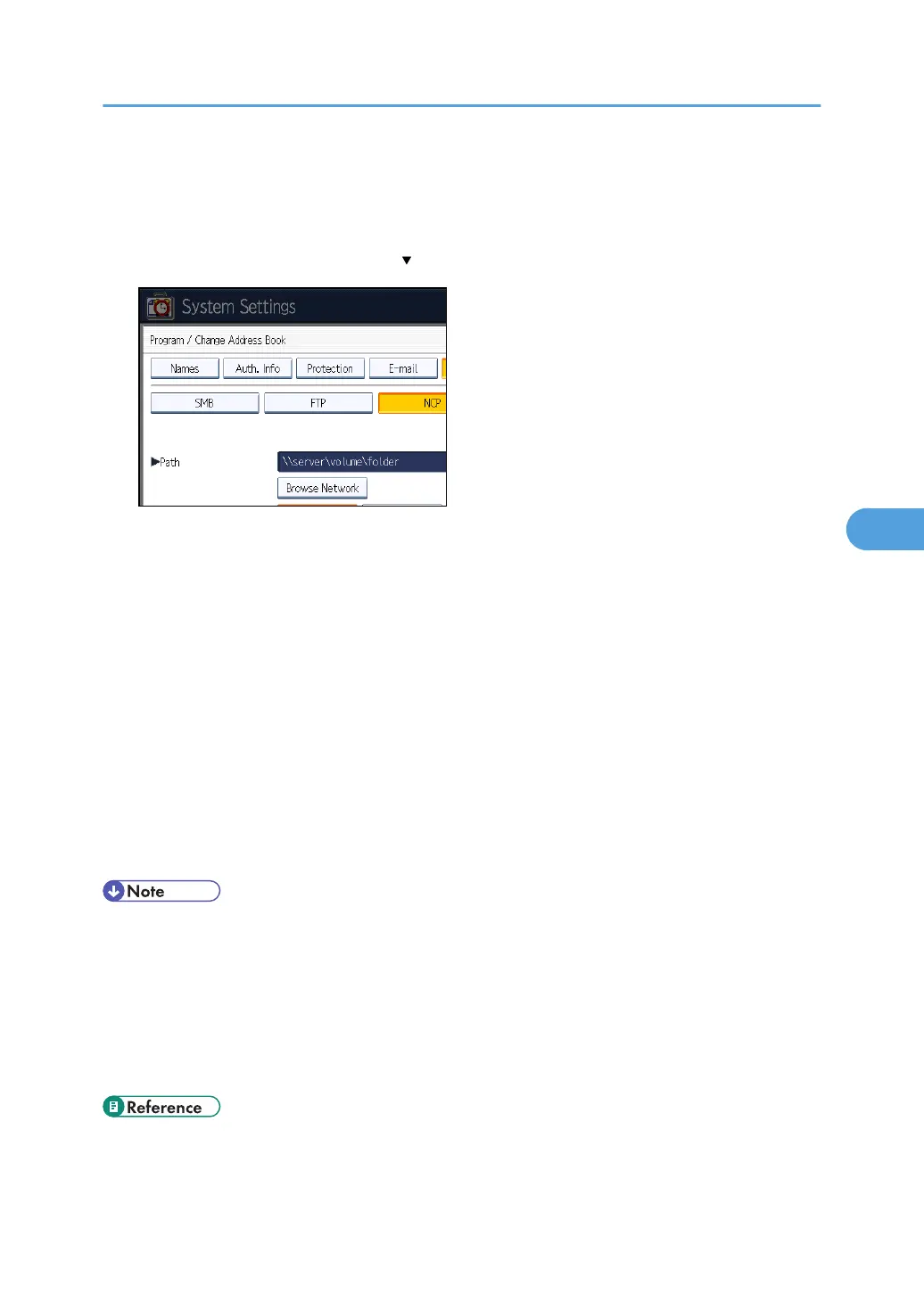
11. Press [Connection Test] to check the path is set correctly.
12. Press [Exit].
If the connection test fails, check the settings, and then try again.
13. Press [Auth. Info], and then press [ Next].
14. Press [Specify Other Auth. Info] on the right side of "Folder Authentication".
When [Do not Specify] is selected, the NCP User Name and NCP Password that you have
specified in "Default User Name / Password (Send)" of File Transfer settings applies. For details,
see "File Transfer".
15. Press [Change] under "Login User Name".
16. Enter the login user name, and then press [OK].
17. Press [Change] under "Login Password".
18. Enter the password, and then press [OK].
19. Enter the password again to confirm, and then press [OK].
20. Press [OK].
21. Press [Exit].
22. Press the [User Tools/Counter] key.
• To register the name, see "Registering Names".
•
You can enter up to 64 characters for the user name.
• You can enter up to 64 characters for the password.
• To specify a folder, you can either enter the path manually or locate the folder by browsing the
network.
• If User Authentication is specified, contact your administrator.
• p.43 "File Transfer"
• p.227 "Registering Names"
Registering Folders
273


 To Next Page