For details about logging in and logging out with administrator authentication, see "Logging in Using
Administrator Authentication" and "Logging out Using Administrator Authentication".
1. Press the [User Tools/Counter] key.
2. Press [System Settings].
3. Press [Administrator Tools].
4. Press [User Authentication Management].
If this item is not visible, press [ Next] to display more settings.
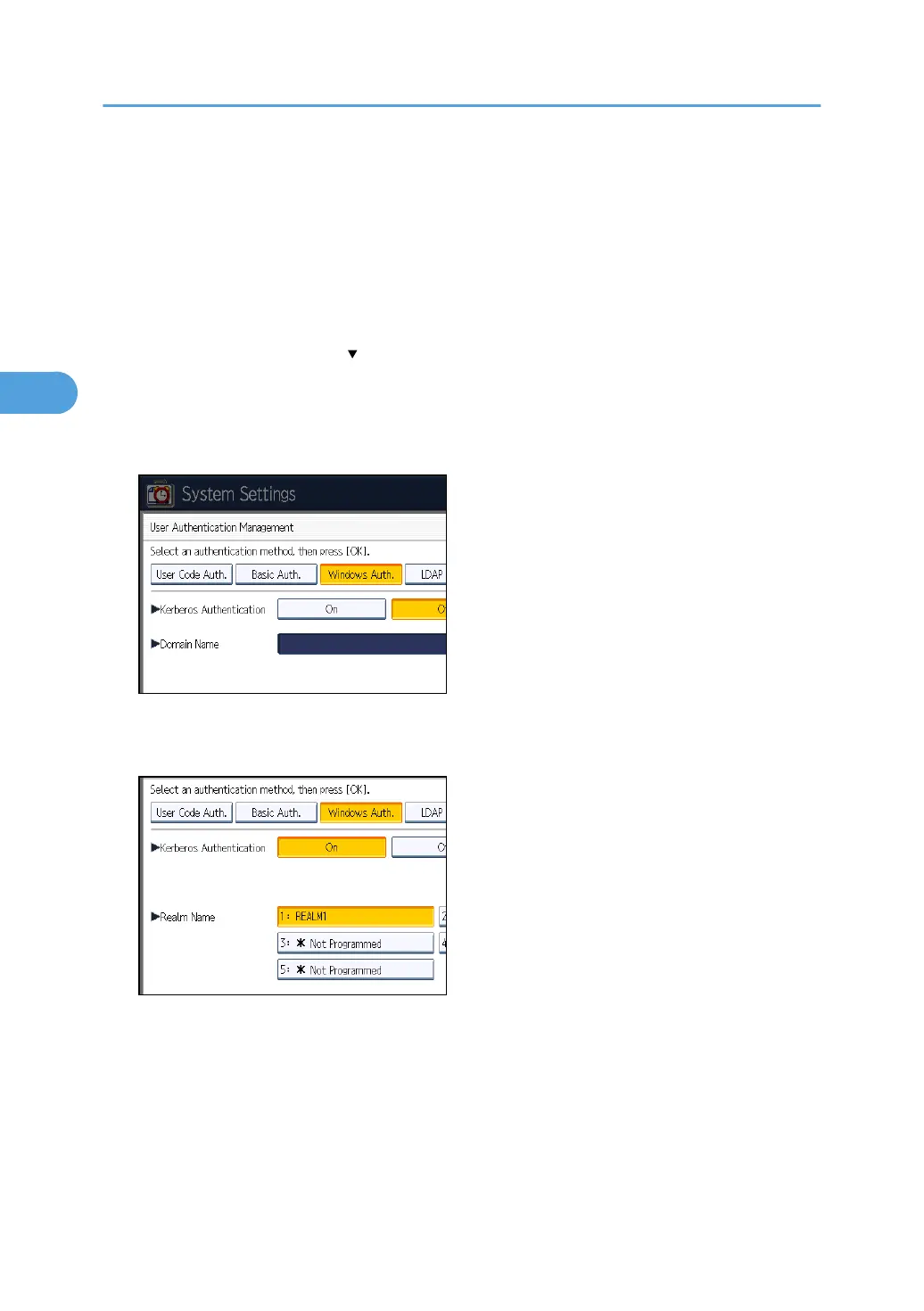
5. Select [Windows Auth.].
If you do not want to use user authentication management, select [Off].
6. If you want to use Kerberos authentication, press [On].
If you want to use NTLM authentication, press [Off] and proceed to step 8.
7. Select Kerberos authentication realm and proceed to step 9.
To enable Kerberos authentication, a realm must be registered beforehand. The realm name must
be registered in capital letters. For details about registering a realm, see "Programming the Realm",
Network and System Settings Reference.
Up to 5 realms can be registered.
3. Configuring User Authentication
56



 To Next Page