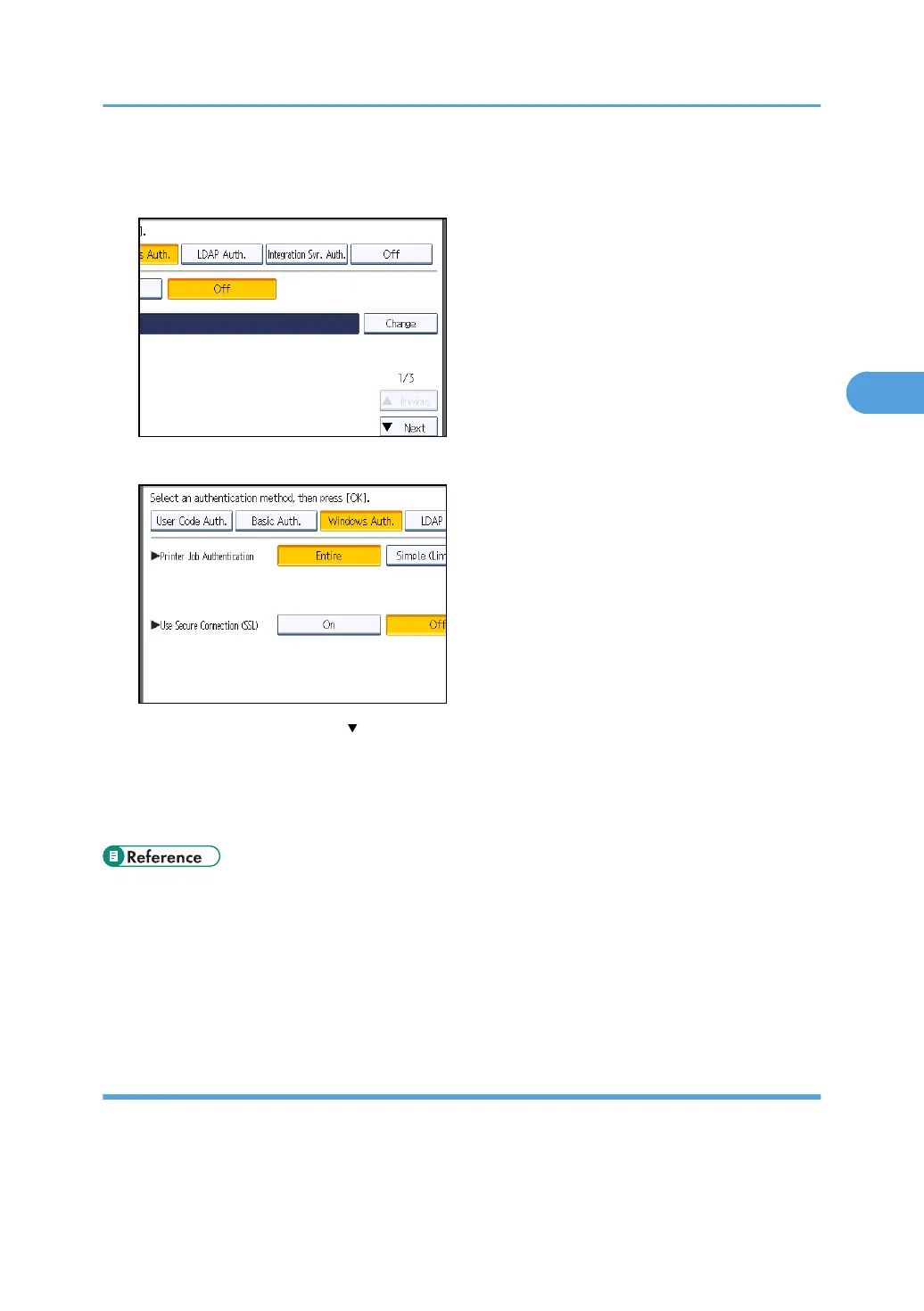
8. Press [Change] for "Domain Name", enter the name of the domain controller to be
authenticated, and then press [OK].
9. Select the "Printer Job Authentication" level.
If this item is not visible, press [ Next] to display more settings.
If you select [Entire] or [Simple (All)], proceed to "Selecting Entire or Simple (All)".
If you select [Simple (Limitation)], proceed to "Selecting Simple (Limitation)".
For a description of the printer job authentication levels, see "Printer Job Authentication".
• p.35 "Logging in Using Administrator Authentication"
•
p.36 "Logging out Using Administrator Authentication"
• p.57 "Selecting Entire or Simple (All)"
• p.60 "Selecting Simple (Limitation)"
• p.82 "Printer Job Authentication"
Selecting Entire or Simple (All)
If you select [Entire], you cannot print using a printer driver or a device that does not support
authentication. To print in an environment that does not support authentication, select [Simple (All)] or
[Simple (Limitation)].
Windows Authentication
57



 To Next Page