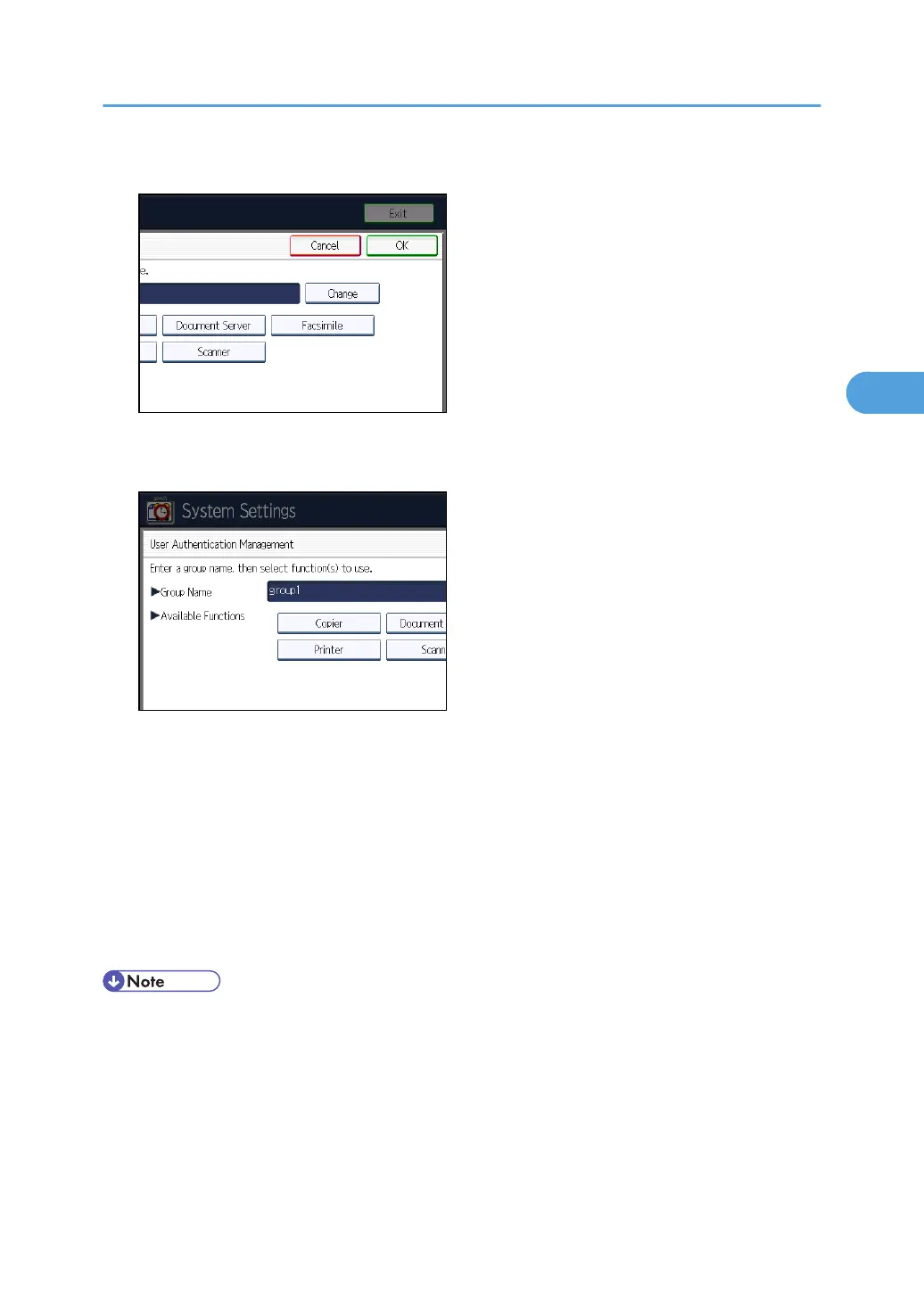
4. Under "Group Name", press [Change], and then enter the group name.
5. Press [OK].
6. Select which of the machine's functions you want to permit.
Windows Authentication will be applied to the selected functions.
Users can use the selected functions only.
For details about specifying available functions for individuals or groups, see "Limiting Available
Functions".
7. Press [OK] twice.
8. Press the [User Tools/Counter] key.
A confirmation message appears.
If you press [Yes], you will be automatically logged out.
• Under Windows Authentication, you can select whether or not to use secure sockets layer (SSL)
authentication.
•
To automatically register user information such as fax numbers and e-mail addresses under
Windows authentication, it is recommended that communication between the machine and domain
controller be encrypted using SSL.
• Under Windows Authentication, you do not have to create a server certificate unless you want to
automatically register user information such as fax numbers and e-mail addresses using SSL.
Windows Authentication
59



 To Next Page