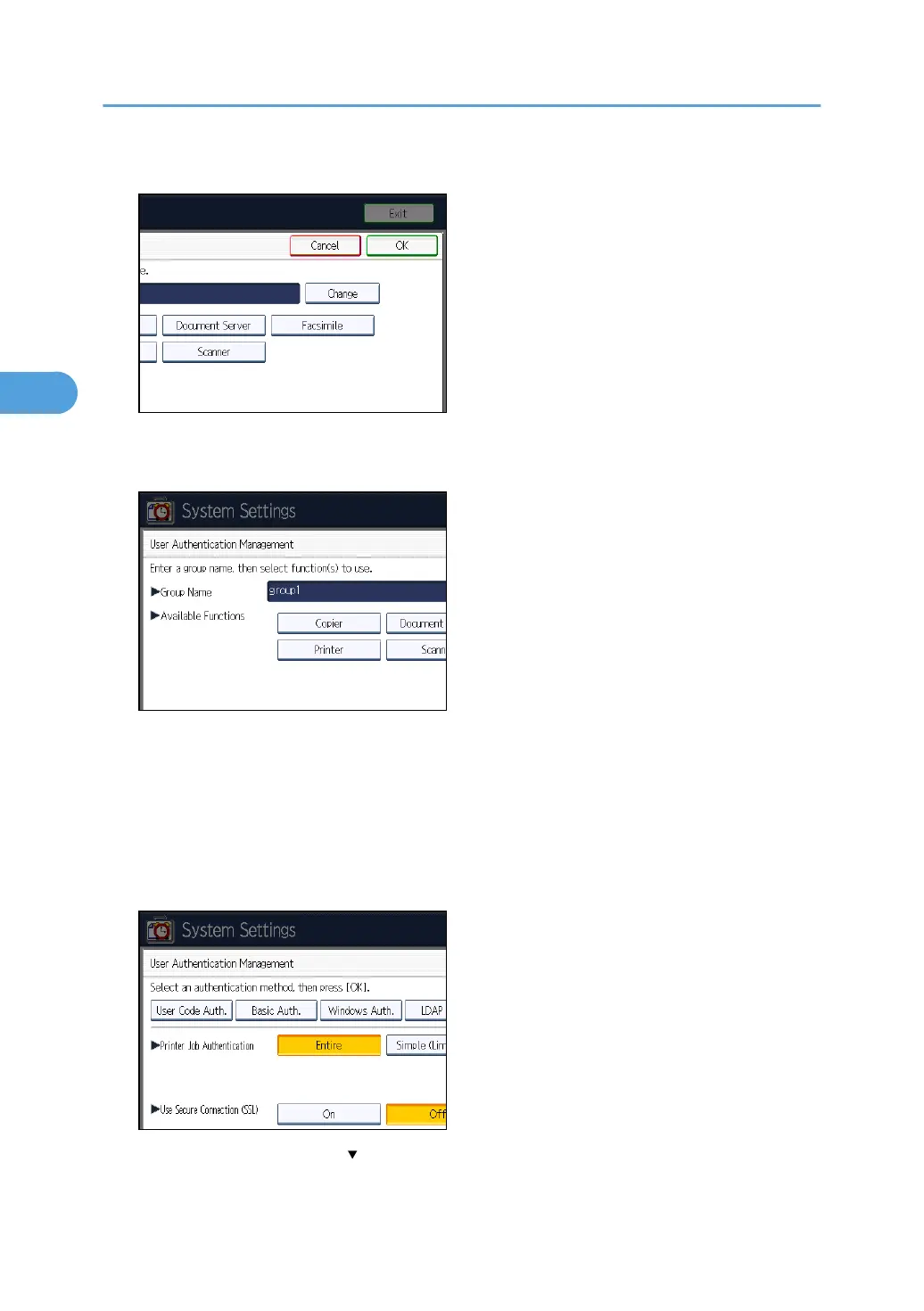
14. Under "Group Name", press [Change], and then enter the group name.
15. Press [OK].
16. Select which of the machine's functions you want to permit.
Authentication will be applied to the selected functions.
Users can use the selected functions only.
For details about specifying available functions for individuals or groups, see "Limiting Available
Functions".
17. Press [OK].
18. Select the "Printer Job Authentication" level.
If this item is not visible, press [ Next] to display more settings.
If you select [Entire] or [Simple (All)], proceed to "Selecting Entire or Simple (All)".
3. Configuring User Authentication
78



 To Next Page