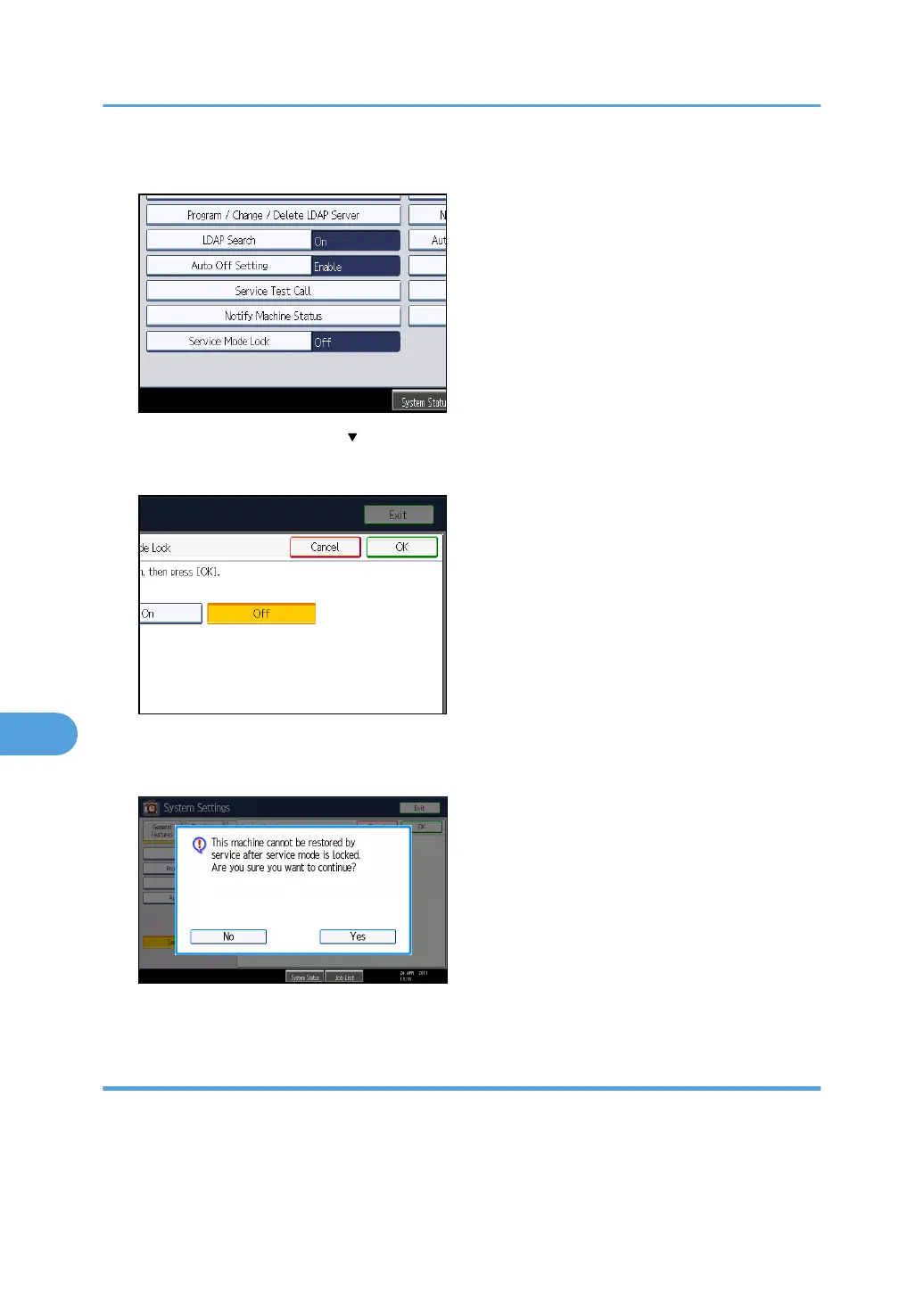
4. Press [Service Mode Lock].
If this item is not visible, press [ Next] to display more settings.
5. Press [On], and then press [OK].
A confirmation message appears.
6. Press [Yes].
7. Press the [User Tools/Counter] key.
Canceling Service Mode Lock
Before the service representative can carry out an inspection or repair in service mode, the machine
administrator must first log in to the machine, release the service mode lock, and then call the service
representative.
After the inspection or repair is completed, the service mode lock must be reapplied.
8. Specifying the Extended Security Functions
268



 To Next Page