1. Press the [User Tools/Counter] key.
2. Press [System Settings].
3. Press [Administrator Tools].
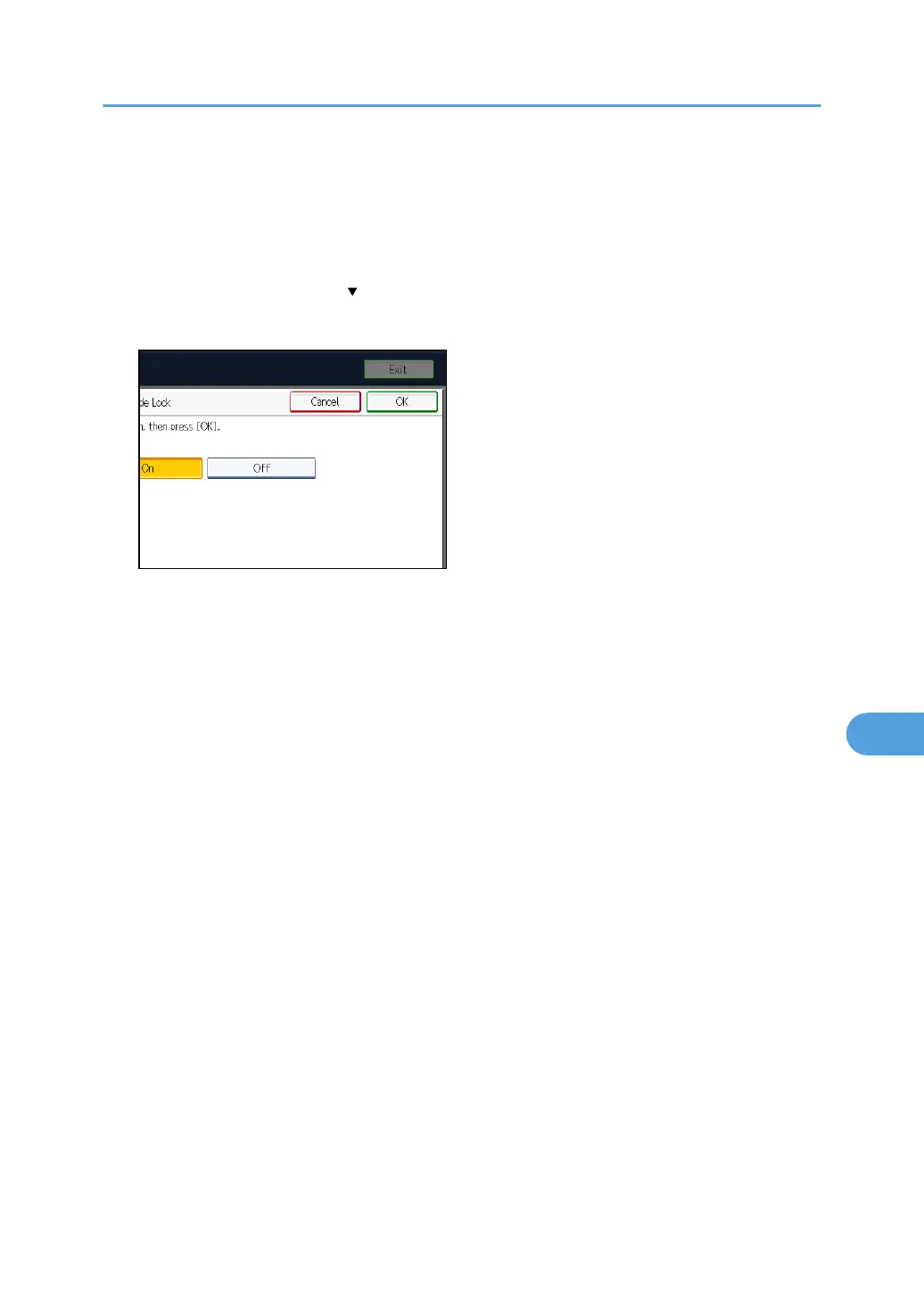
4. Press [Service Mode Lock].
If this item is not visible, press [ Next] to display more settings.
5. Press [Off], and then press [OK].
6. Press the [User Tools/Counter] key.
The service representative can switch to service mode.
Limiting Machine Operations to Customers Only
269



 To Next Page