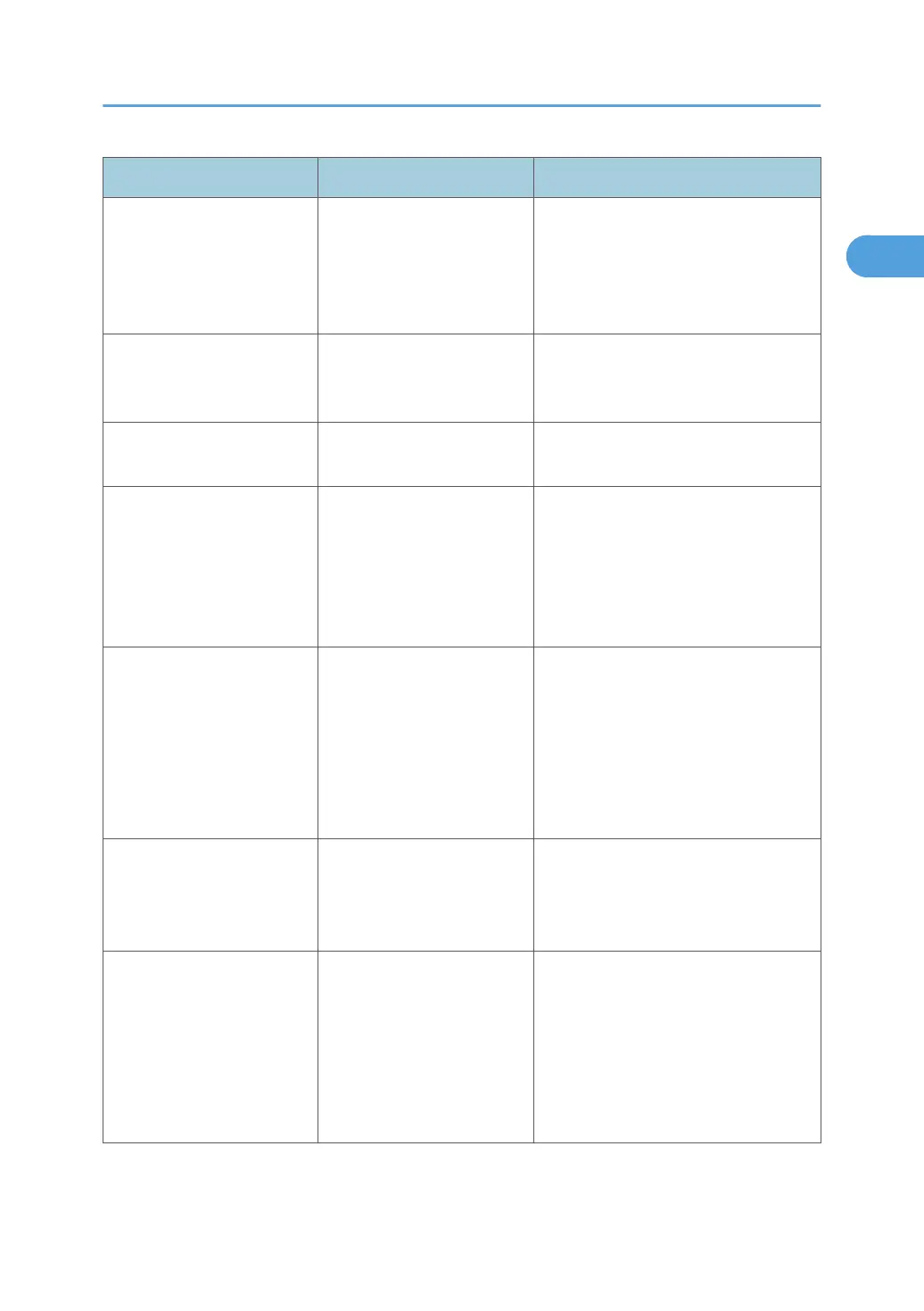
Problem Causes Solutions
The Authentication screen
appears.
Basic Authentication,
Windows Authentication,
LDAP Authentication or
Integration Server
Authentication is set.
Enter your login user name and user
password. See "When the
Authentication Screen is Displayed",
About This Machine.
"Authentication has failed."
appears.
The entered login user name
or login password is not
correct.
Ask the user administrator for the
correct login user name and login
password.
"Authentication has failed."
appears.
The machine cannot perform
authentication.
Contact your administrator.
"You do not have the
privileges to use this
function." continues to be
displayed even though you
have entered a valid user
name.
The logged in user name
does not have permission for
the selected function.
Contact your administrator about the
permission for the required function.
An error message remains,
even if misfed paper is
removed.
• When a misfeed
message appears, it
remains until you open
and close the cover as
required.
•
Paper is still jammed in
the tray.
Remove misfed paper, and then open
and close the cover. See p.121
"Removing Jammed Paper".
Original images are printed
on the reverse side of the
paper.
You may have loaded the
paper incorrectly.
Load paper correctly. Load paper into
the paper tray or LCT with the print side
up. Load paper into bypass tray with
the print side down.
Misfeeds occur frequently. The tray's side or end fences
may not be set properly.
• Remove misfed paper. See p.
121 "Removing Jammed Paper".
•
Check that the side or end fences
are set properly. Also, check that
the side fences are locked. See
"Changing the Paper Size", About
This Machine.
When You Have Problems Operating the Machine
19



 To Next Page