3. Troubleshooting When Using the
Facsimile Function
This chapter describes likely causes of and possible solutions for facsimile function problems.
Adjusting the Volume
This section describes how to adjust the volume.
You can change the volume of the following sounds that the machine makes.
On Hook Mode
Heard when [On Hook] is pressed.
At Transmission
Heard when "Immediate Transmission" is performed.
At Reception
Heard when the machine receives a document.
At Dialing
Heard after pressing the [Start] key, until the line connects to the destination.
At Printing
Heard when a received document is printed.
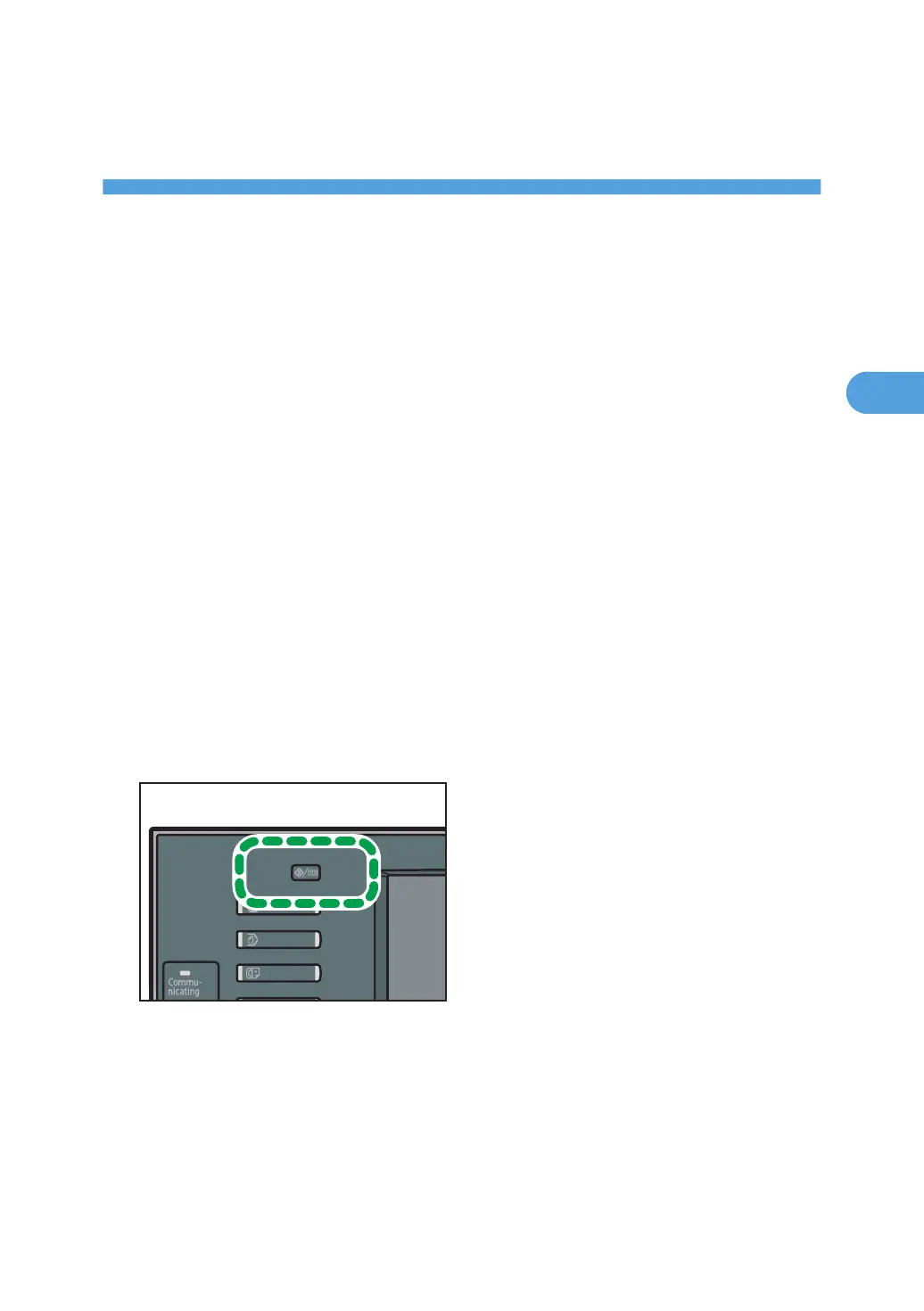
1. Press the [User Tools / Counter] key.
2. Press [Facsimile Features].
3. Check that [General Settings] screen appears.
41



 To Next Page