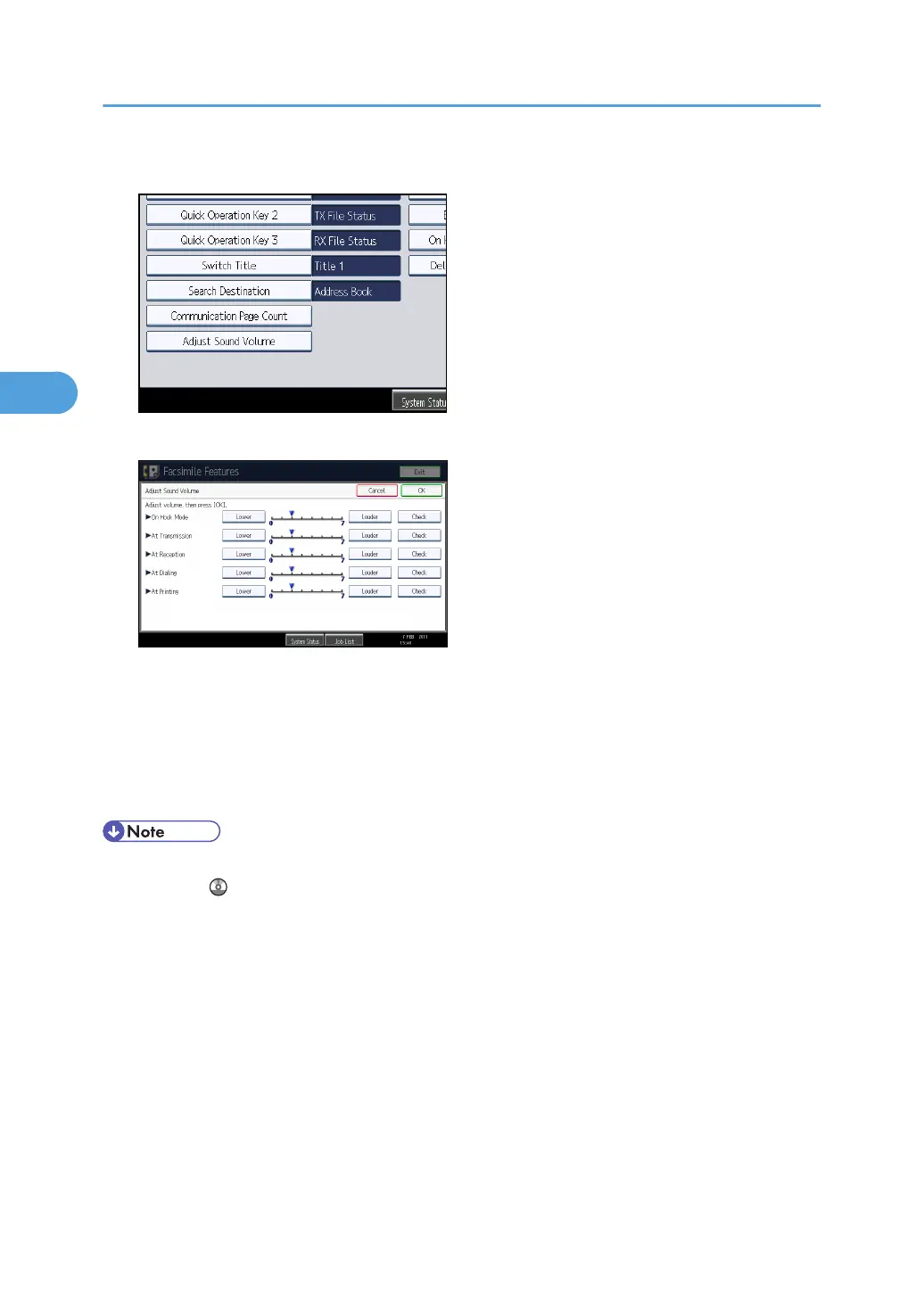
4. Press [Adjust Sound Volume].
5. Press [Lower] or [Louder] to adjust the volume, and then press [OK].
You can hear the actual volume by pressing [Check].
If you press [Cancel], the volume setting is canceled. The screen returns to that of step 4.
You can set the volume level to between 0 and 7.
6. Press the [User Tools / Counter] key.
The standby screen appears.
• You can adjust the On Hook volume when you press [On Hook]. See "On Hook Dial", Facsimile
Reference .
3. Troubleshooting When Using the Facsimile Function
42



 To Next Page