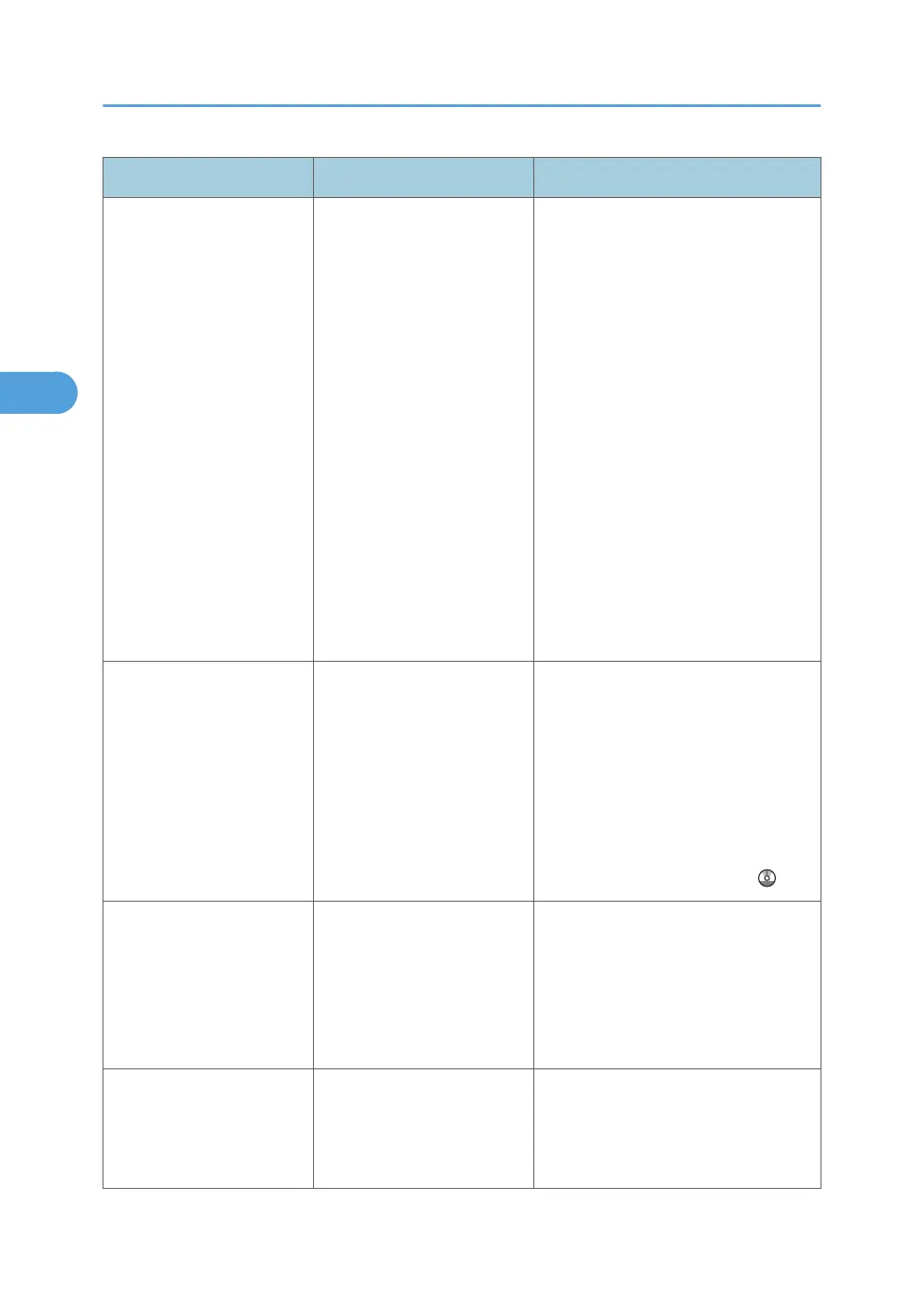
Message Causes Solutions
"Check whether there are
any network problems."
[15-12]
Cannot log in to the POP3/
IMAP4 server.
• In [System Settings], under [File
Transfer], select [Fax E-mail
Account], and then check that
"User Name" and "Password" are
correctly programmed. You can
also use the Web Image Monitor
for confirmation. See Web Image
Monitor Help.
•
In [System Settings], under [File
Transfer], check that the user
name and password for POP
before SMTP authentication are
correctly programmed. You can
also use the Web Image Monitor
for confirmation. See Web Image
Monitor Help.
• Contact the network
administrator.
"Connection with LDAP
server has failed. Check the
server status."
A network error has occurred
and connection has failed.
• Try the operation once more. If
the message is still shown, the
network may be crowded.
•
In [System Settings], under
[Administrator Tools], check the
settings of LDAP server. For
details, see "Programming the
LDAP server", Network and
System Settings Reference
.
"Error occurred, and
transmission was
cancelled."
• Original jammed during
Immediate Transmission.
•
A problem occurred in
the machine, or noise
occurred on the
telephone line.
Press [Exit], and then send the
documents again.
"Exceeded max. No. of
display search results.
Max.: n"
(A figure is placed at n.)
The number of search results
has exceeded the maximum
number of items that can be
displayed.
Search again after changing the
search conditions.
3. Troubleshooting When Using the Facsimile Function
50



 To Next Page