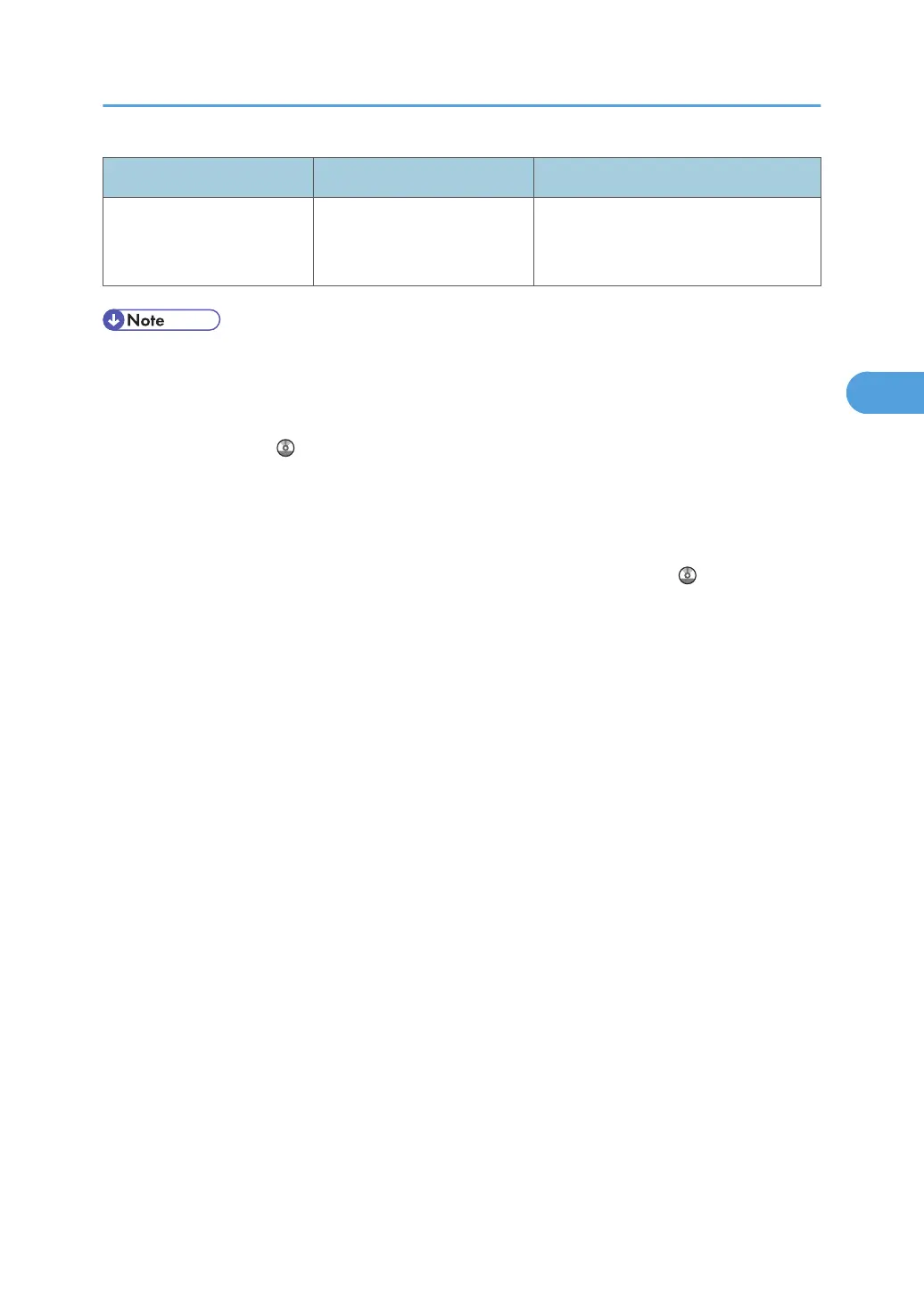
Message Causes Solutions
"You do not have the
privileges to use this
function."
The logged in user name
does not have permission for
the selected function.
Contact your administrator about the
permission for the required function.
• If "Check whether there are any network problems." appears, the machine is not correctly
connected to the network or the settings of the machine are not correct. If you do not need to
connect to a network, you can specify the setting so this message is not displayed, and then the
[Facsimile] key no longer lights. For details about how to do this, see "Parameter Settings",
Facsimile Reference . If you reconnect the machine to the network, be sure to set "Display" by
configuring the appropriate User Parameter.
•
If the paper tray runs out of paper, "There is no paper. Load paper." appears on the screen, asking
you to add paper. If there is paper left in the other trays, you can receive documents as usual, even
if the message appears on the screen. You can turn this function on or off with "Parameter Settings".
For details about how to do this, see "Parameter Settings", Facsimile Reference
.
Messages Displayed When Using the Facsimile Function
53



 To Next Page