• The most recent 30 errors are stored in the error log. If a new error is added when there are 30
errors already stored, the oldest error is deleted. However, if the earliest error is a Sample Print,
Locked Print, Hold Print, or Stored Print error, it is not deleted. The error is stored separately until the
number of errors reaches 30.
•
If the main power switch is turned off, the log is deleted.
• You cannot view [Error Log] on the simplified display.
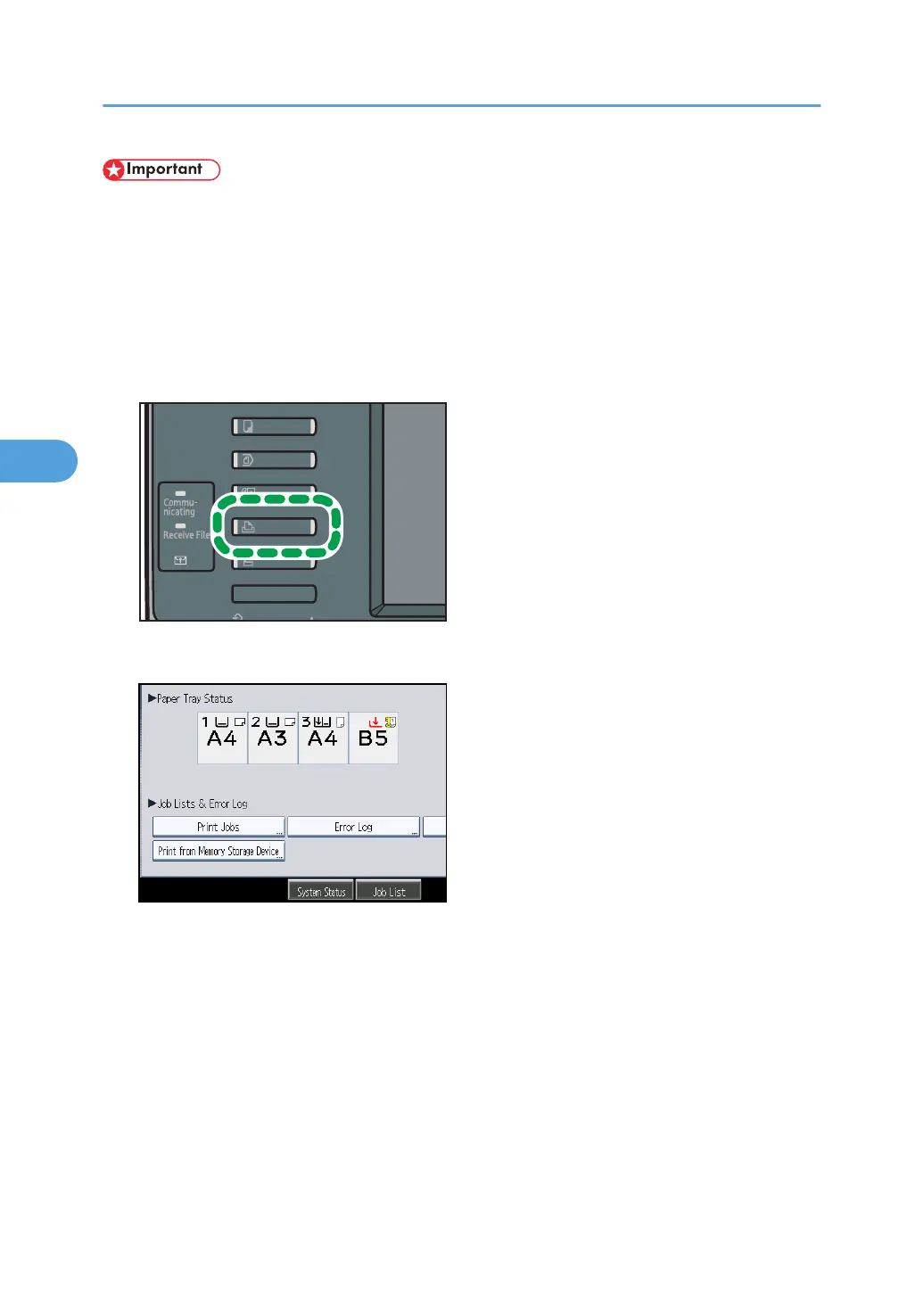
1. Press the [Printer] key to display the printer screen.
2. Press [Error Log].
An error log list appears.
3. Press the desired job list, and then press [Details].
A detailed error log appears.
4. Troubleshooting When Using the Printer Function
84



 To Next Page