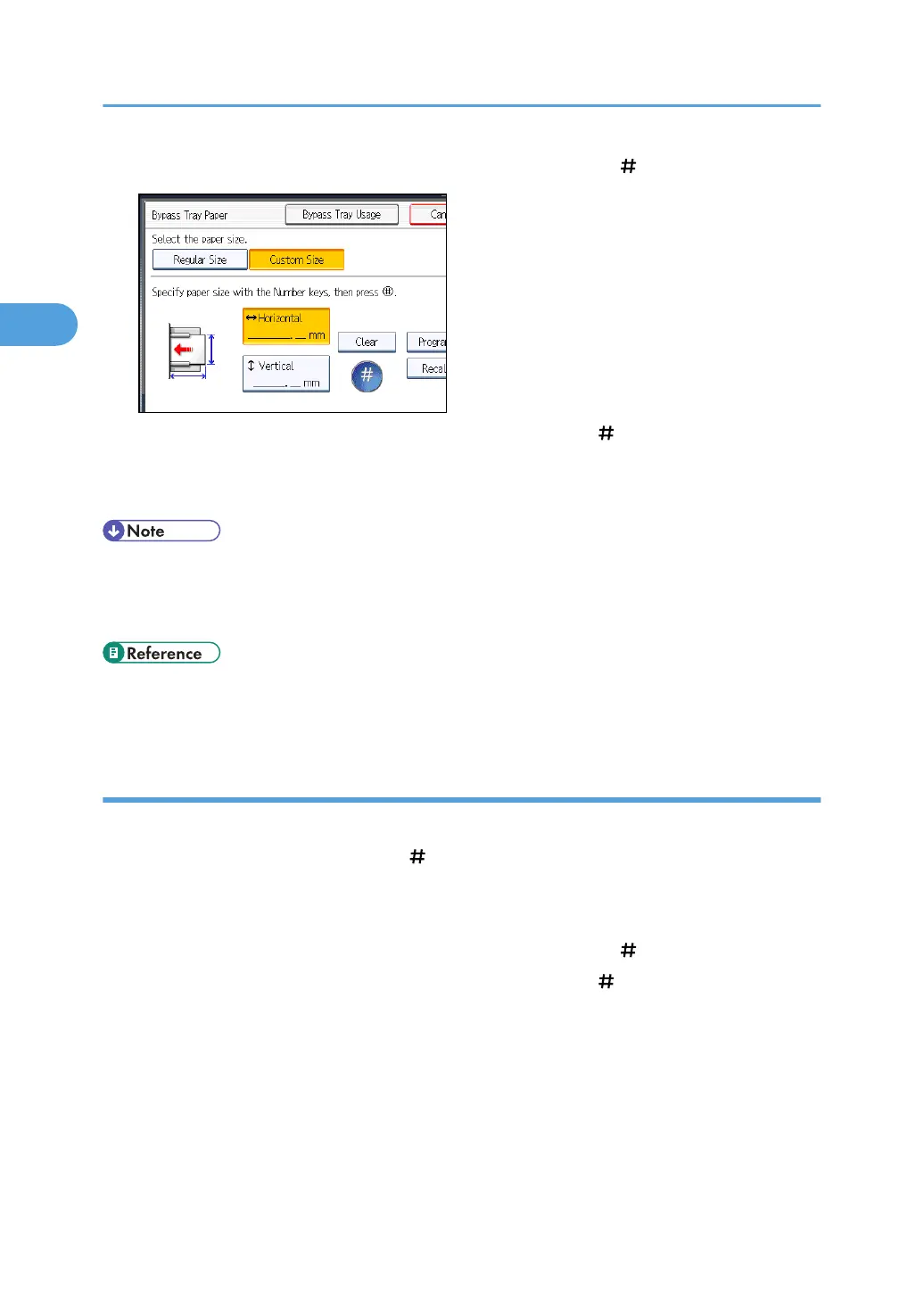
6. Enter the horizontal size with the number keys, and then press [ ].
7. Enter the vertical size with the number keys, and then press [ ].
8. Press [OK] twice.
9. Place the originals, and then press the [Start] key.
• To change the value you entered, press the item you want to change, and then enter a new value.
•
You can register a custom paper size. For details, see “Registering a custom size”. You can also
recall the registered custom paper size. For details, see “Recalling the registered custom size”.
• p.48 "Registering a custom size"
•
p.49 "Recalling the registered custom size"
Registering a custom size
Register a custom paper size.
1. Press [Bypass], and then press the [ ] key.
2. Press [Paper Size].
3. Press [Custom Size].
4. Enter the horizontal size with the number keys, and then press [ ].
5. Enter the vertical size with the number keys, and then press [ ].
2. Basic Copying
48



 To Next Page