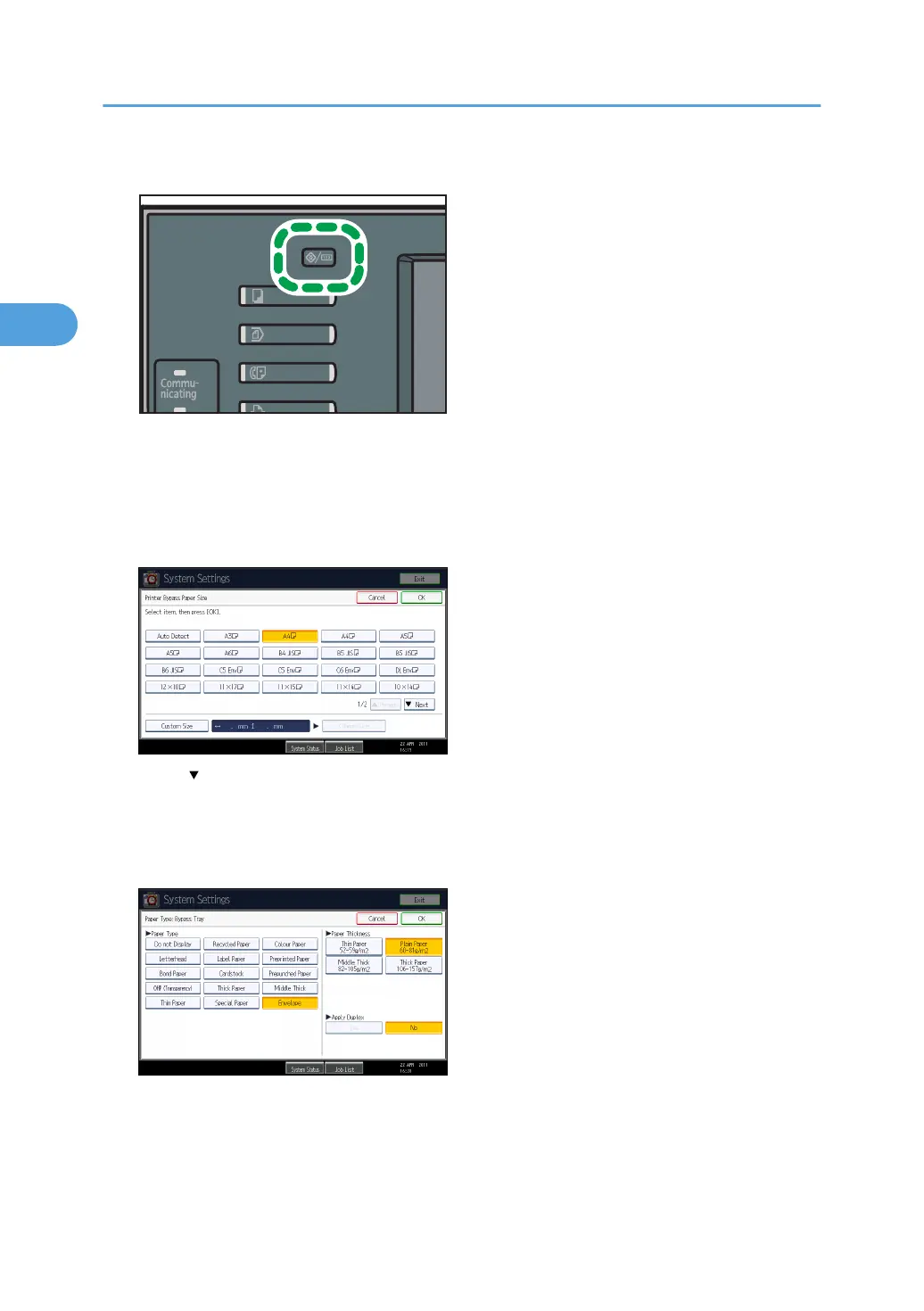
2. Press the [User Tools/Counter] key on the control panel.
3. Press [System Settings].
4. Press the [Tray Paper Settings] tab.
5. Press [Printer Bypass Paper Size].
6. Select the envelope size, and then press [OK].
7. Press [ Next] to scroll through the list.
8. Press [Paper Type: Bypass Tray].
9. Press [Envelope] in the [Paper Type] area, and then select the appropriate item in the
[Paper Thickness] area.
10. Press [OK].
11. Press the [User Tools/Counter] key.
The initial screen appears. Also, configure the paper settings using the printer driver.
2. Printing Documents
62



 To Next Page