• When you use [2 Sided Original] under [Original Feed Type], the originals cannot be sent by
using just the exposure glass.
•
Two-sided originals are only sent with Memory Transmission. Immediate Transmission is not
possible.
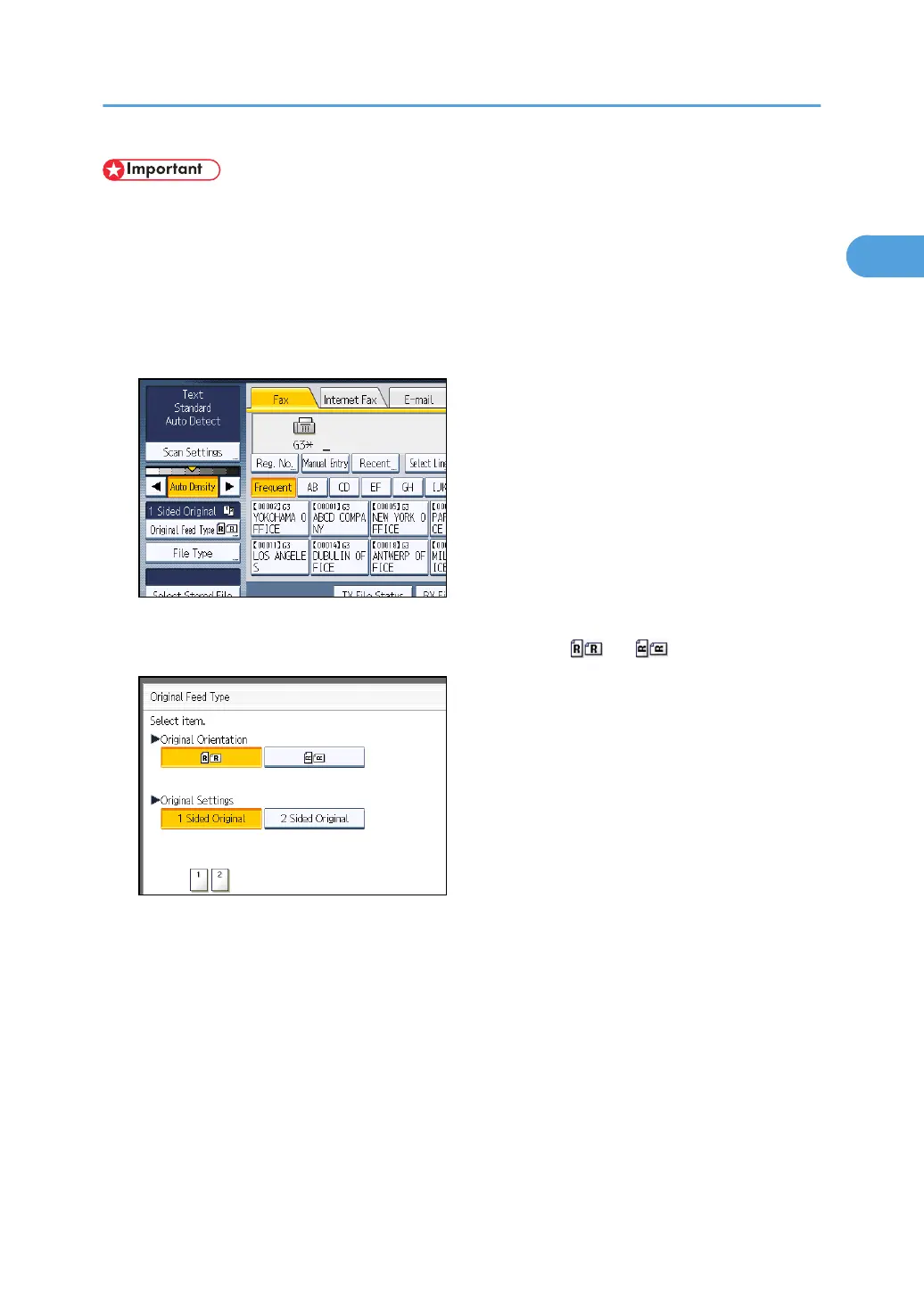
1. Place the original, and then select the scan settings you require.
2. Press [Original Feed Type].
3. Specify the original orientation.
Check the orientation of the placed document, and then press [ ] or [ ].
Make sure that the specified original orientation matches the orientation of originals loaded in the
ADF.
Placing Originals
57



 To Next Page