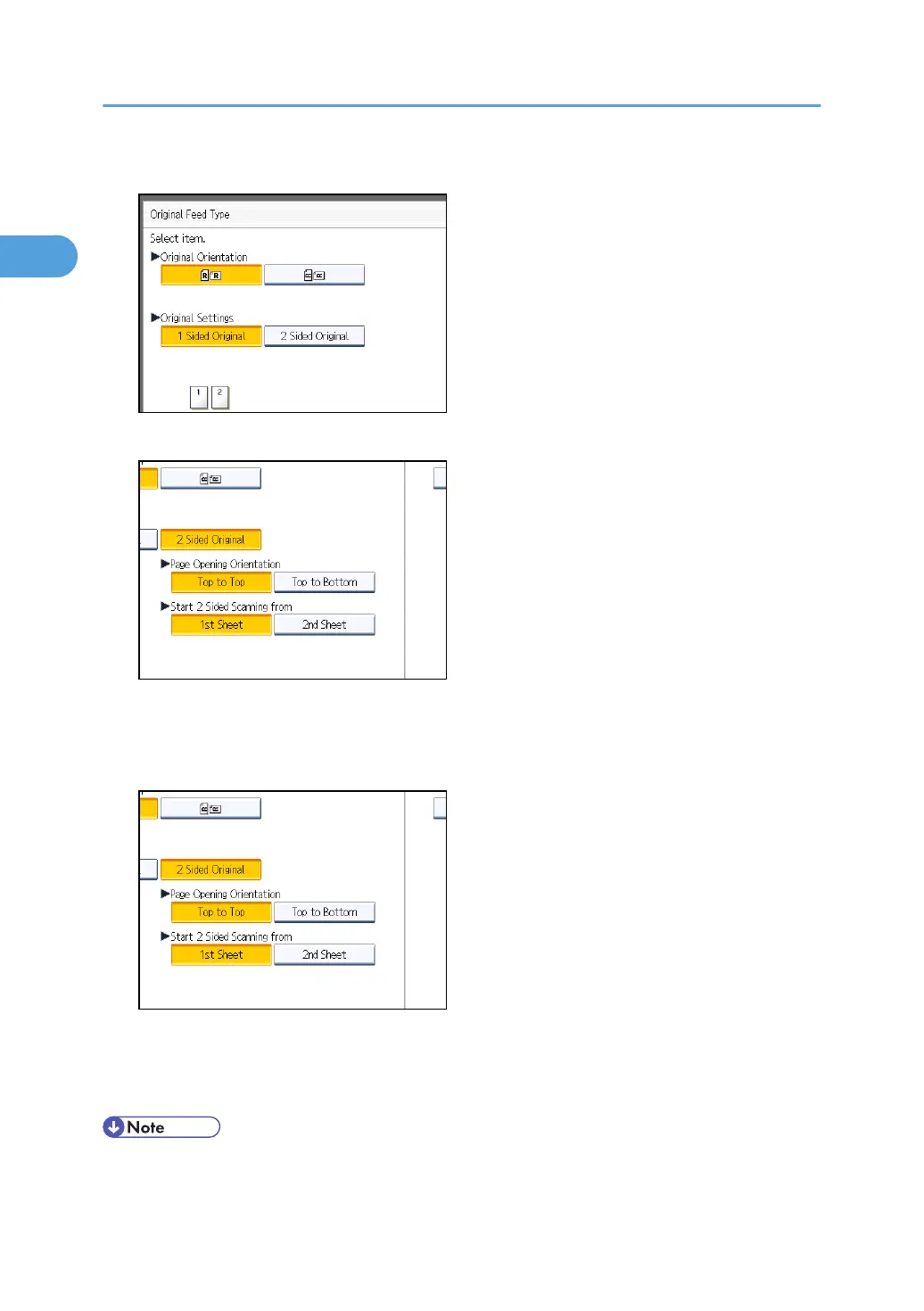
4. Press [2 Sided Original].
5. Select [Top to Top] or [Top to Bottom].
6. Select [1st Sheet] or [2nd Sheet].
To cancel two-sided transmission, press [1 Sided Original]. The display returns to that of step 4.
Select [2nd Sheet] if you want to send a cover sheet as the first page.
7. Press [OK].
"2 Sided Original" appears above [Original Feed Type].
8. Specify a destination, and then press the [Start] key.
• You can confirm whether both sides were properly scanned using the Stamp function. For details
about Stamp, see “Stamp”.
1. Transmission
58



 To Next Page