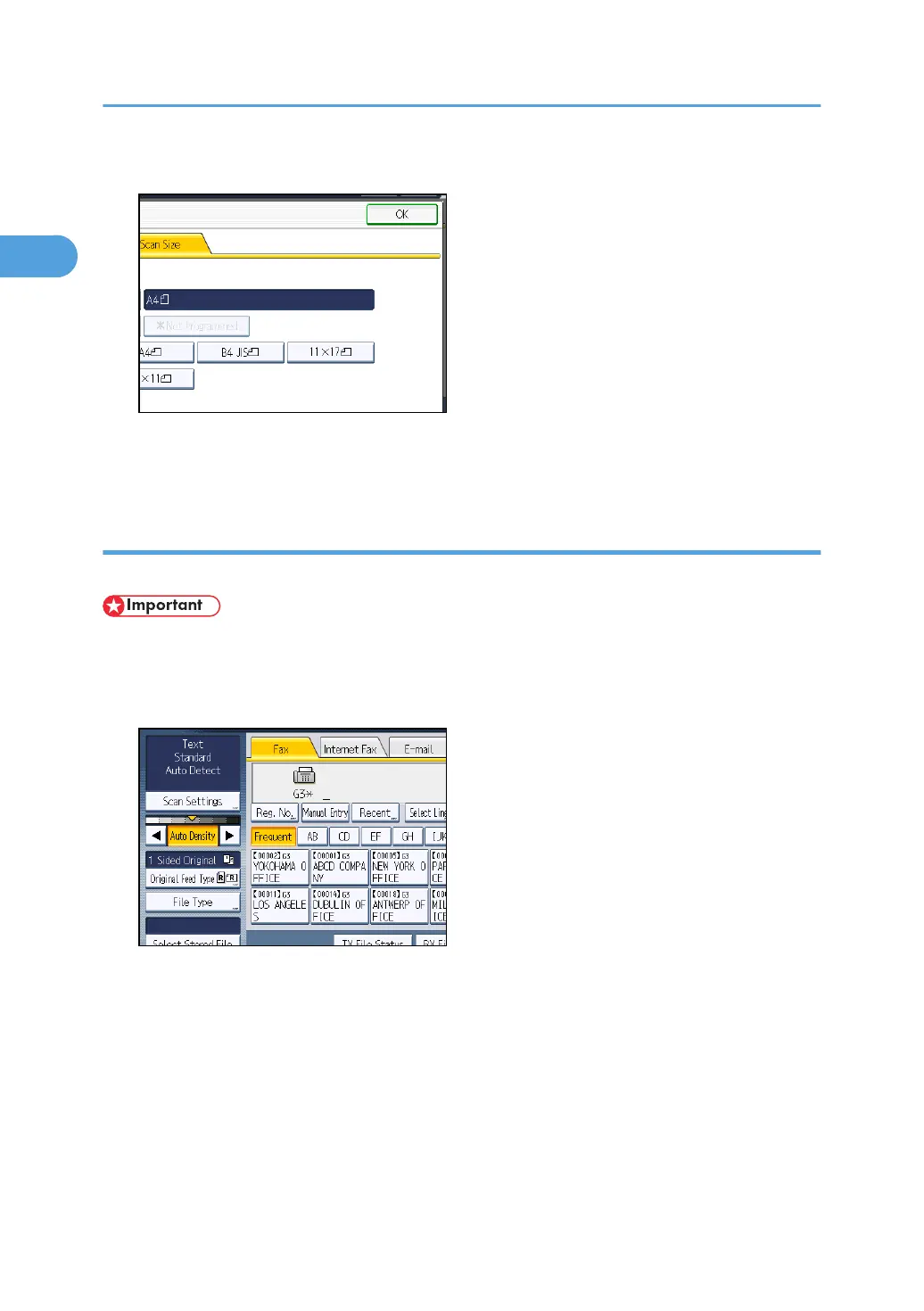
4. Press [OK].
The selected size appears above [Scan Settings].
To cancel the selected scan size, select [Auto Detect] before pressing [OK].
Area
Only the area in the specified size is scanned regardless of the actual size of a placed original.
• You must first register the sizes of the originals that you want to scan in “Program / Change /
Delete Scan Size” on the Facsimile Features menu. See “Program / Change / Delete Scan Size”.
1. Press [Scan Settings].
1. Transmission
76



 To Next Page