• If the optional extra G3 interface unit is installed, select the line you want to use before pressing the
[Start] key. For details about selecting a line, see “Changing the Line Port”.
•
Press [Prg. Dest.] after entering the fax number to store the fax number in the destination list. For
details about storing numbers you entered, see “Registering Entered Destinations to the Address
Book”.
• For the maximum number of digits that can be included in a destination, see “Maximum Values”.
• p.84 "Changing the Line Port"
•
p.89 "Entering a pause"
• p.90 "Entering a tone"
• p.110 "Using the Address Book to Specify Destinations"
• p.126 "Registering Entered Destinations to the Address Book"
• p.443 "Maximum Values"
Entering a pause
This section explains how to enter a pause.
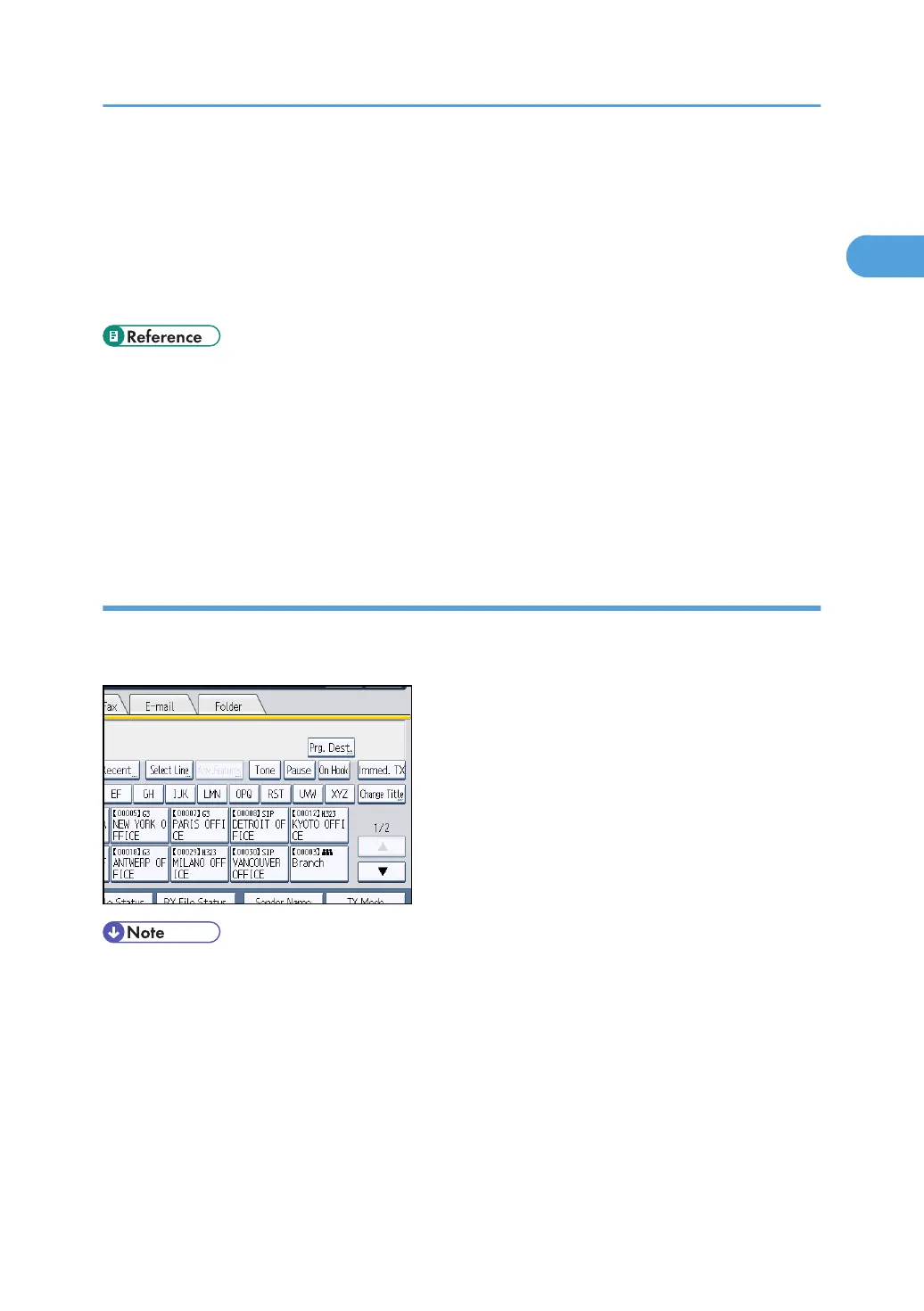
Press [Pause] when dialing or storing a number to insert a pause of about two seconds.
• A pause is shown as a “-”on the display.
Specifying a Destination
89



 To Next Page