details about these settings, see “Registering Addresses and Users for Facsimile/Scanner
Functions”, Network and System Settings Reference.
•
Internet Fax is performed using Memory Transmission, which automatically starts transmission after
storing documents in memory. If you switch the type of transmission to Internet Fax while the
machine is in Immediate Transmission mode, the transmission mode is automatically switched to
Memory Transmission.
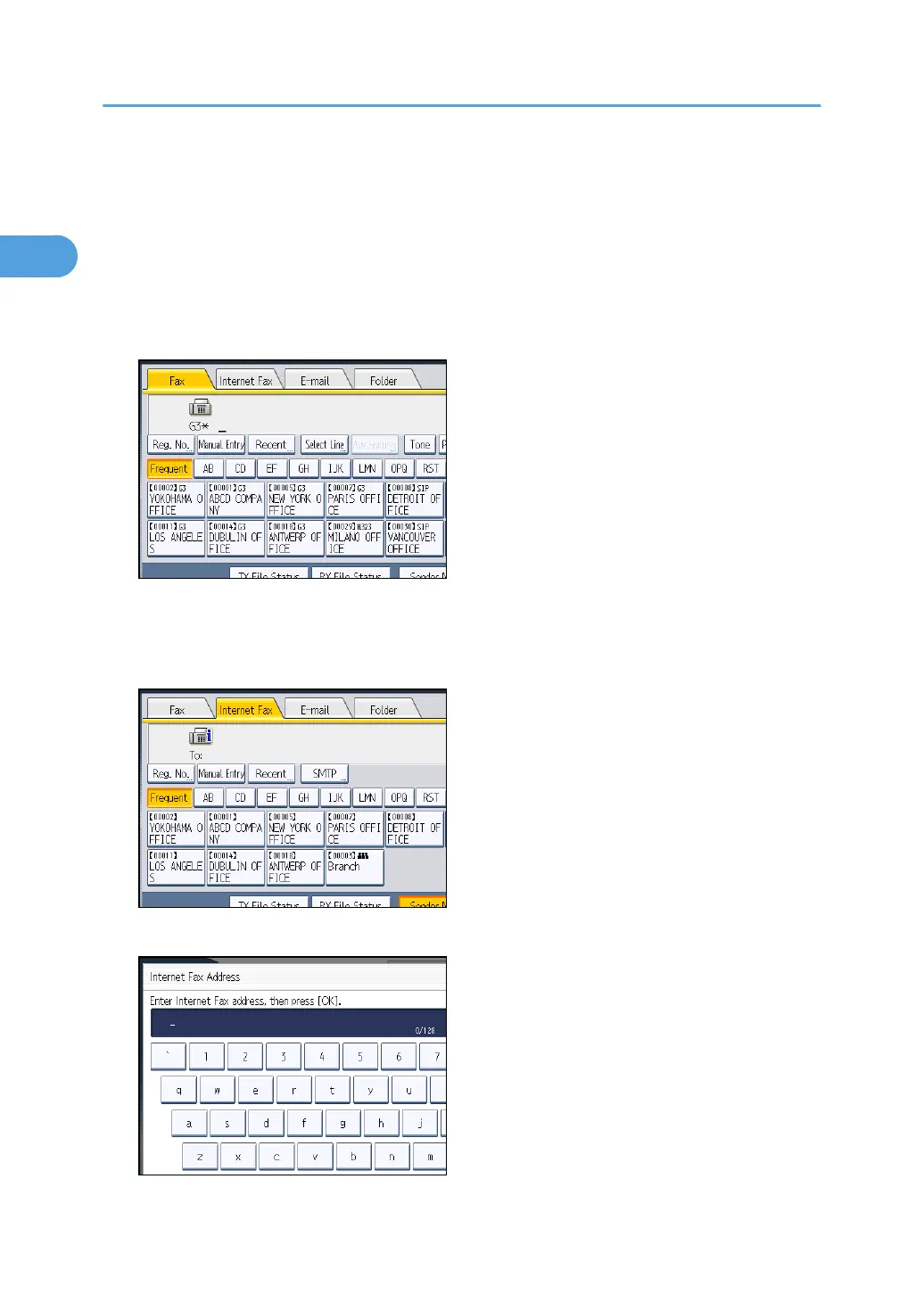
1. Press [Internet Fax] to switch the transmission type to Internet Fax.
2. Specify the sender.
For details, see “Sender Settings”.
3. Press [Manual Entry].
4. Enter the Internet Fax destination, and then press [OK].
1. Transmission
96



 To Next Page