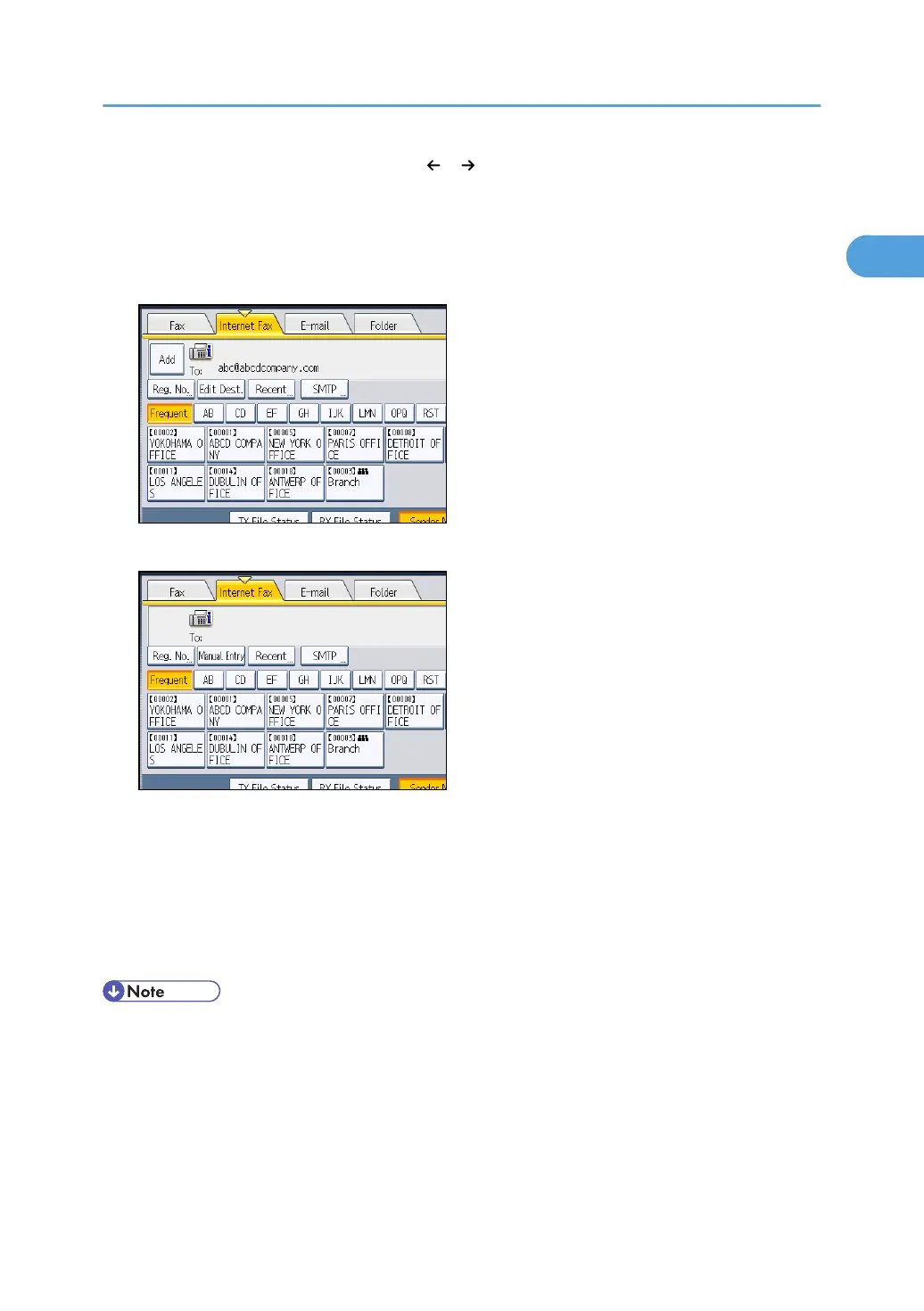
If you enter an incorrect character, press [ ], [ ], [Backspace], or [Delete All]. Then, re-enter the
characters correctly.
To change the e-mail address after pressing [OK], press [Edit Dest.], re-enter an e-mail address,
and then press [OK].
5. To add a destination, press [Add].
6. Specify the next destination.
To add another destination, repeat steps 5 and 6.
Press the transmission type tab to switch the transmission type between fax/IP-Fax, Internet Fax, e-
mail, and folder.
7. Press the [Start] key.
The machine starts to scan the original and stores it in memory. When scanning ends, the
Communicating indicator lights and transmission starts.
• Depending on the security settings, [Manual Entry] might not appear and you might not be able to
enter the e-mail address.
•
To select a destination from the Address Book, see “Using the Address Book to Specify
Destinations”.
• For details about text entry, see “Entering Text”, About This Machine.
• For details about canceling a transmission, see “Canceling a Transmission”.
Specifying a Destination
97



 To Next Page