• E-mail transmission is performed using Memory Transmission, which automatically starts
transmission after storing documents in memory. If you switch the type of transmission to e-mail
while the machine is in Immediate Transmission mode, the transmission mode is automatically
switched to Memory Transmission.
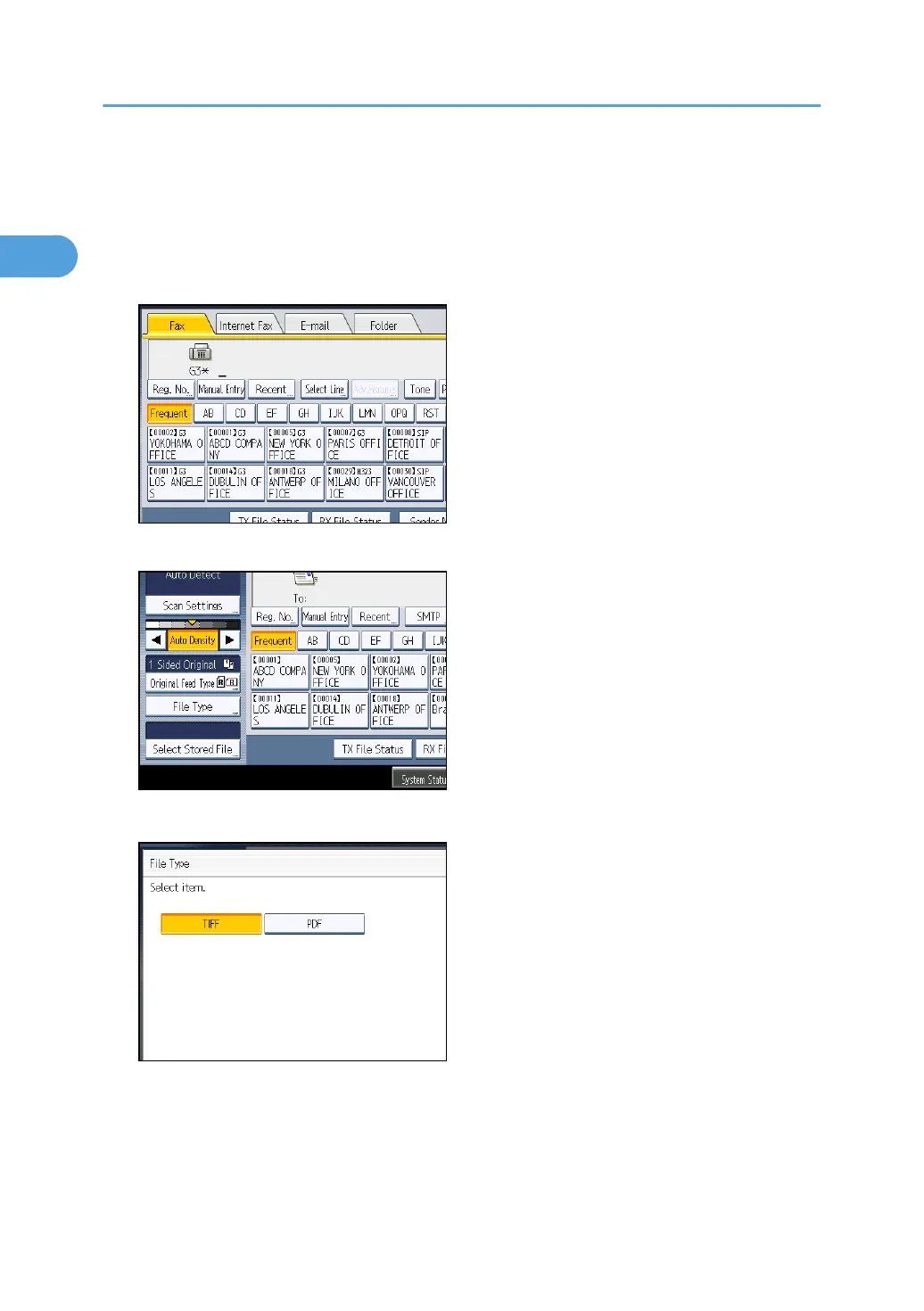
1. Press [E-mail] to switch the transmission type to e-mail.
2. To set the file type, press [File Type].
Select [TIFF] or [PDF], and then press [OK].
3. Specify the sender.
For details, see “Sender Settings”.
1. Transmission
102



 To Next Page