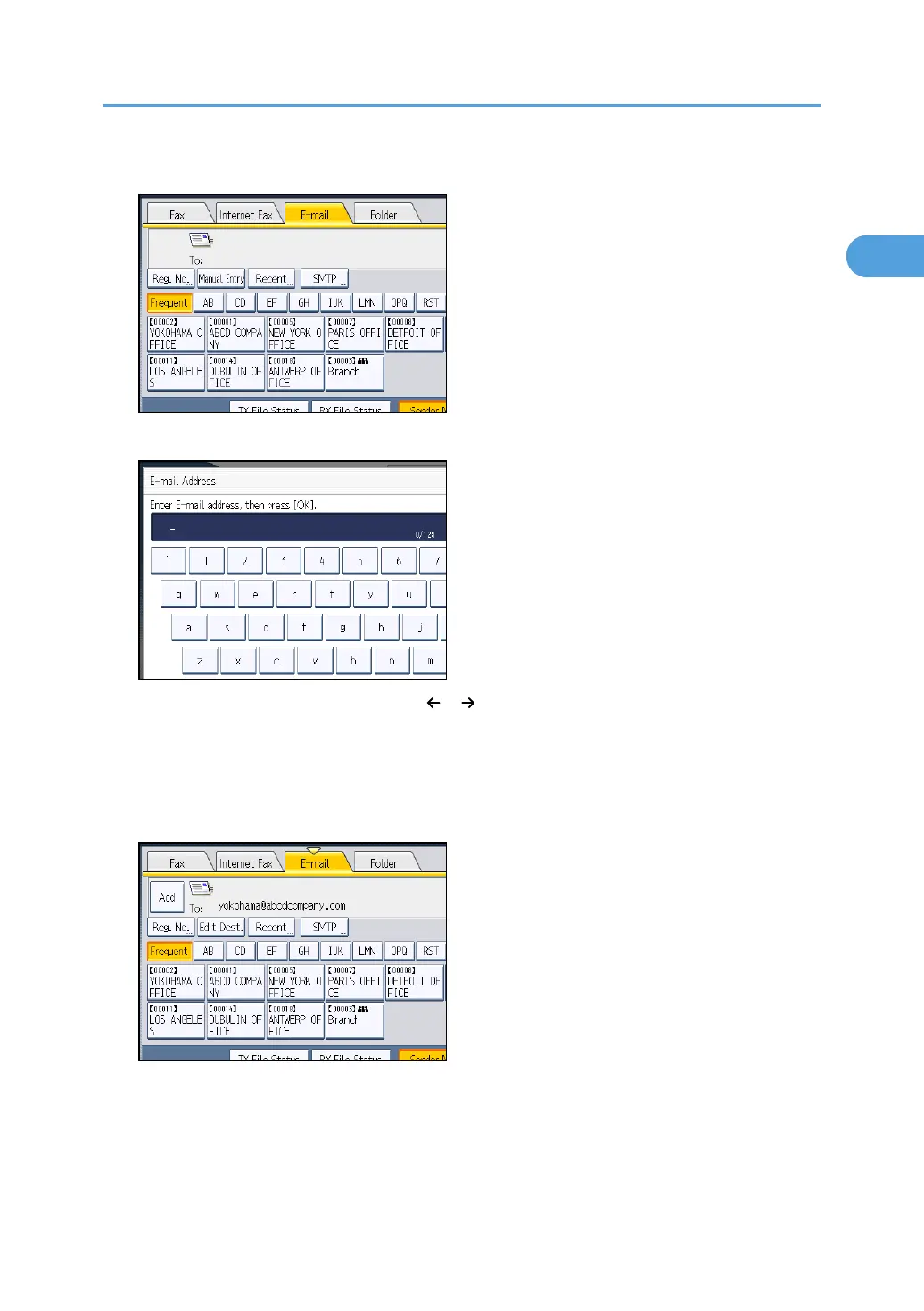
4. Press [Manual Entry].
5. Enter the e-mail destination, and then press [OK].
If you enter an incorrect character, press [ ], [ ], [Backspace], or [Delete All]. Then, re-enter the
character correctly.
To change the e-mail address after pressing [OK], press [Edit Dest.], re-enter the e-mail address,
and then press [OK].
6. To add a destination, press [Add].
Specifying a Destination
103



 To Next Page