Received images
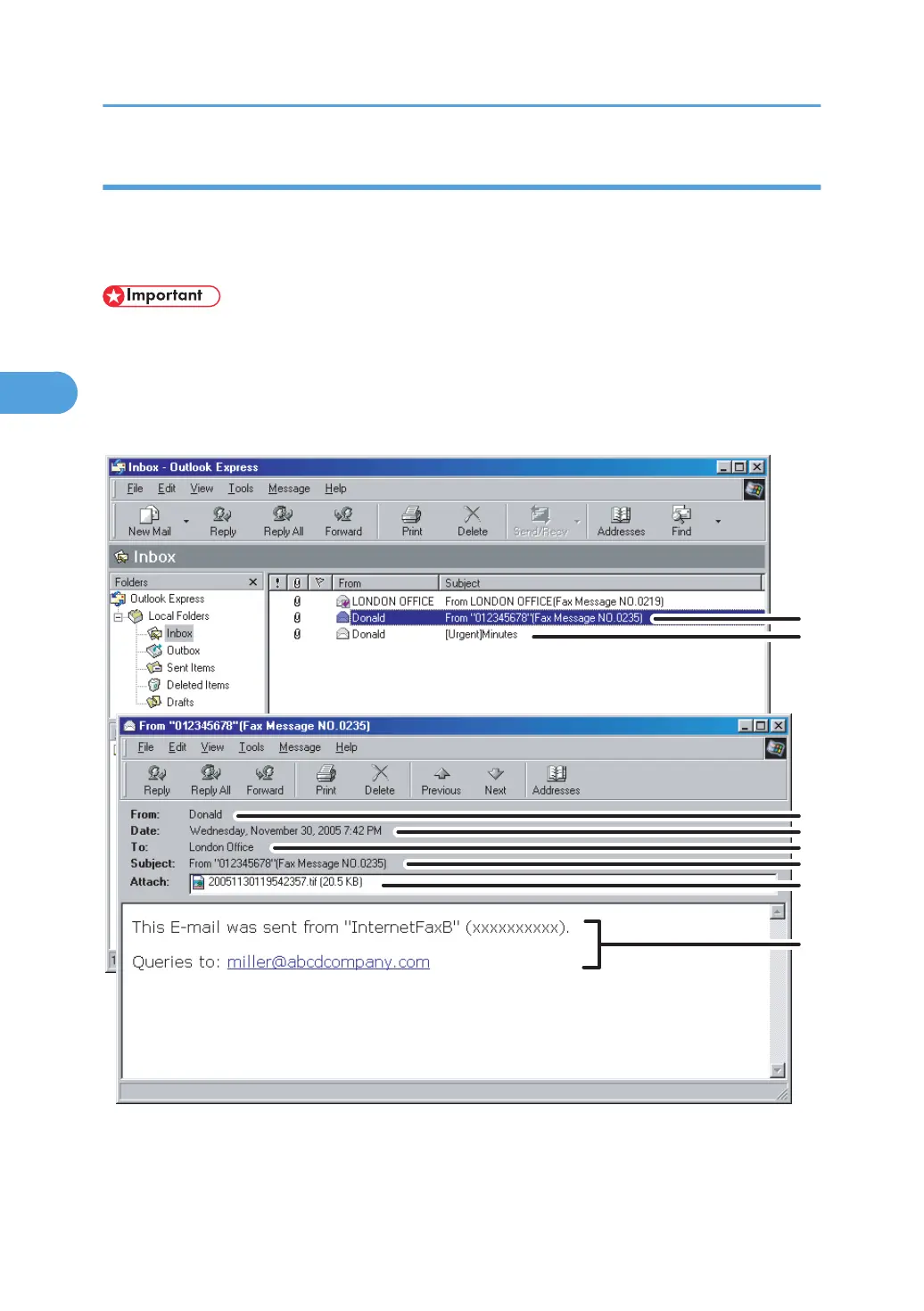
Here is an example of an Internet Fax document sent from this machine and received on a computer
using the Outlook Express e-mail application.
The received image varies according to the e-mail application.
• When Internet Fax e-mail is sent to computer, the following information is always inserted in the e-
mail text: “This E-mail was sent from “Host Name” (product name) Queries to: “Administrator's e-
mail address”” To check the machine's host name and administrator's e-mail address, use Host
Name or Administrator's E-mail Address under System Settings. For details about Host Name and
Administrator's E-mail Address, see “System Settings”, Network and System Settings Reference.
1. E-mail transmitted without specifying a subject in “TX Mode”.
2.
E-mail transmitted with a subject specified in “TX Mode”.
3. Reception
212



 To Next Page