• E-mail auto-reception should be set in “System Settings”. When you select auto-reception, set the
reception interval in minutes under E-mail Reception Interval, in System Settings. See “File
Transfer”, Network and System Settings Reference.
•
E-mail can also be received manually. For details about the manual reception, see “Manual e-mail
reception”.
• p.211 "Manual e-mail reception"
Manual e-mail reception
Use this function to receive an e-mail by accessing the e-mail server manually.
• Program the Manual E-mail RX function to a Quick Operation Key beforehand. For details about
Quick Operation Key, see “General Settings”.
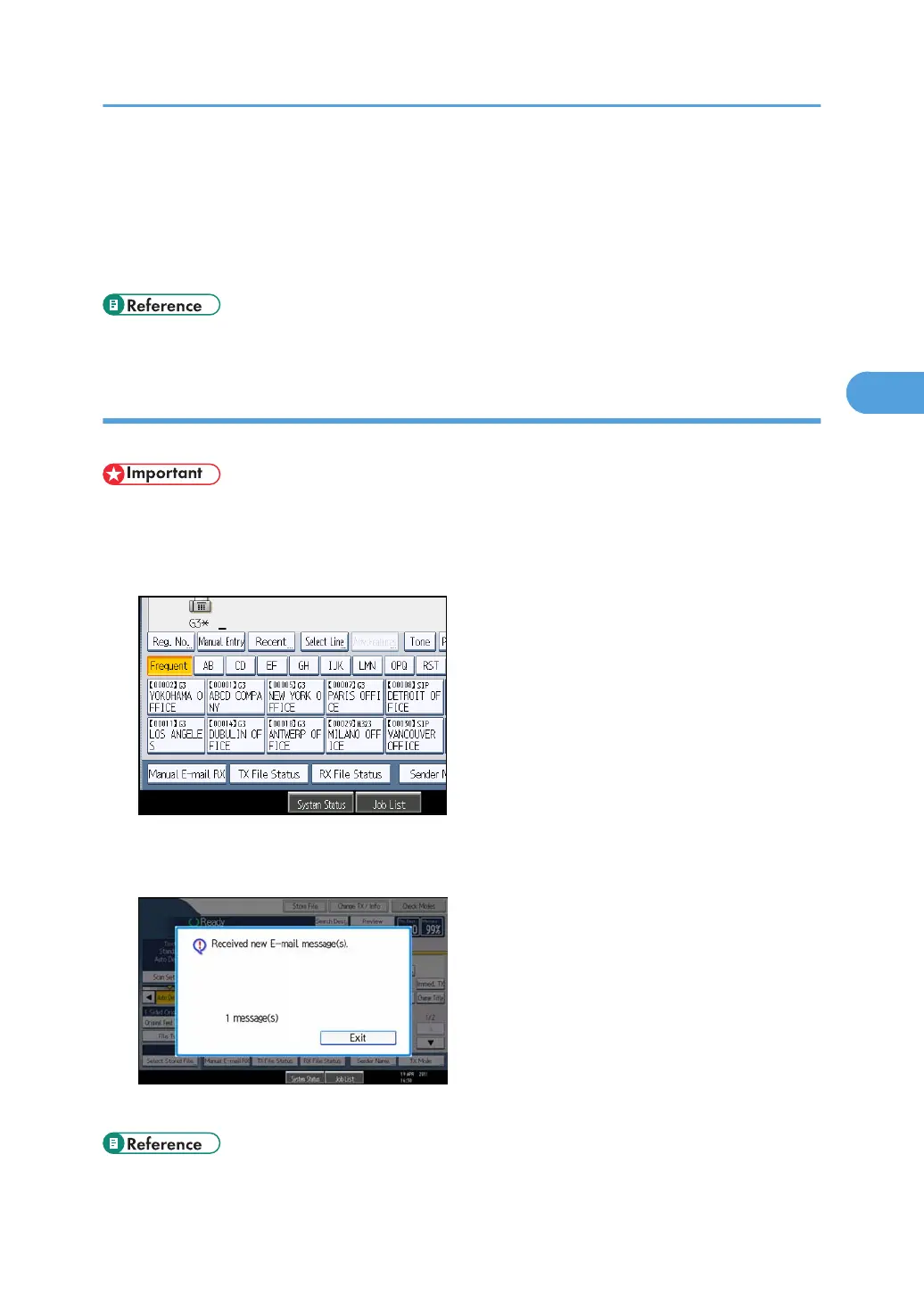
1. Press [Manual E-mail RX].
The machine accesses the server to check for e-mail and receives any new e-mail.
2. Check the message, and then press [Exit].
The standby display appears.
• p.349 "General Settings"
Receiving E-mail
211



 To Next Page