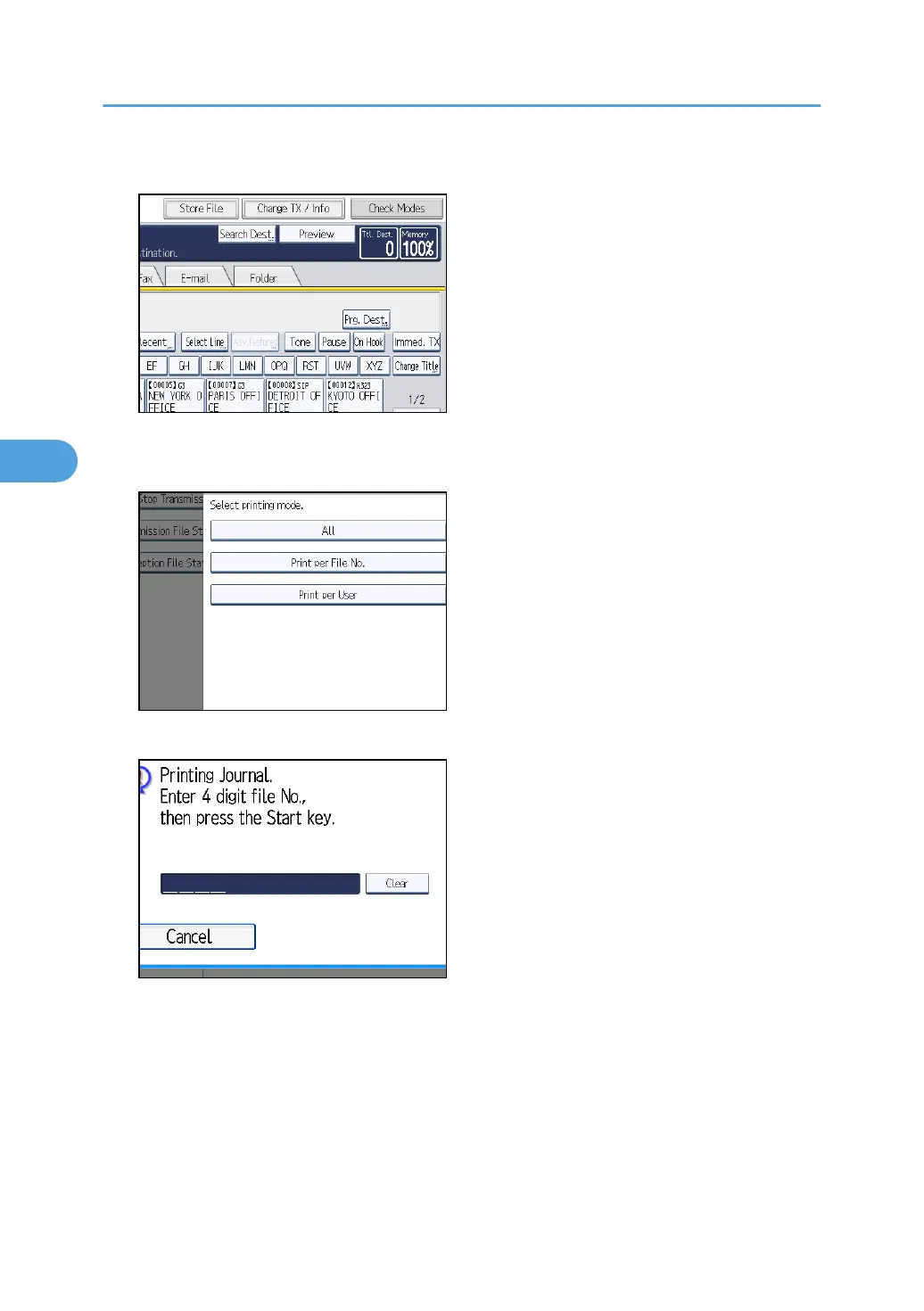
1. Press [Change TX / Info].
2. Press [Print Journal].
3. Select [Print per File No.].
4. Enter a 4-digit file number.
If you make a mistake, press [Clear], and then try again.
5. Press the [Start] key.
To cancel a file printing before pressing the [Start] key, press [Cancel]. The display returns to that of
step 3.
To cancel a file printing after pressing the [Start] key, press [Stop Printing]. The display returns to
that of step 3.
4. Changing/Confirming Communication Information
268



 To Next Page