6. Press [Exit] twice.
The standby display appears.
Print per User
Prints the results of communications by individual senders.
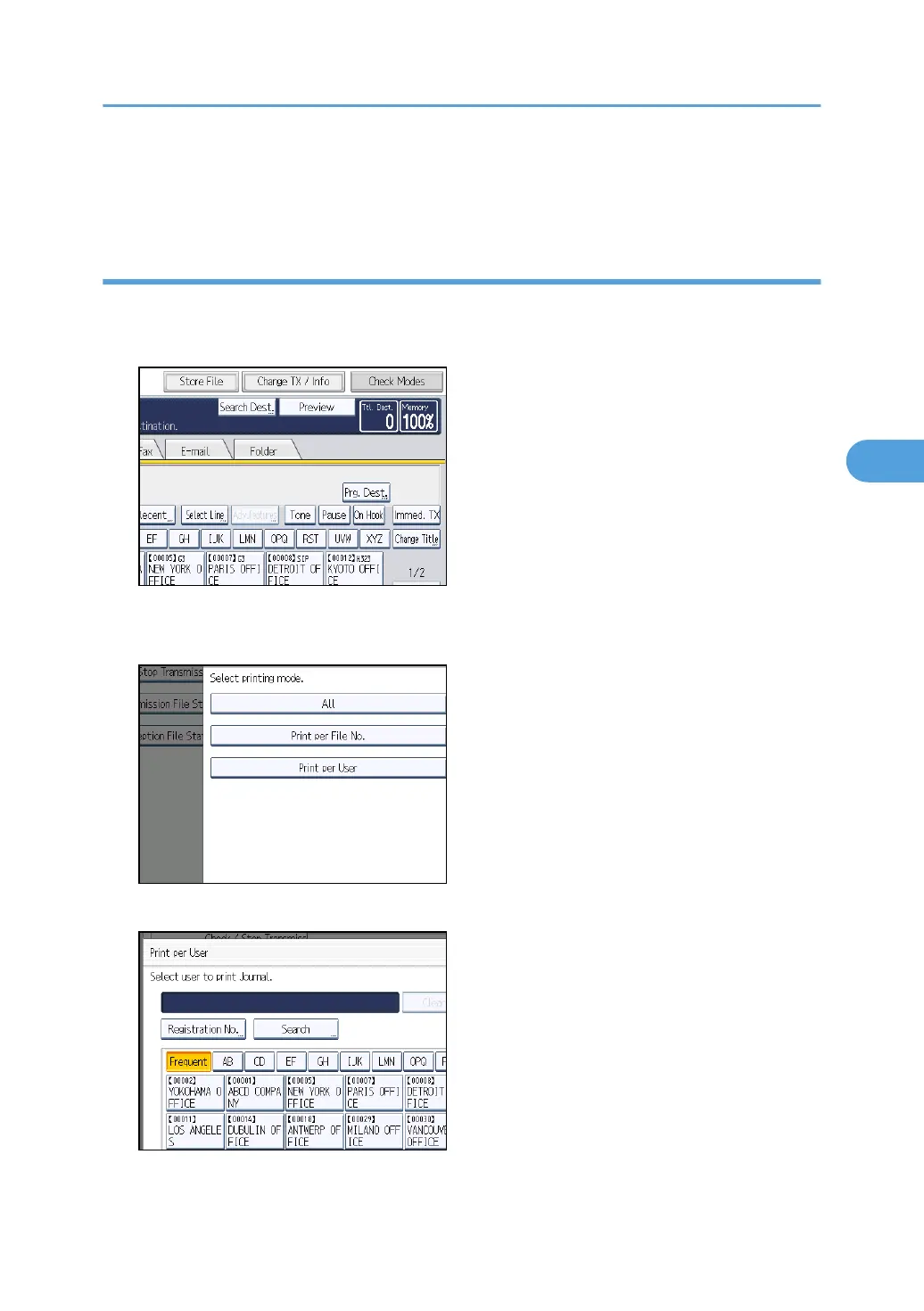
1. Press [Change TX / Info].
2. Press [Print Journal].
3. Select [Print per User].
4. Select a user.
Press [Cancel] if the user is not registered. The display returns to that of step 3.
Print Journal
269



 To Next Page