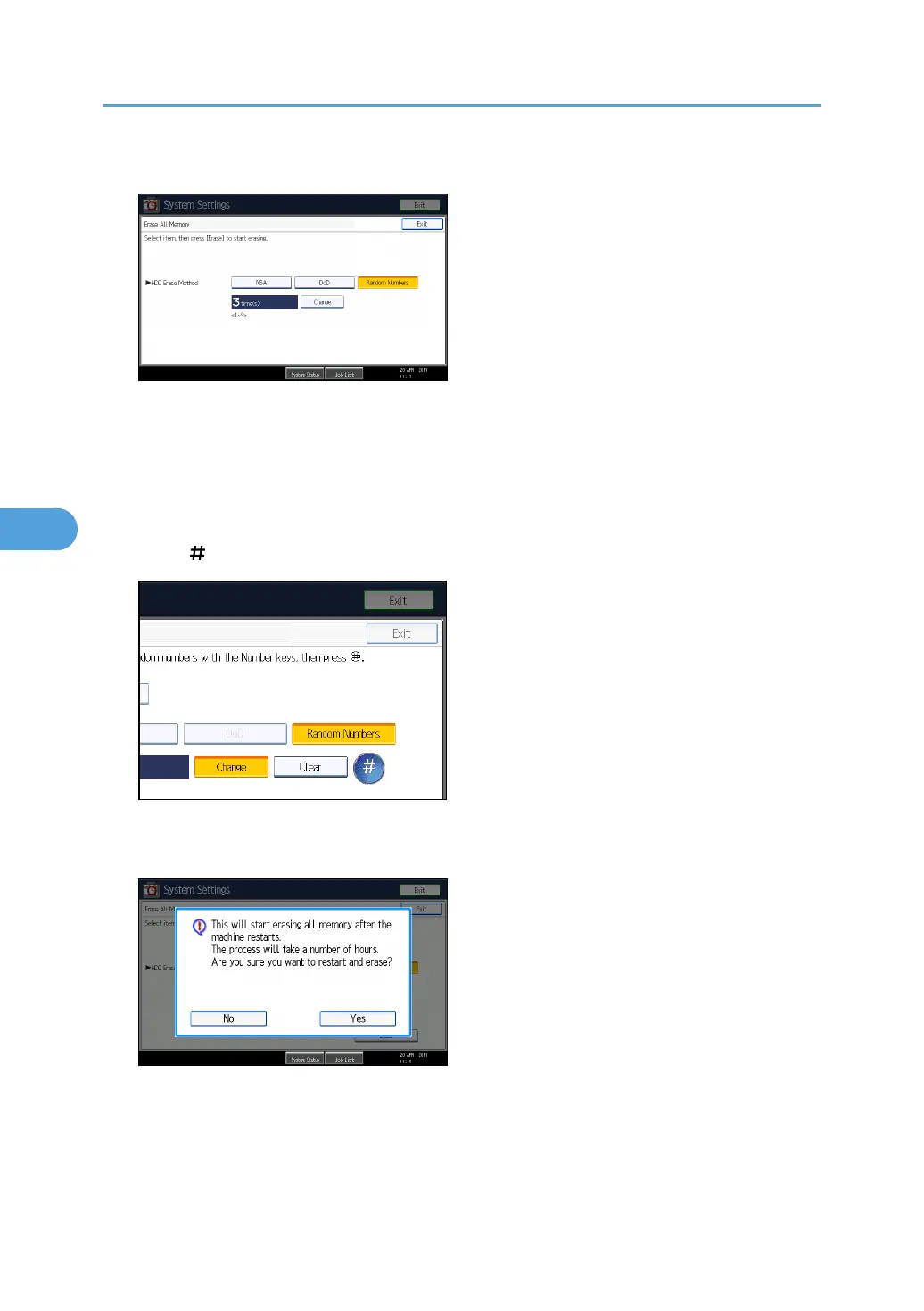
6. Select the method of overwriting.
If you select [NSA] or [DoD], proceed to step 9.
If you select [Random Numbers], proceed to step 7.
For details about the methods of overwriting, see "Methods of Overwriting".
7. Press [Change].
8. Enter the number of times that you want to overwrite using the number keys, and then
press [ ].
9. Press [Erase].
10. Press [Yes].
11. When overwriting is completed, press [Exit], and then turn off the main power.
Before turning the power off, see "Turning On the Power", About This Machine.
5. Securing Information Sent over the Network or Stored on Hard Disk
148



 To Next Page