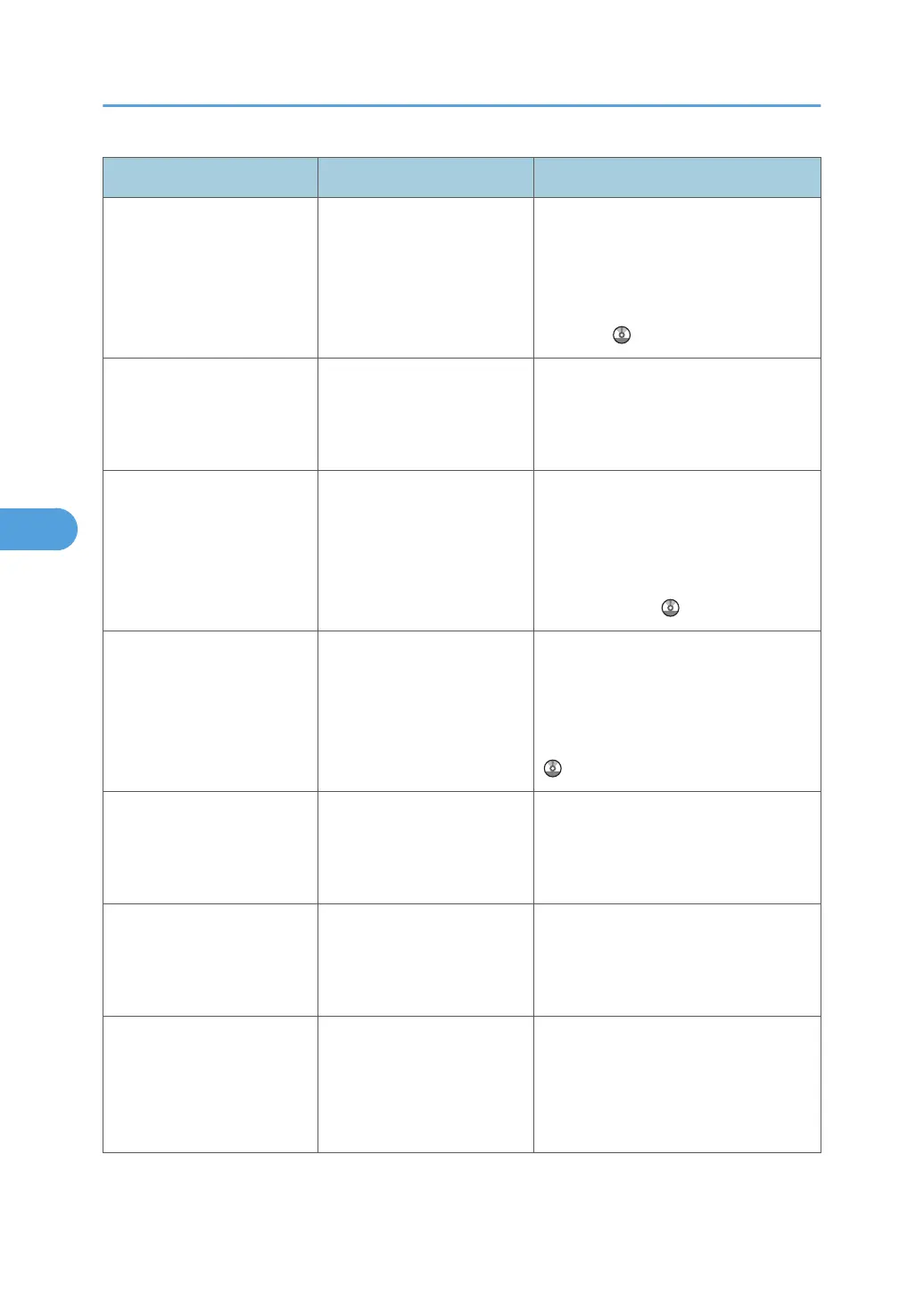
Message Causes Solutions
"Exceeded max. number of
alphanumeric characters."
The maximum enterable
number of alphanumeric
characters has been
exceeded.
Check the maximum number of
characters which can be entered, and
then enter it again. See "Values of
Various Set Items for Transmission/
Storage/Delivery Function", Scanner
Reference .
"Exceeded max. number of
files which can be sent at the
same time. Reduce the
number of the selected files."
The number of files
exceeded the maximum
number possible.
Reduce the number of files, and then
send them again.
"Exceeded max. number of
files which can be used in
Document Server at the
same time."
The maximum number of
files that can be stored in the
Document Server has been
exceeded.
Check the files stored by the other
functions, and then delete unneeded
files. For details about how to delete
files, see "Deleting a Stored
Document", Copy and Document
Server Reference
.
"Exceeded max. number of
pages per file. Do you want
to store the scanned pages
as 1 file?"
The file being stored has
exceeded the maximum
number of pages for one file.
Specify whether to store the data or
not. Scan the pages that were not
scanned, and then store them as a new
file. See "Storing Files Using the
Scanner Function", Scanner Reference
.
"Exceeded max. number of
standby files. Try again after
the current file is sent."
The maximum number of
standby files was exceeded.
There are 100 files waiting in the
sending queue for e-mail, Scan to
Folder, or delivery functions. Wait until
files have been sent.
"Exceeded max. number of
stored files. Cannot send the
scanned data as capturing
files is unavailable."
Too many files are waiting to
be delivered.
Try again after they have been
delivered.
"Exceeded max. page
capacity per file. Press
[Send] to send the scanned
data, or press [Cancel] to
delete."
The number of scanned
pages exceeded maximum
page capacity.
Select whether to send the data so far.
5. Troubleshooting When Using the Scanner Function
104



 To Next Page