Page 6-176
Programming
INTER-TEL
®
AXXESS
®
MANUAL VERSION 11.0 – May 2008
Remote Node
Remote Node
4.70 You can also create off-node IP connections to represent IPRCs on other nodes within
the network. To display a list of IP connection(s) for a remote node, double-click on the remote
node.
NOTE: Each node in an IP network must contain an off-node IP connection for all other IP
nodes in the network. For example, in a three-node network, node 1 must have an off-node IP
connection for nodes 2 and 3; node 2 must have off-node IP connections for nodes 1 and 3; and
node 3 must have off-node IP connections for nodes 1 and 2. Nodes that do not have the cor-
rect off-node IP connections programmed may not be able to communicate with each other via
IP.
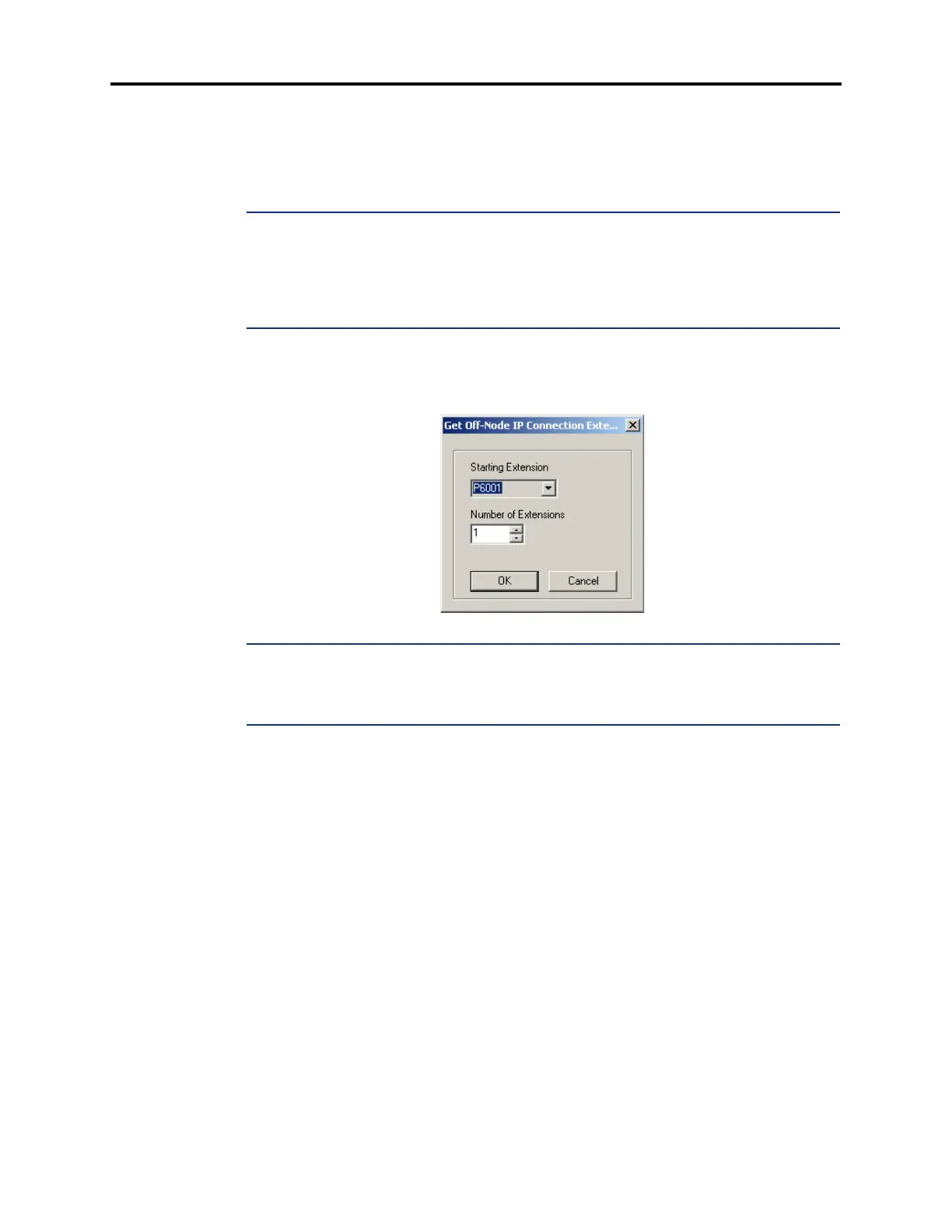
4.71 To create an off-node IP connection, right-click anywhere in the right side of the screen
and select
Create Off-Node IP Connection. You are prompted to select an extension that
begins with “P6.” Select a unique extension to the IP connection and click
OK.
NOTE: When creating off-node connections and other IP-related extension numbers, Inter-Tel
recommends using a numbering plan that associates the extension to the device and the node
on which it resides. For example, the first IPRC on node 2 would be P6021 (P6 followed by the
node number, then the IPRC number). The second IPRC would be P6022, etc.
4.72 For each off-node IP connection, the following fields are displayed:
• Node IP Connection Group
• Remote IP Address
• Remote Audio Receive Port
• Remote Listening Port
4.73 Node IP Connection Group: The Node IP Connection Group parameter provides a
link to the node IP connection group to which the IP connection belongs. See page 6-185 for
details.



 To Next Page