Page 6-42
Programming
INTER-TEL
®
AXXESS
®
MANUAL VERSION 11.0 – May 2008
Settings Menu
B. SETTINGS MENU
7.7 Language: The Settings menu has a Language option that sets the language that will be
used for programming the System database. (The default is American English for the U.S. and
British English for Europe.)
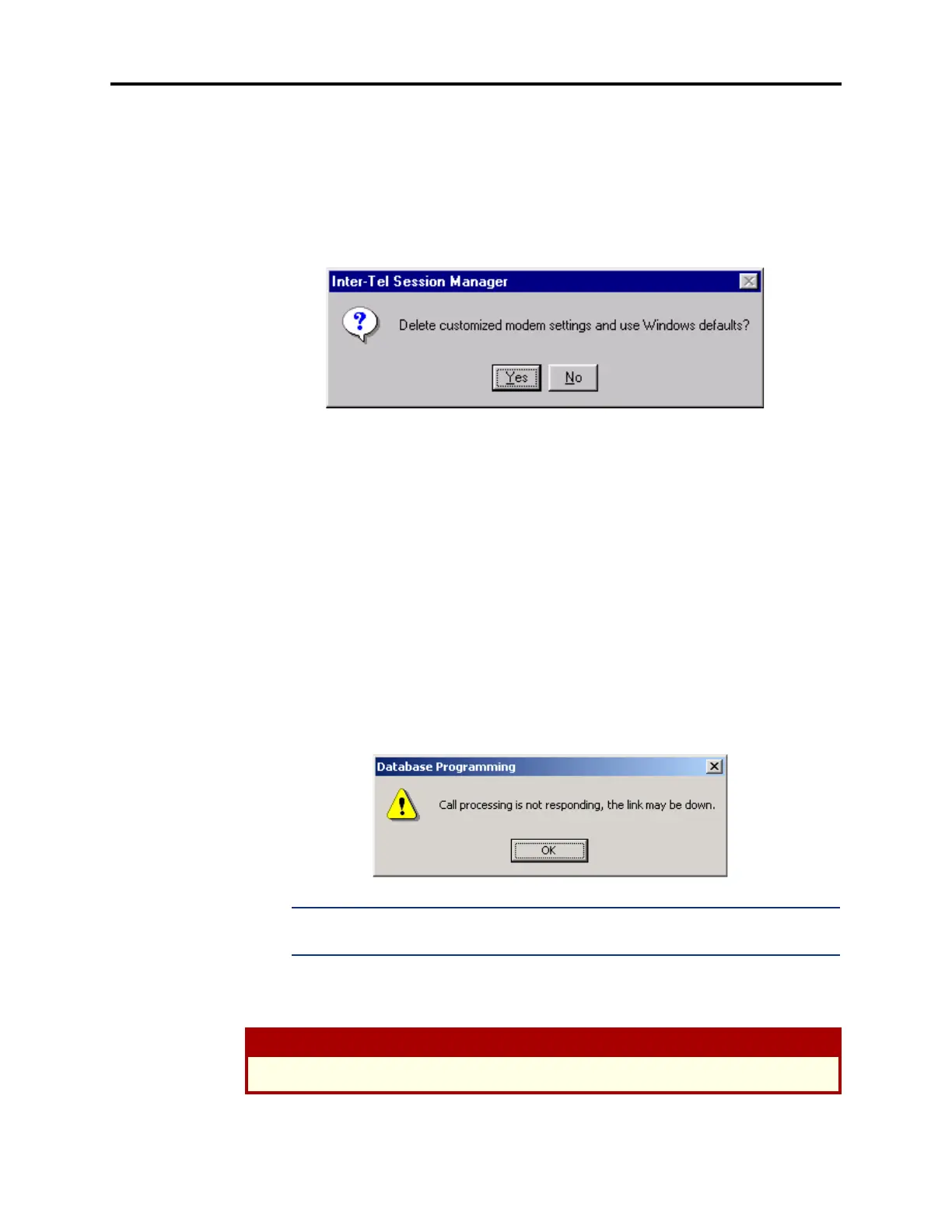
7.8 Default Modem Settings: When you select this option, the following screen appears. If
you select
Yes, any custom Modem settings you have made will be replaced by the Windows
default settings. If you select
No, the Modem settings for your PC will remain unchanged.
7.9 Network Connections: Allows you to change various parameters when using an IP
connection. These network settings should only be changed if the link to Call Processing goes
down while DB Programming is receiving large amounts of data (e.g., when saving a database
or when accessing mailbox or station folders). The Network Connection parameters include:
• Receive Buffer Size: Select the number of bytes that are used as a buffer when DB Pro-
gramming is receiving data from Call Processing. If DB Programming is shutting down
when receiving large amounts of data, ping the network. If the network connection is
faster than the current Read Timeout value, increase this setting. By default, this is
64000. Click
OK to accept the new setting.
• Read Timeout: Select the number of milliseconds that DB Programming will wait for
data packets from Call Processing. If DB Programming does not receive data before
this timer expires, DB Programming posts a warning message (see below) and may shut
down. If this occurs, check the link with Call Processing. If the link is valid, ping the
network. If the network connection appears to be slower than the current Read Timeout
value, increase this setting. By default, this is 1000 milliseconds (1 second). Click
OK
to accept the new setting.
NOTE: Unless necessary, use the default setting. If you set this value too high, it may
slow down other operations.
7.10 Use Data Compression: When this Settings menu option is checked, DB Programming
information going through the CPC or CPU to the Voice Processing PC will be compressed to
speed up data transfers.
CAUTION
You should not disable this flag unless instructed to do so by Inter-Tel personnel.



 To Next Page