Installation
INTER-TEL
®
AXXESS
®
MANUAL VERSION 11.0 – May 2008
Page
3-176
Uploading IP Devices
7. Specify the file name that you want to upload in the “File” field, or click Browse to
select a file from the dialog box. The source file names differ based on the device. In
general, the file names are ipp+_X_Y_Z.hex for the IP Phone+,
ipp8660_X_Y_Z.bin for the Model 8660 Phone, and ip_sla_X_Y_Z.hex for
the IP SLA. For these file names, X_Y_Z represents the version number (e.g.,
ipp+_8_1_0.hex is for version 8.10).
NOTE: If using an IPRC, make sure you select the correct source file based on
whether the card is used for networking (iprc_ipnc.hex) or IP devices (iprc_iksc.hex).
8. Enter the target device’s “Username” and “Password.” The default usernames and pass-
words are shown below.
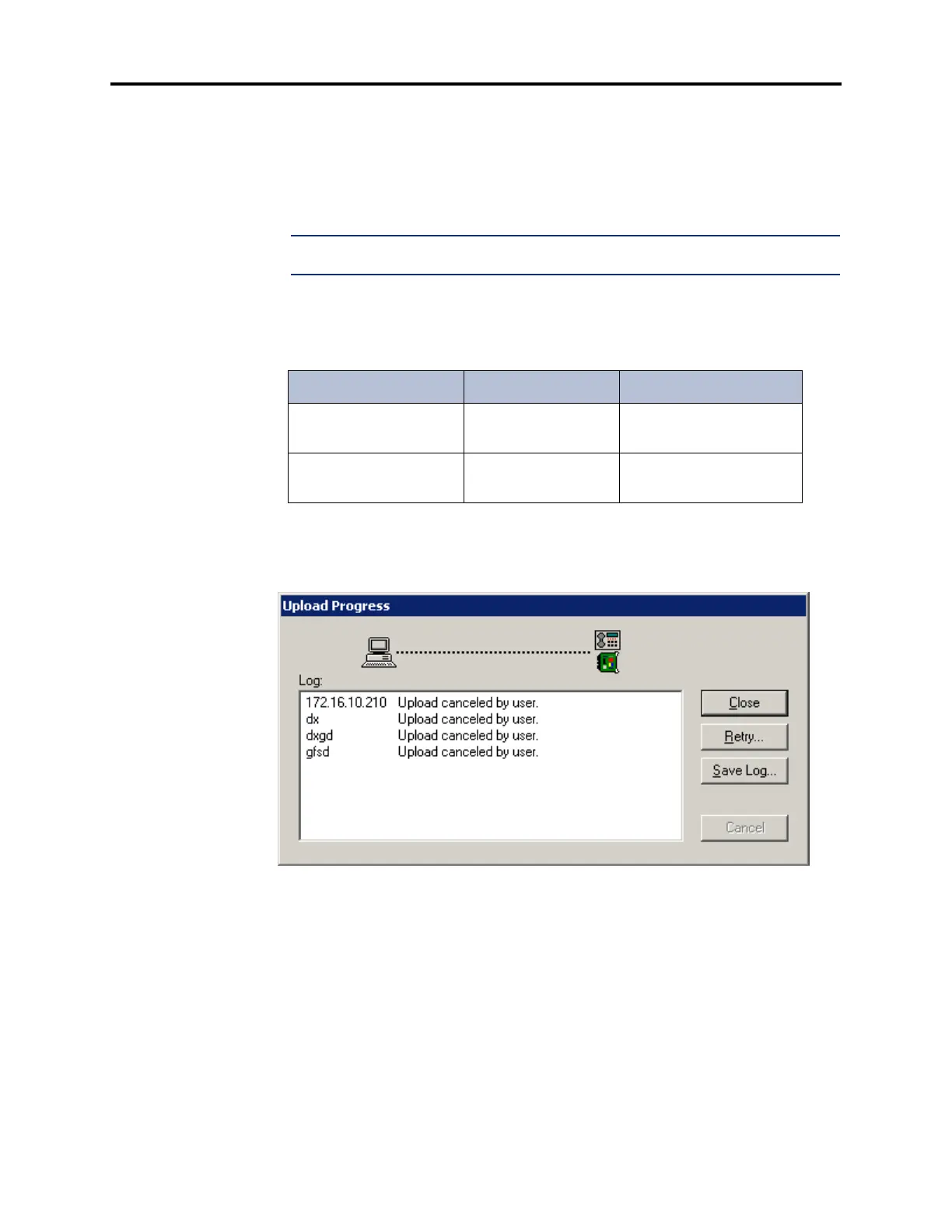
9. After entering all the fields, click Start (or select Start from the File menu). If you
entered the correct IP address, username, and password, the upload process begins, and
an Upload Progress dialog box appears. This dialog box indicates the IP address or
hostname of the affected devices and the status of the upload.
Table 3-26. IP Devices Default Usernames and Passwords
Device Username Password
IP Card (IPC or IPRC) IPC
IPRC
ipcpassw
itpassw
IP PhonePlus or
IP Single-Line Adapter
IPT iptpassw



 To Next Page