Page 5-138
System Features
INTER-TEL
®
AXXESS
®
MANUAL VERSION 11.0 – May 2008
Message Lamp
Message Lamp
12.62 Model 8500, 8520, and 8560 Phones have a Message Lamp located on the upper, right-
hand corner of the phone. This lamp is programmable and is defaulted to the Message feature
code (365). If you change the feature code associated with this lamp, it will flash when the fea-
ture is active. For example, if you program the lamp for Individual Hold (336), the lamp will
flash when a call is held at the station.
NOTE: Version 7.0 or later system software is required to support the Message Lamp.
12.63 Professional Display, Associate Display, and Eclipse Basic Digital Phones also have a
Message Lamp, but it is not programmable. Instead, it flashes whenever the button
flashes.
Speaker Buttons
12.64 On Executive Display, Professional Display, Standard Display, Associate Display,
Axxess Basic Digital, and Eclipse Digital Phones, on AIM and Inter-Tel/DVK Analog Phones,
and on some Executone IDS and Wave Phones, handsfree mode is controlled by a Speaker
( ) button. On Model 8500, 8520, and 8560 Phones, an illustration of a speaker ( ) rep-
resents the Speaker button. On other Executone IDS and Wave Phones, the button con-
trols handsfree mode.
Hold Buttons
12.65 On Executive Display, Professional Display, Standard Display, Associate Display,
Axxess Basic Digital, and Eclipse Basic Digital Phones, on AIM Inter-Tel/DVK Analog
Phones, and on some Executone IDS and Wave Phones, the Hold feature is controlled by a
Hold ( ) button. On Model 8500, 8520, and 8560 Phones, an illustration of a phone with
the handset off-hook ( ) represents the Hold button.
Default Phone Feature Buttons
12.66 When the system is in the default state, all phones are in the same keymap group and
have the following feature buttons. Feature code descriptions start on page 5-14. (The Special
button is represented by keycaps with or
on the phone.)
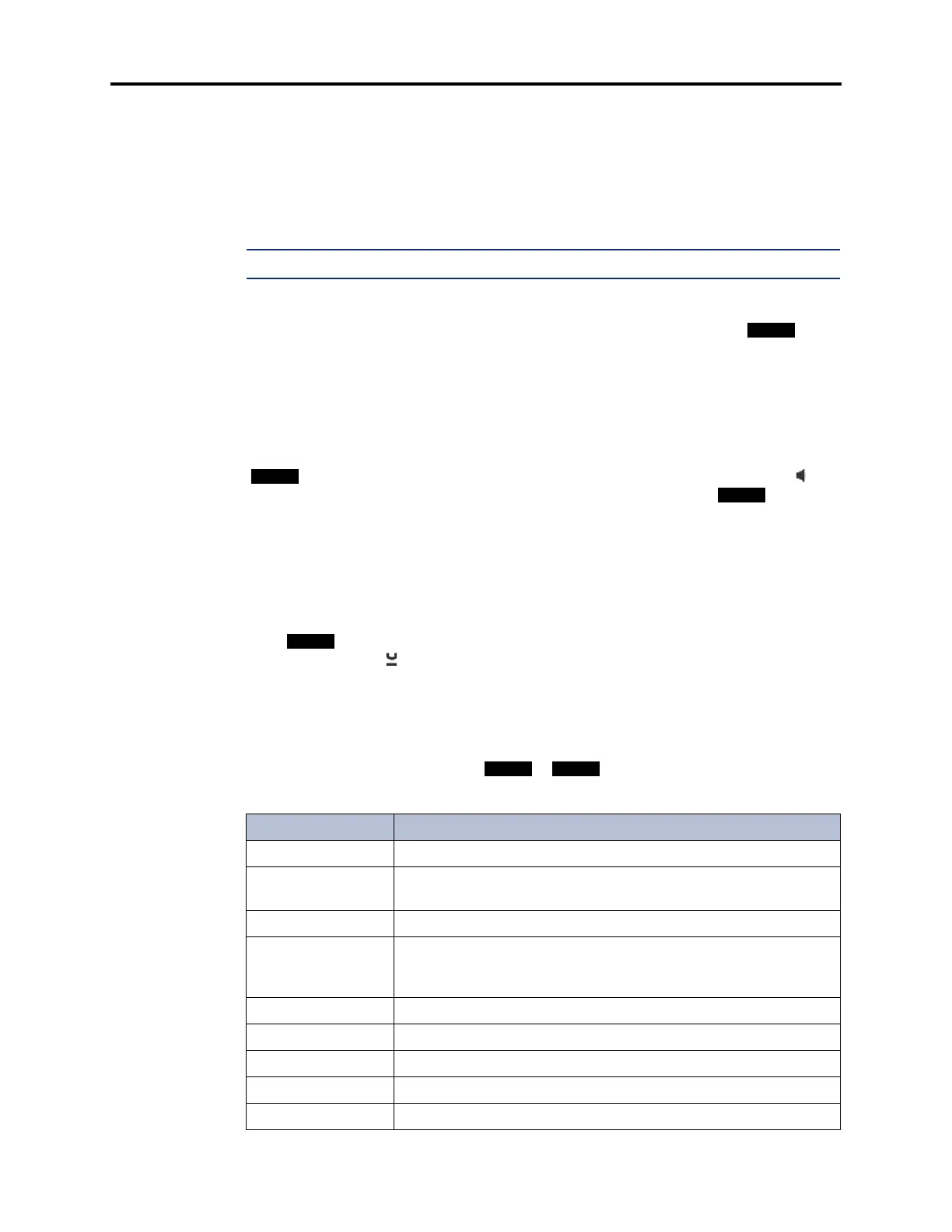
Table 5-28. Default Phone Feature Buttons
Button Function
CALL BUTTONS 1-4
Selects an outgoing trunk, if idle, or answers a call on the button.
IC
Selects a voice channel or picks up a holding or camped-on intercom
call.
DND
Programmable Button 1: Do-Not-Disturb On/Off (372)
PROGRAMMABLE
BUTTONS 2-6, 14-16,
18, and 21-35
Undefined values. Can be programmed with any feature code, trunk
access code, or extension number, or can be programmed as a sta-
tion or system speed-dial bin.
CNF
Programmable Button 7: Conference (5)
HOLD
Programmable Button 8: Individual Hold (336)
TRANSFER
Programmable Button 9: Transfer to Ring (345)
SYS SPD
Programmable Button 10: System Speed Dial (381)
REDIAL
Programmable Button 11: Redial (380)



 To Next Page