Page 6-87
Programming
INTER-TEL
®
AXXESS
®
MANUAL VERSION 11.0 – May 2008
Networking Wizard
PROGRAMMING
6
16. NETWORKING WIZARD
16.1 To access the networking wizard, select Networking Wizard from the Operations menu,
or under System\Devices and Feature Codes\Nodes\<Node>, right-click in a blank portion of
the right window and select
Networking Wizard. For troubleshooting information, see page 7-
65.
NOTE: The Back button on the wizard screens allows you to return to a previous screen to
modify programming. To finalize programming done through the networking wizard, you must
click the Finish button.
16.2 The Networking Wizard allows you to program the following information:
• Selecting the Networking Type—IPRC or T1/E1 (see page 6-87)
• Selecting/Creating the Target Remote Node (see page 6-87)
• Selecting/Creating Networking Boards (see page 6-89)
• Updating the IP/PRI Configuration (see page 6-91)
• Configuring IPRC Private Networking (see page 6-91)
• Configuring T1/E1Private Networking (see page 6-92)
• Updating Node Trunk/IP Connection Group Settings (see page 6-93)
• Completing the Private Networking Setup (see page 6-94)
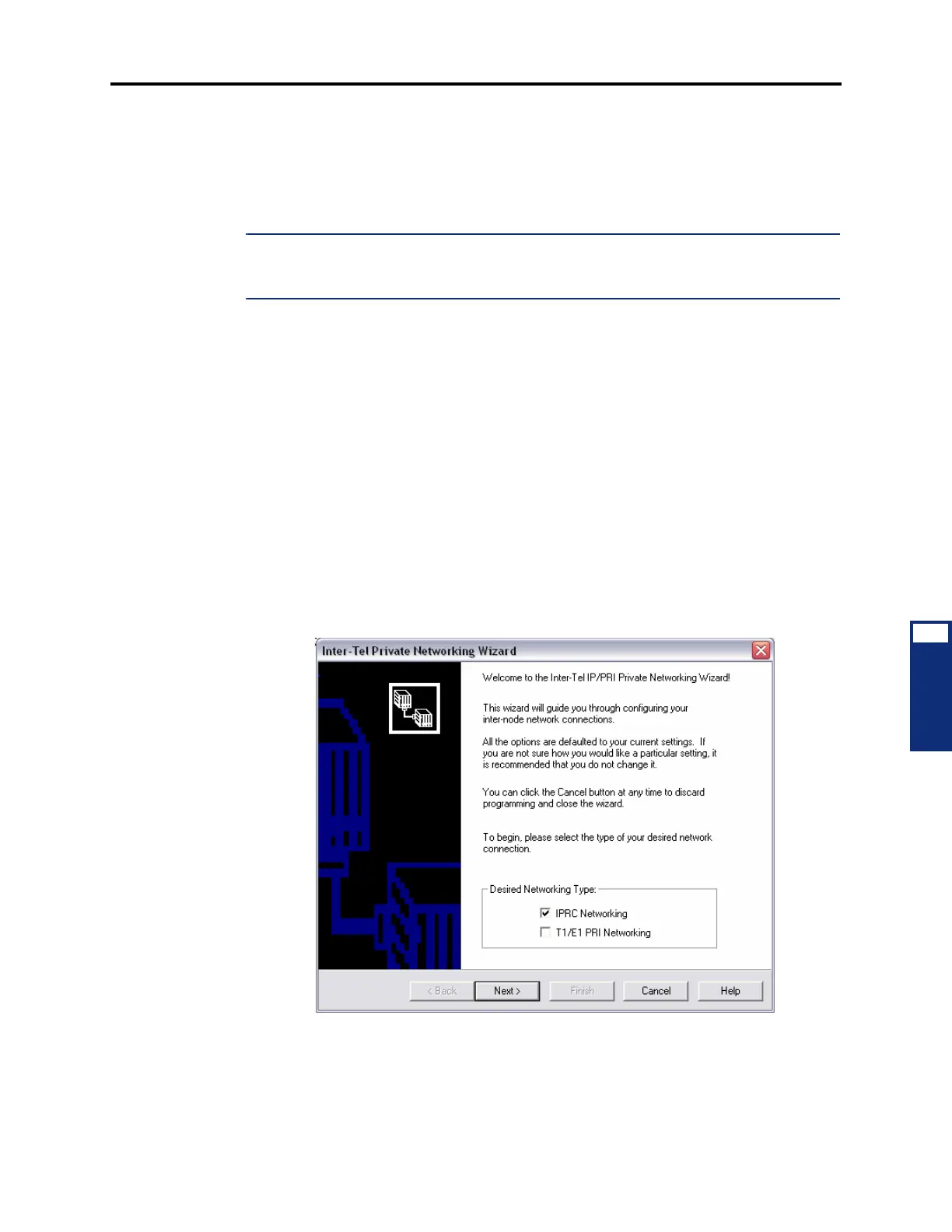
16.3 Selecting the Networking Type (IPRC or T1/E1): The first screen of the networking
wizard allows you to choose the type of private networking you would like to configure. By
default, IPRC Networking is selected.
16.4 Selecting/Creating the Target Remote Node: The second screen of the networking
wizard allows you to choose which node you would like to network with. If the node already
exists, select it from the list and then click
Next. The Create/Update New Node button allows
you to create and configure a new node as part of the Networking wizard.



 To Next Page