Page 5-321
System Features
INTER-TEL
®
AXXESS
®
MANUAL VERSION 11.0 – May 2008
Responding to the Audio Diagnostics Feature
FEATURES
5
NOTE: Consult your system administrator for the list of Audio Diagnostics codes that
are used on your system.
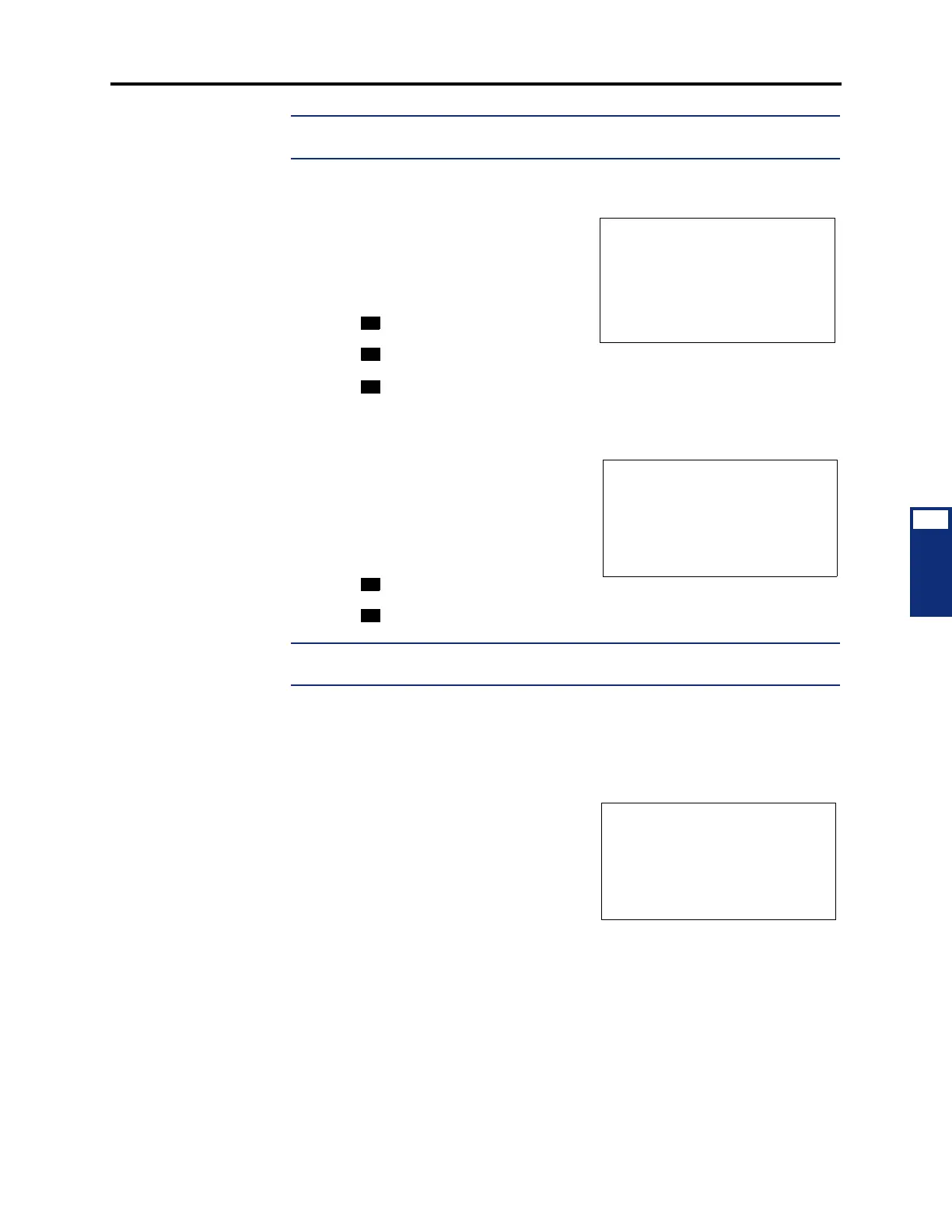
The display shows PLEASE SELECT THE AUDIO DIRECTION.
3. Select the direction of the audio problem.
EITHER, Press the desired menu button.
OR, press the dialpad button that corresponds
to one of the following responses:
• Press for ONLY I HEAR IT.
• Press for ONLY OTHER PARTY.
• Press for WE BOTH HEAR IT.
If the Record-A-Call feature is enabled for your endpoint, the display shows WOULD
YOU LIKE TO RECORD CALL?
4. If the Record-A-Call feature is available, you
have the option of recording the call.
EITHER, Press the desired menu button.
OR, press the dialpad button that corresponds to
one of the following responses:
• Press
to record the call.
• Press to continue without recording.
NOTE: If the system cannot accurately record the call (e.g., because different cross-
point connections are used) the display shows CALL CANNOT BE COMPLETED.
5. Hang up to complete the Audio Diagnostics feature. System Alarm 128 is generated
and displayed on the System Administrator’s endpoint.
Responding to the Audio Diagnostics Feature
54.25 After the user completes the Audio Diagnostics
feature, the system generates Alarm 128 and the
administrator station displays SYS ALARM #128
<EXT> AUDIO FRZ.This alarm indicates the exten-
sion that generated the Audio Diagnostics feature.
54.26 To respond to Alarm 128:
54.27 Alarm 128 indicates that someone has completed the Audio Diagnostics feature, and
you need to collect the freeze that contains Message Print entry. Review the freeze diagnostics
data. If you need further assistance, submit the data to Technical Support for analysis.
54.28 For more information about collecting diagnostics data, contact Inter-Tel Technical
Support.
PLEASE SELECT
AUDIO DIRECTION
ONLY I HEAR IT
ONLY OTHER PARTY
WE BOTH HEAR IT
WOULD YOU LIKE
TO RECORD CALL?
YES
NO
SYS ALARM #128
<EXT> AUDIO FRZ
CLEAR ALL ALARMS
CLEAR ALARM
IDLE MENU



 To Next Page