Page 7-79
Troubleshooting
INTER-TEL
®
AXXESS
®
MANUAL VERSION 11.0 – May 2008
IPRC Diagnostic Displays
7
TROUBLE-
SHOOTING
— 8600
— 8620
— 8622
— 8660
— 8690
— IP Softphone
— Model 8602
— Third Party
— Third Party phone
— Future Phone (reserved for future phone model)
• License Category: When an endpoint comes online, it searches for a valid license. The
license category column displays which category of license the endpoint has consumed.
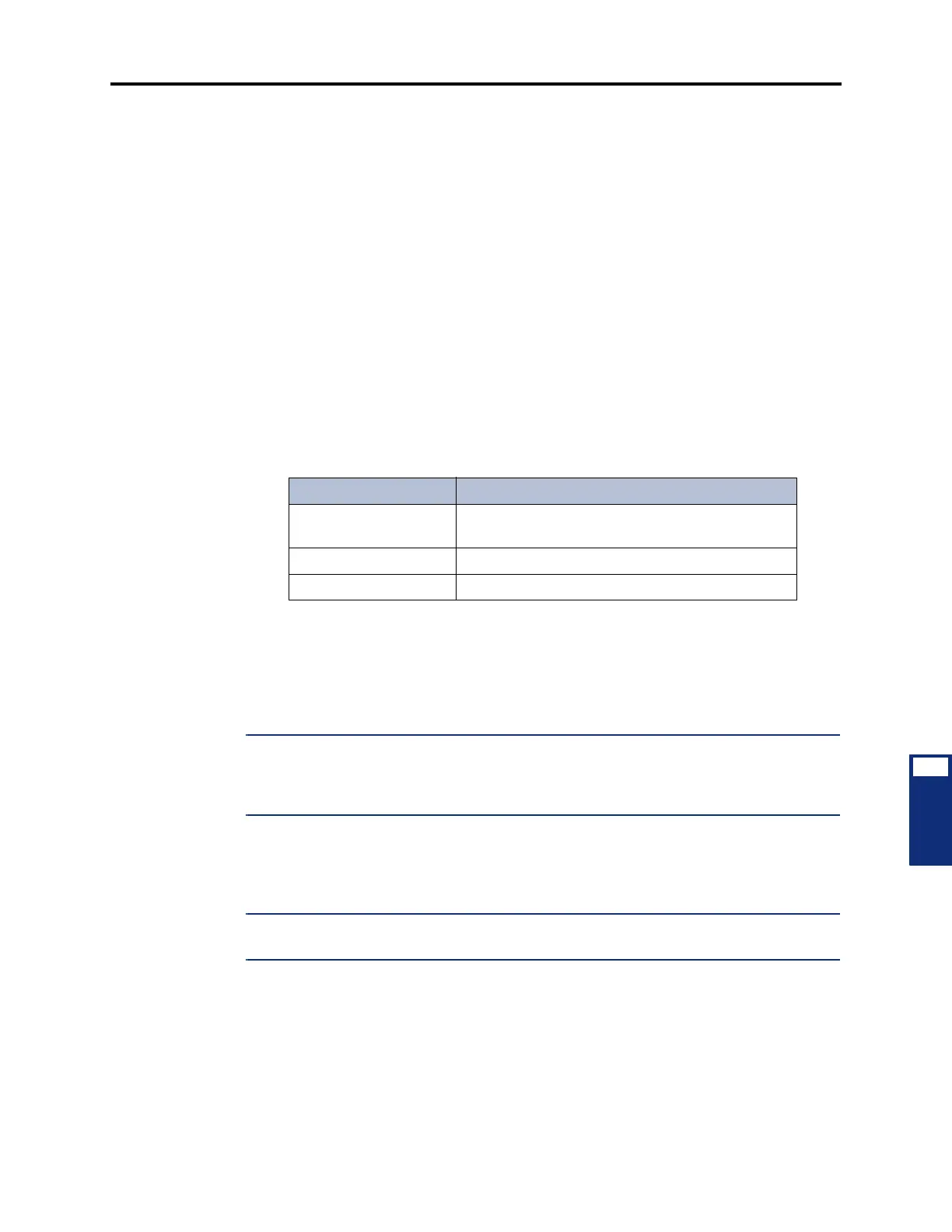
The available categories are listed in the table below.
• Status: Indicates if the device is offline or online. If there is no license available for the
device, this displays “No LICENSE.”
7.14 This screen also includes a Status area. This area displays information about the devices
and the boards, including how many devices terminate at a particular board. It also displays the
IP address of the IP Connection used for the card.
NOTE: If this screen indicates that a device is offline, there may not be enough VoIP
resources for that device. Make sure all of the available voice channels are programmed for
Voice over IP. If there are no more available voice channels, consider adding a daughter card or
another IPRC.
7.15 As of v9.1, the IP Device Status menu option has changed. The “Need License” column
has been removed. The “Model Type” and “License Category” columns were added. Network
Group Diagnostics
NOTE: The Network Group diagnostics feature works on Inter-Tel proprietary IP devices for
the local node only. It does not work across nodes.
Table 7-23. IP Device Status Dialog Box License Category Column
License Category Description
Unlicensed The endpoint was unable to retrieve a valid license
and is currently not licensed.
Category A The endpoint is using a license from Category A.
Category B The endpoint is using a license from Category B.



 To Next Page