Page 7-101
Troubleshooting
INTER-TEL
®
AXXESS
®
MANUAL VERSION 11.0 – May 2008
Viewing the Current License
7
TROUBLE-
SHOOTING
B. VIEWING THE CURRENT LICENSE
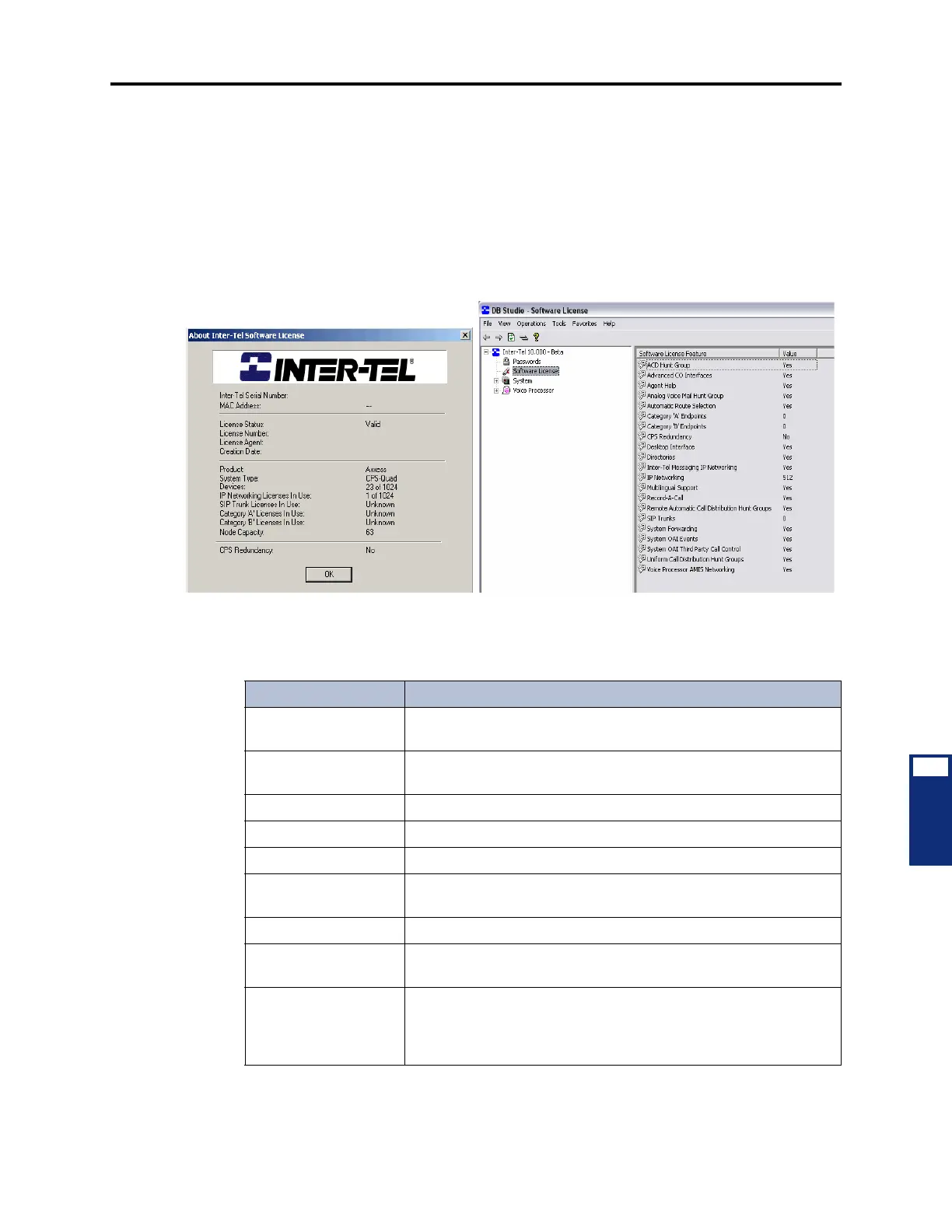
9.4 From the menu bar, select Help - About Inter-Tel Software License to see the new
license features. Because there is now a Software License folder, much of the information pre-
viously located on the About Inter-Tel Software License dialog box no longer displays in the
About Inter-Tel Software License menu option. The dialog box now contains main license and
system information along with the current status of dynamic usage information. Also, the cur-
rent node capacity appears. See the following examples. For information about the Software
License folder, see page 6-97.
9.5 The About Inter-Tel Software License screen displays the software license information
as described in the following table.
Help - About Inter-Tel Software License
Software License Folder
Table 7-24. Software License Information
Feature Indicates
Inter-Tel Serial Number The serial number (printed on the CPC or CP Server key) assigned
to the software license.
MAC Address The MAC address of the CPC. (The CP Server license does include
a MAC address.)
License Status Whether the license is valid or invalid.
License Number The unique license number assigned by Inter-Tel.
License Agent The person who created the license.
Creation Date (and
Time)
The date and time the software license was created. This appears
in the MMM DD, YYYY (HH:MM:SS) format.
Product The product type (Axxess).
System Type The system capacity (CPC-Single, CPC-Dual, CPU256, CPU512,
CPU1024, or ATM CPU).
Devices The number of devices currently programmed and the maximum
number of physical devices supported. This is in the format XX of
YY where XX is the number of devices currently programmed and
YY is the maximum number of devices supported.



 To Next Page