Page 5-135
System Features
INTER-TEL
®
AXXESS
®
MANUAL VERSION 11.0 – May 2008
Model 800 Digital Phones and Button Locations
FEATURES
5
• Up Key: (This button type is not required for digital phones. It is intended for analog
phone use.) No further programming is necessary. This button can be used for scrolling
forward through displays. When the phone is idle, it can be used for adjusting volume,
in place of the Volume button. (Digital phones use the Volume button.)
NOTE: The volume adjustment button on the digital phones also can be used for
scrolling through displays. However, the analog phone volume buttons are used only
for adjusting volume; analog phones need to have Previous and Next buttons pro-
grammed in their keymaps to scroll through displays. They also need an Accept button
to accept entries when in numeric programming mode. This does not apply to Execu-
tone IDS and Wave Phones.
Model 800 Digital Phones and Button Locations
12.53 Because the Model 8500, 8520, and 8560 Phones have additional buttons and lamps,
programming the buttons on a system using a software version prior to 7.0 may be challenging.
The figures below provide a cross-reference guide for button locations based on the software
version.
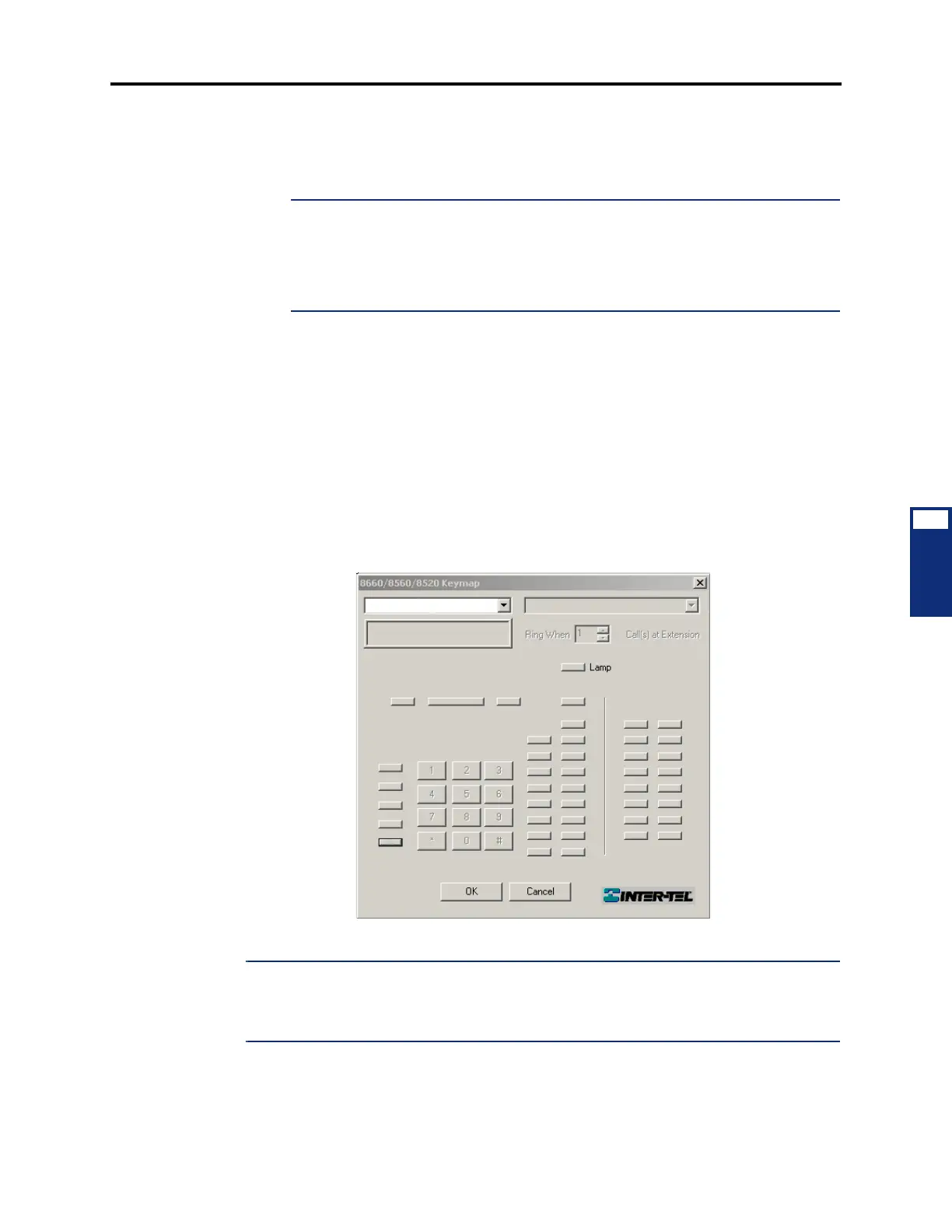
12.54 The buttons of the following v7.0 or later keymaps have been assigned a number, and
their locations are cross-referenced on the v6.X keymaps. For example, button 5 (Message but-
ton by default) on the 8662/8660/8620/8560/8520 keymap corresponds to button 5 (Message
button by default) on the Executive keymap.
Figure 5-5. 8662/8660/8620/8560/8520 Keymap (v7.0 and Later)
NOTE: To program the 8660, 8560, and 8520 (27 buttons) on a system using software v3.0-
6.X, use the Executive keymap (24 buttons), as shown in the following figure. Buttons desig-
nated with xxx do not correspond to any buttons on the v7.0 and later phones and will not func-
tion on earlier software versions.
1
3
4
5
6
8
10
12
14
16
18
20
22
21
19
17
15
13
11
9
7
23
24
25
26
27
2



 To Next Page