Page 6-193
Programming
INTER-TEL
®
AXXESS
®
MANUAL VERSION 11.0 – May 2008
Page Ports
PROGRAMMING
6
K. PAGE PORTS
4.149 When you select Page Ports, a list including the local node and any remote nodes
appears. Page port programming differs for remote and local nodes, as described below.
Local Page Ports
4.150 Local page ports are created in CPC or CPU Card programming. When you double-
click on the Local node, a list of the existing local page ports appears. You can enter descrip-
tions and usernames.
Remote (Off-Node) Page Ports
4.151 Off-node page ports allow paging access to the ports located on other nodes. When you
double-click on a remote node, a list of its existing off-node page ports appears. You can create
or delete off-node page ports and/or enter descriptions and usernames.
4.152 To create Off-Node Page Ports:
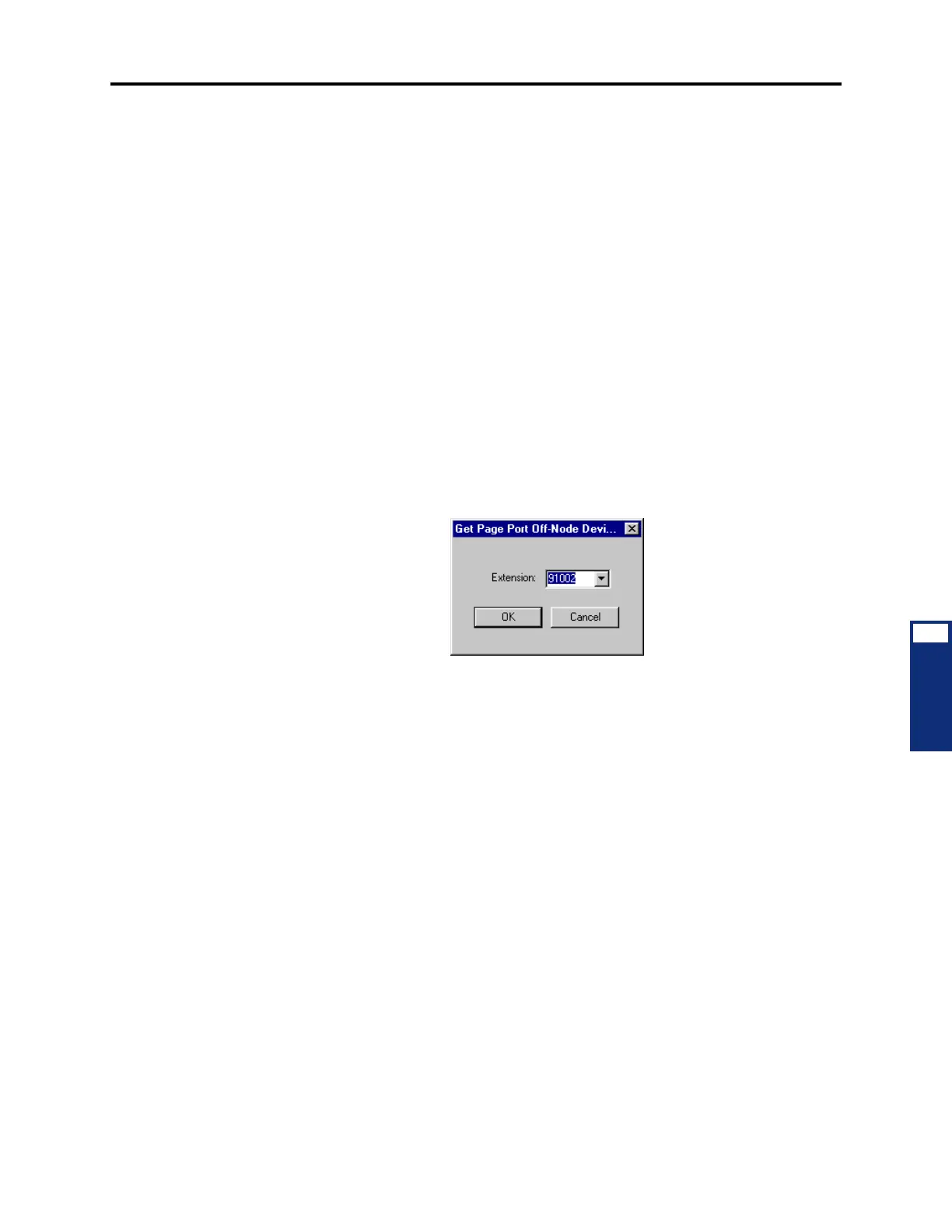
1. Right-click anywhere in the right half of the window. An option box appears.
2. Select Create Off-Node Page Port. The following window appears. Enter the desired
extension number in the text box or scroll to the desired number. Then select
OK to con-
tinue. (Or select
Cancel to exit without creating the page port.)
The new page port appears in the list without a description or username.
4.153 Deleting Off-Node Page Port: To delete a page port, highlight it and press
DELETE on
your keyboard, or right-click and select
Delete. The page port is automatically removed from
the list.
4.154 Descriptions and Usernames: You can enter a new description or username for the
page ports by selecting the appropriate field and then entering the new information in the text
box. Then press
ENTER or select another field to save the change. Descriptions can contain up
to 20 characters and usernames can contain up to 10 characters. Do not use slash (/), backslash
(\), vertical slash (|), or tilde (~) characters in usernames. Do not use Control characters in
descriptions or usernames.



 To Next Page