Page 6-305
Programming
INTER-TEL
®
AXXESS
®
MANUAL VERSION 11.0 – May 2008
Flags
PROGRAMMING
6
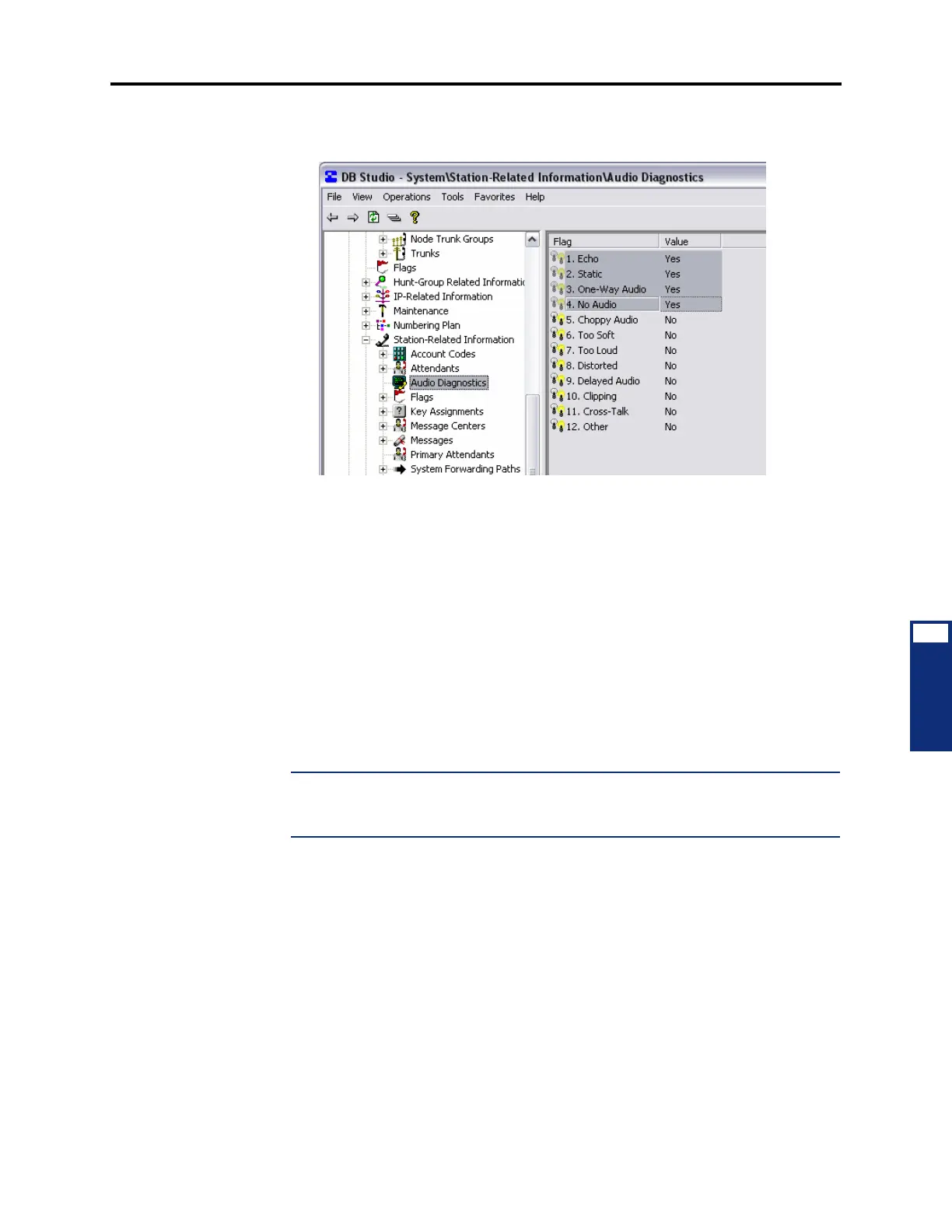
10.20 To replace one or more of the default problem numbers, clear one of the default
numbers, and then select an option (5-12) to replace it. See the following example.
D. FLAGS
10.21 You can batch program the stations that have a specific station flag enabled by selecting
the flag. Then do the following:
1. Right-click anywhere in the right side of the window (if there is no blank space, press
CTRL+N). An option box appears.
2. Select Add To List. A window appears that asks you to select the type of device to
include.
3. Select Keyset and then select Next. The list of devices appears. (You can view them in
a list by selecting the List button or view details by selecting the Details button.)
4. Highlight the desired phone(s) and then select Finish. Your selection appears in the
appropriate Attendant Station field.
NOTE: To highlight a series of items, hold down SHIFT while selecting the first and last
item you want. To highlight two or more items that are not consecutive, hold down
CTRL while selecting the desired items.
10.22 For a complete list of station flags and their definitions, see page 6-209



 To Next Page