Page 7-72
Troubleshooting
INTER-TEL
®
AXXESS
®
MANUAL VERSION 11.0 – May 2008
Web/HTML Interface
B. WEB/HTML INTERFACE
7.8 To use the Web/HTML Interface:
1. Make sure the IPRC is connected and online.
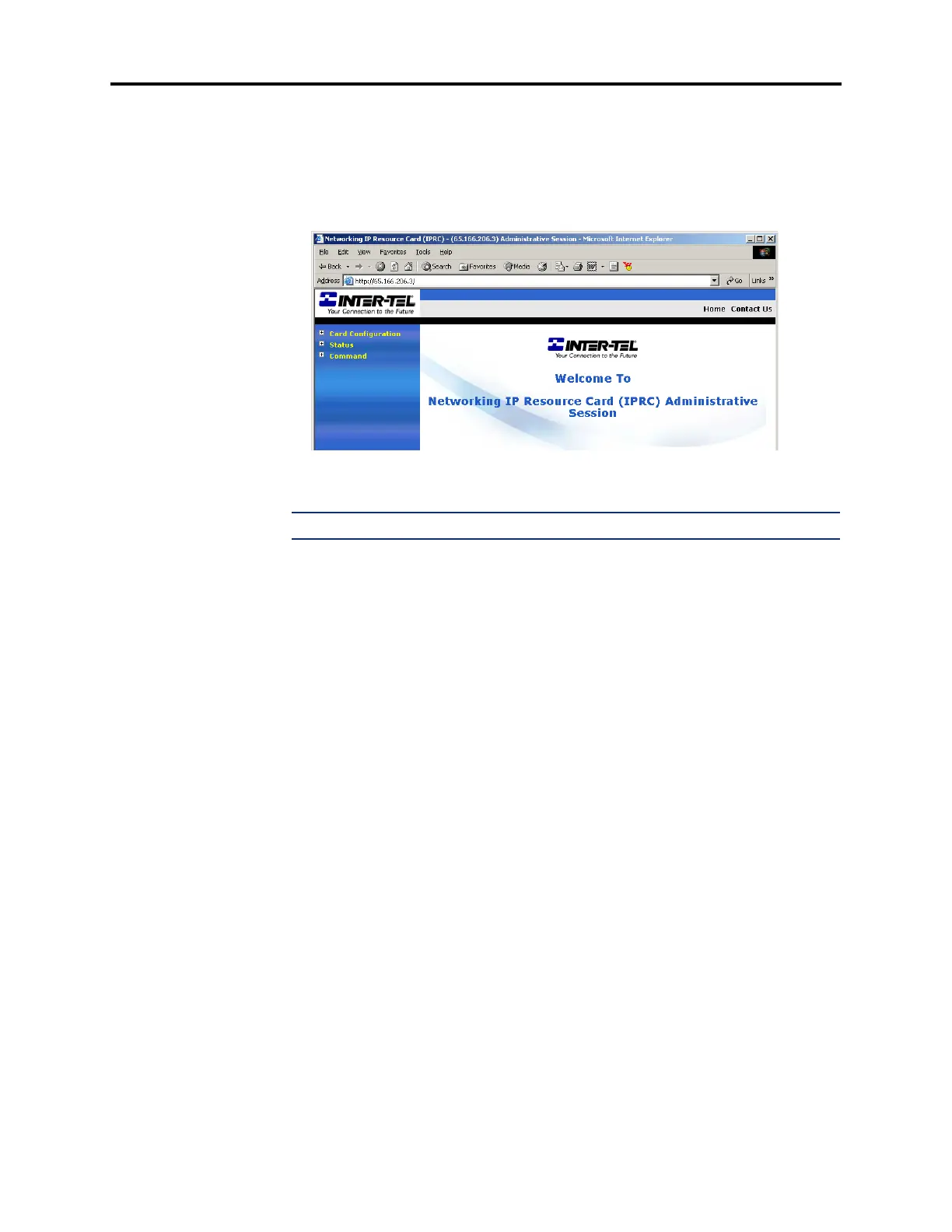
2. Point a Web browser to the IP address of the IPRC. This IP address is set in DB Pro-
gramming (see page 6-172).
3. When prompted, enter your username and password. See page 6-154 for information
about the username and password.
NOTE: The username and password are case-sensitive.
4.
Expand the Status menu by clicking the plus sign (+) next to Status. A list of options
appears.
5. Select the desired display (see page 7-75).
C. SERIAL INTERFACE
7.9 To use a serial interface via an RS232 connection:
1. Make sure the IPRC is connected and online.
2. Connect a programming PC to the IPRC serial port jack as follows (see the diagram on
the following page). The necessary connectors can be purchased separately or as part of
the Universal RS232 Kit (part no. 828.1282). This RS232 connection is the same as the
RS232 connection to the CPC or CPU cards used for DB Programming.
a. Attach one end of an 8-wire reversing mod-to-mod line cord to the serial port jack
on the IPRC.
b. Attach the other end of the line cord to a DB9F-to-8P/8C modular adapter with the
proper flow control. (This application does not require flow control unless the bps
rate exceeds 9600.)
c. If the PC does not have an available DB9M COM port but does have an available
DB25M COM port, attach the DB9M-to-DB25F converter to the DB9F end of the
modular adapter.



 To Next Page