Page 7-93
Troubleshooting
INTER-TEL
®
AXXESS
®
MANUAL VERSION 11.0 – May 2008
Web Interface for CPC Diagnostics
7
TROUBLE-
SHOOTING
F. WEB INTERFACE FOR CPC DIAGNOSTICS
8.43 Because the CPC has an IP port, you can access the CPC using a Web browser.
Although you can program the IP port settings from the Web, Inter-Tel recommends that you
use the Web interface for diagnostic purposes only.
NOTE: Changes made in the Web interface do not take effect until the system is reset.
Accessing the CPC
8.44 To access the CPC via the Web:
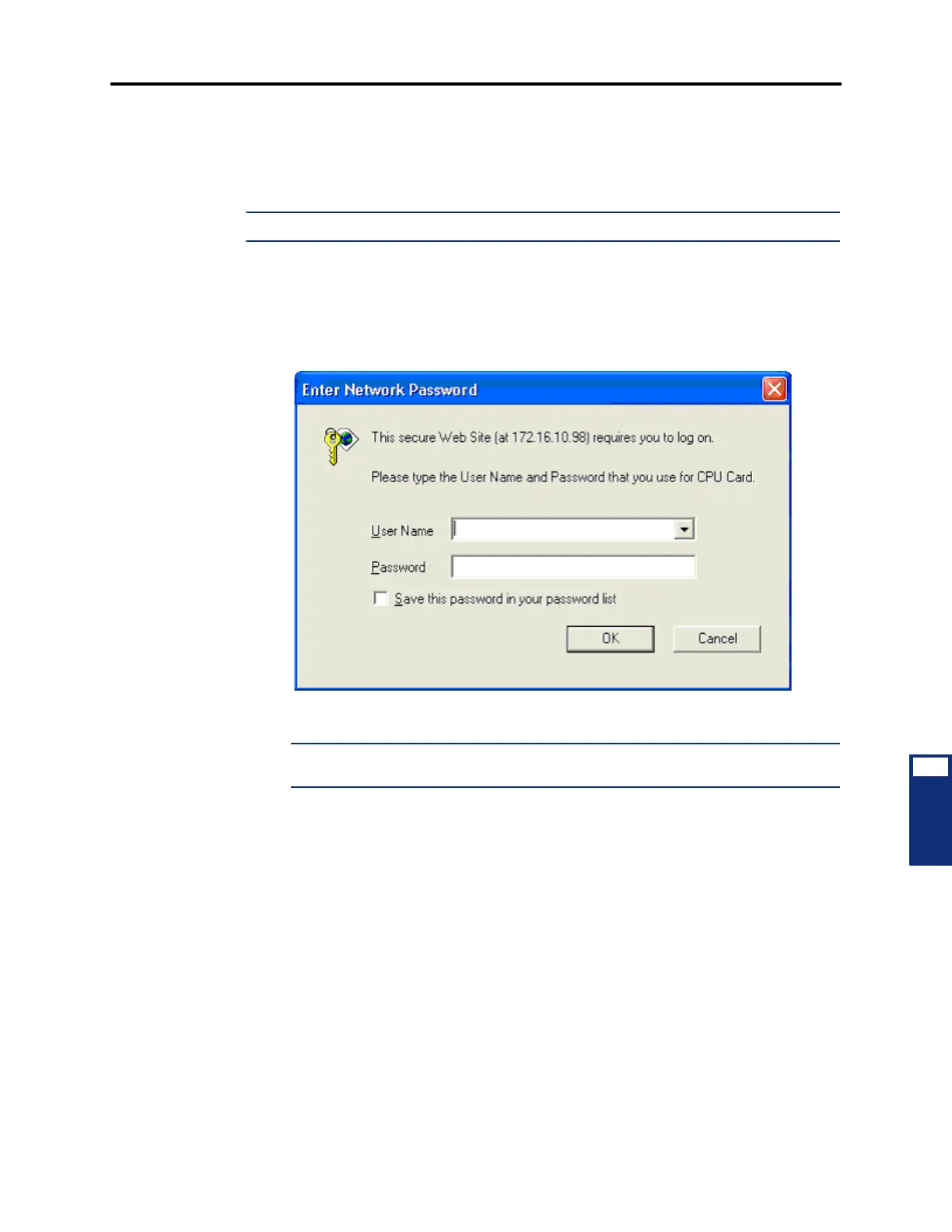
1. Enter the IP address of the CPC in the Address line of your browser. You are prompted
for a username and password.
2. Enter CPU as the username and itpassw as the password and click OK.
NOTE: If desired, enable Save this password in your password list to automatically
populate this screen the next time you access the CPC.



 To Next Page