Page 6-29
Programming
INTER-TEL
®
AXXESS
®
MANUAL VERSION 11.0 – May 2008
Merging a Database
PROGRAMMING
6
• Status Bar: Displays the current status of the merge process.
5.12 The following instructions detail how to merge multiple databases using the Merge
Utility.
Merging a Database
5.13 To merge a database:
1. Click the browse button (...) in the Source Databases section to browse for the database.
When you click
Open, the database will be added to the list.
NOTE: To delete a database from the Source Databases list, select that database and
click Delete (DELETE).
2.
Use the arrow buttons to place the databases in the desired order. Databases are merged
from the top down.
NOTE: The first database is always considered the master database.
3. Enter the path and name of the destination database in the space provided. Or, click the
browse button to browse for a path location.
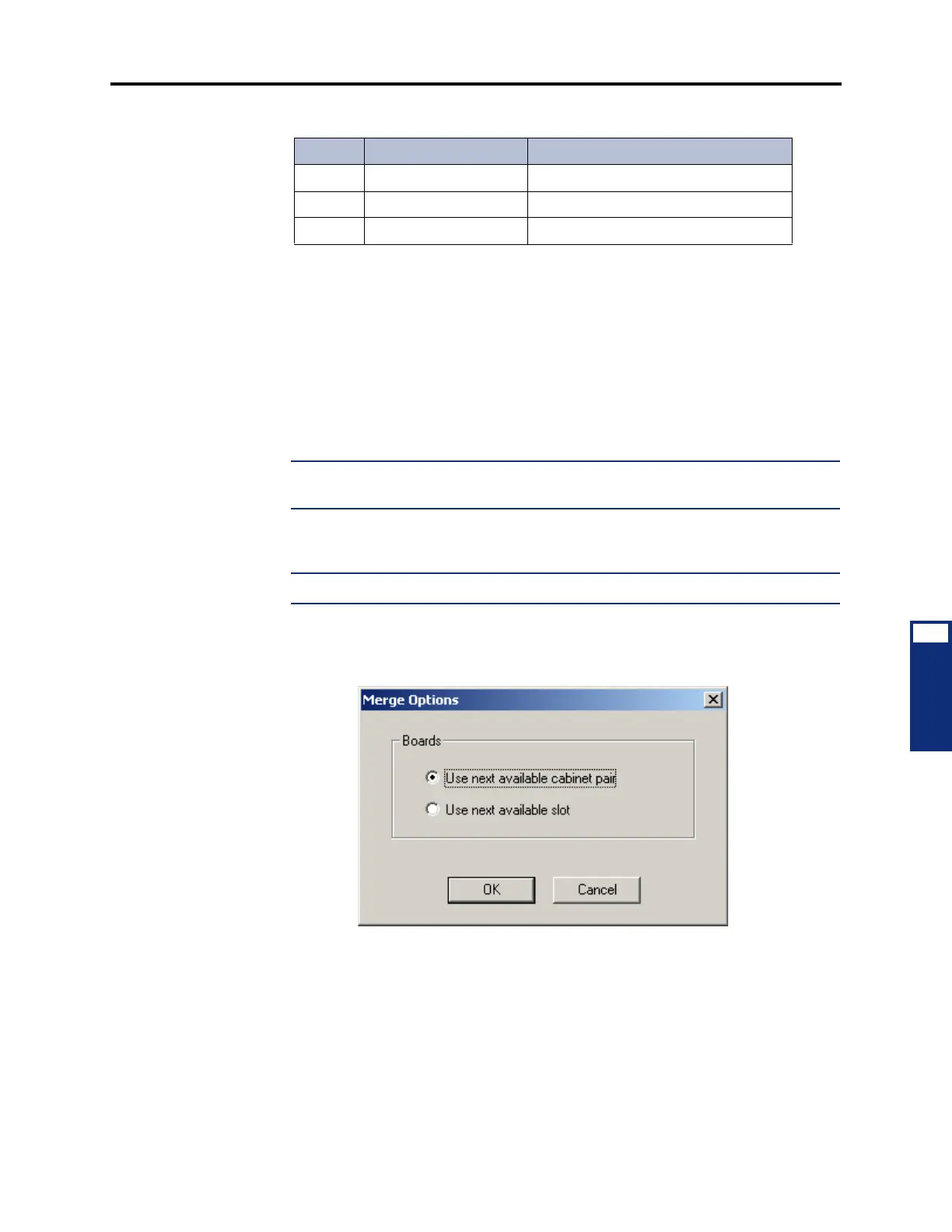
4. Click Options to define how the boards are assigned. The following screen appears.
You have the following options:
• Use next available chassis pair: Merges boards until there are no more empty
cabinet pairs. When selected, vacant slots in the merged databases are mirrored in
the master database. This allows you to retain the existing cabinet configuration
without having to move boards. This is the default selection.
• Use next available slot: Assigns boards to the next available slot until there are
no more empty slots.
Options ALT + O Displays additional options.
Start CTRL + ENTER Begins the merge process.
Stop ESC Cancels the merge process.
Table 6-1: Merge Utility Command Buttons (Continued)
Button Keystrokes Function



 To Next Page