Page 6-11
Programming
INTER-TEL
®
AXXESS
®
MANUAL VERSION 11.0 – May 2008
Determine the IP Address
PROGRAMMING
6
C. DETERMINE THE IP ADDRESS
NOTE: Inter-Tel recommends using the static IP address for the CPC (and CP Server). If
using a BOOTP or DHCP server, the IP address may change, dropping any CT Gateway and/or
Voice Processing connections.
1.4 If using a CPC, use the IP port for Database (DB) Programming. To use the port, how-
ever, you must first determine the IP address assigned to the CPC.
1.5 To determine the IP address, establish a serial or modem connection to the CPC. Then
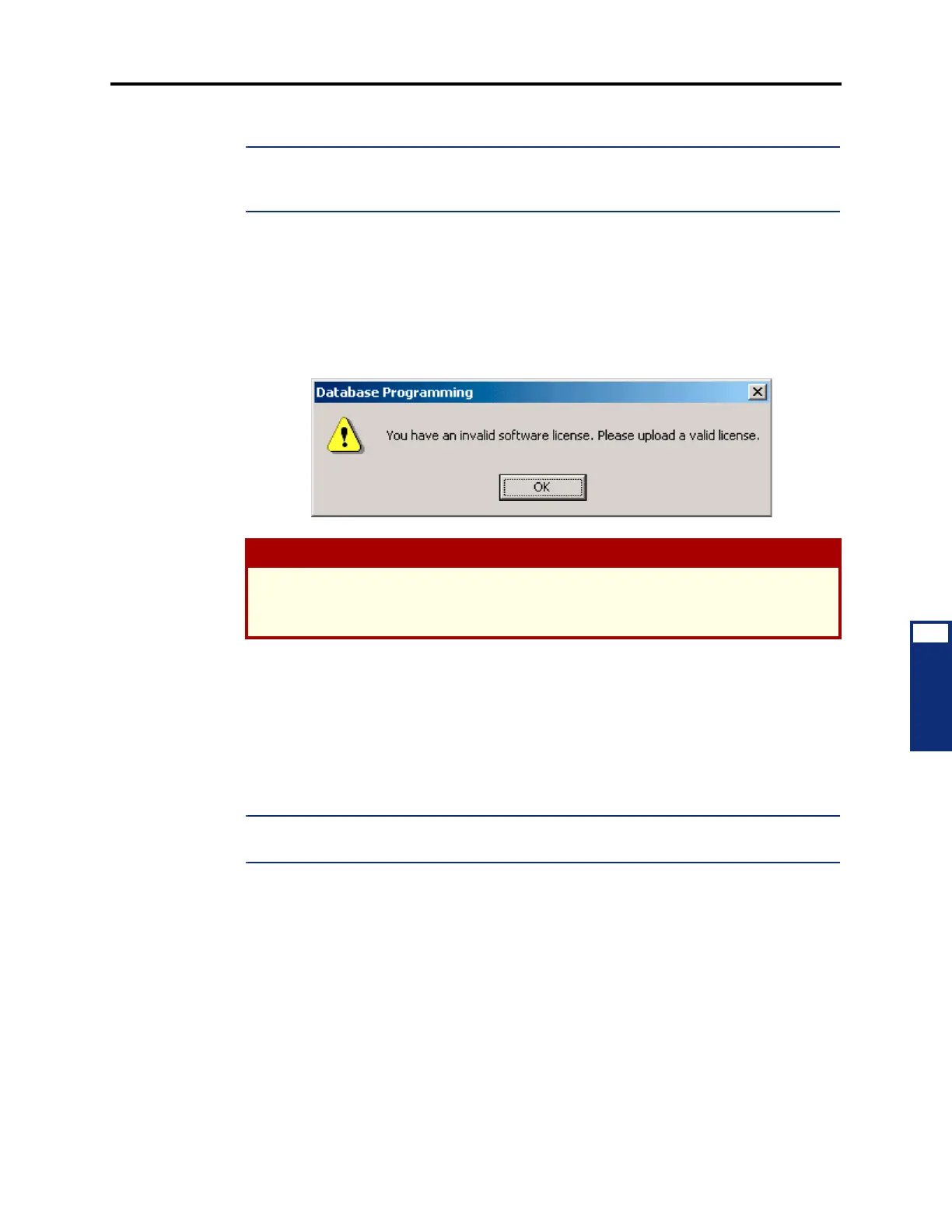
start a DB Programming session using Session Manager. Before DB Programming is initial-
ized, the system checks for a valid software license. If you have not yet uploaded a software
license (i.e., you are starting DB Programming for the first time using 11.0 software), the fol-
lowing message appears.
1.6 By default, the CPC is programmed to use a DHCP and BOOTP server to obtain an IP
address. When powered up, the system tries to contact the BOOTP server first. If the system
cannot contact the BOOTP server, it tries the DHCP server. If this fails, then the programmed
static IP address (192.168.200.201 by default) is used.
1.7 If desired, change the static IP address (see page 6-178) in DB Programming. Then
reset the system. You can then use the address you entered as the IP address for the DB Pro-
gramming session.
NOTE: Inter-Tel recommends that you establish a Message Print connection before you reset
the system. This allows you to verify that the new IP address is assigned to the CPC.
1.8 If, however, you do not want to change the static IP address, you must determine the
address that the DHCP or BOOTP server has assigned to the CPC. To do this, establish a Mes-
sage Print connection, then reset the card. When the card is initialized, Message Print displays
information similar to the following:
-01:030- 02:22 01-28 M2002 INF HW CP [8.6.1]: On-Line From CPC IP Port
-01:031- 02:22 01-28 *** CPC HW Address: [8.6.1] IP Address: 198.168.0.0
+Hostname: 'TESTCPC'
1.9 You can now close the current DB Programming session and establish a new session
using the IP address displayed in Message Print.
CAUTION
If the database is currently being backed up (see page 6-69), a warning message appears.
If you click Yes to override the lock, the database backup is aborted. If you click No, the
backup continues, and DB Programming is not initiated.



 To Next Page