Page C-28
Appendix C — CP Server
INTER-TEL
®
AXXESS
®
MANUAL VERSION 11.0 – May 2008
Reset Log Tab
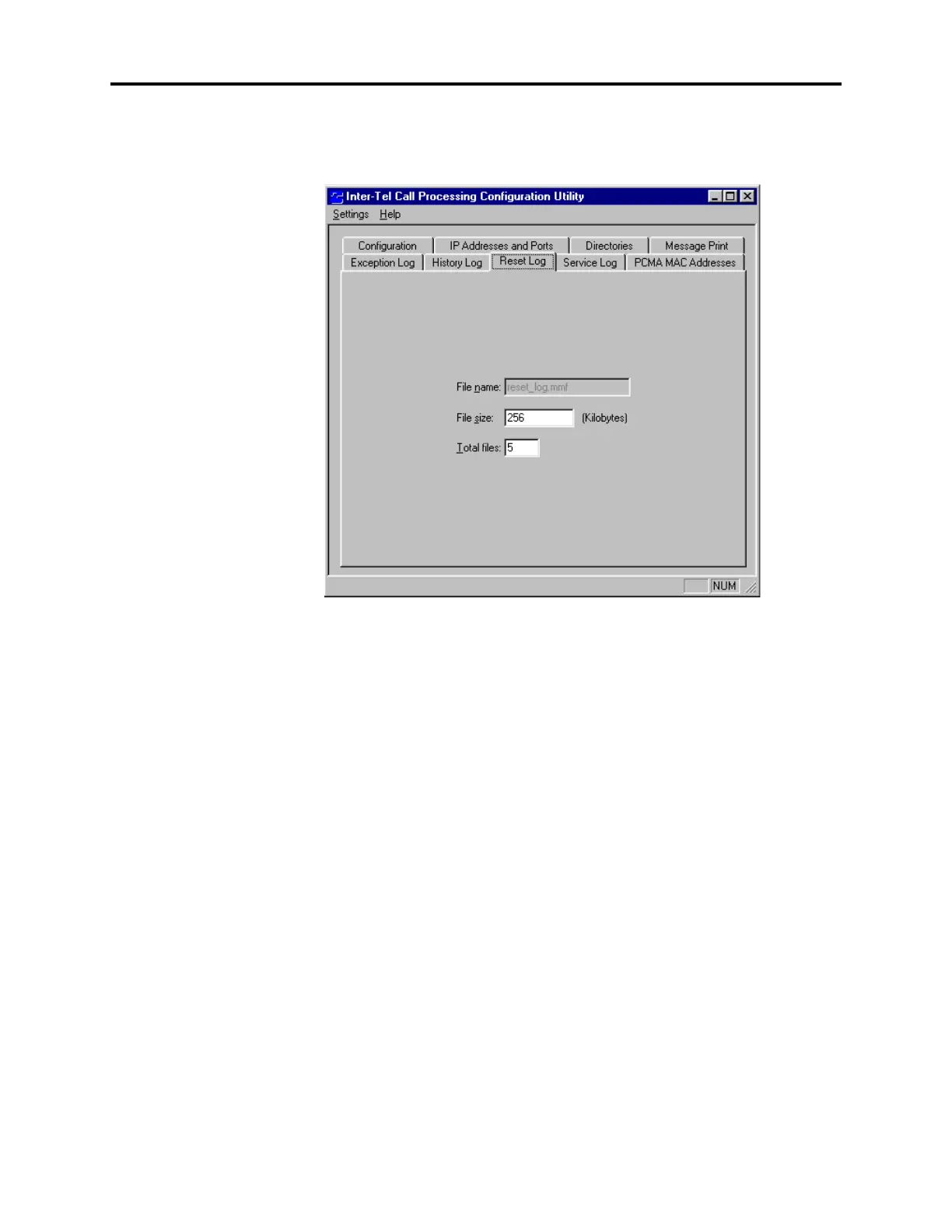
H. RESET LOG TAB
22.11 The Reset Log tab allows you to specify the file sizes and storage capacity for the reset
logs.
• File Name: Specifies the name of the system reset log file. The information is shown
for reference only and cannot be changed.
• File Size: Enter the size of the system reset file in kilobytes (100-4,200,000). This is the
limit for determining how large the reset_log.mmf file may grow before it is
backed up in the backup directory (see the Directories tab). The default size is 256 KB.
• Total Files: Enter the number (1-99) of system reset log backup files that will be kept
in the backup directory. The default is five files.



 To Next Page