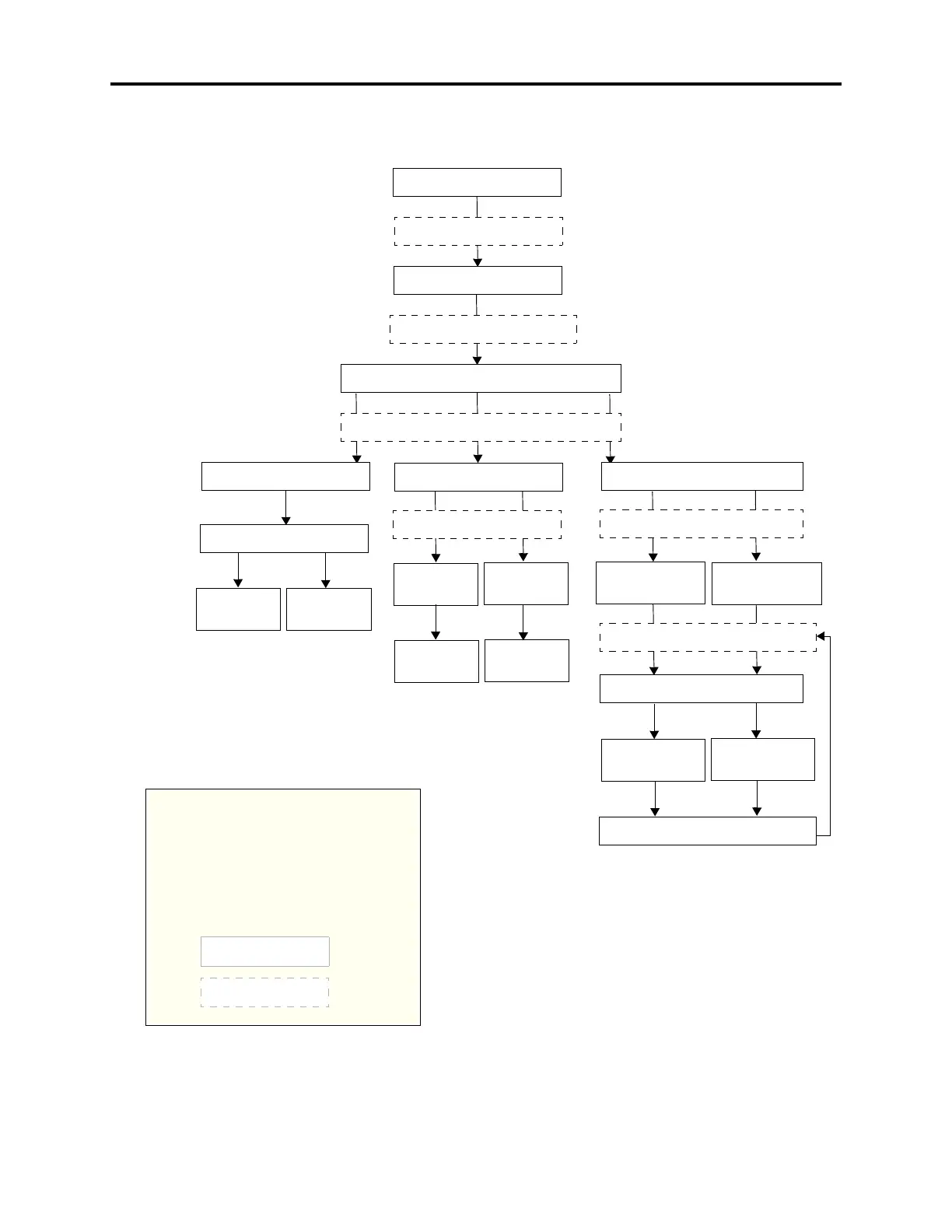
Figure 5-9. Station DB Programming Flowchart
Enter Program Database
feature code 9932/9132
Press 1 or STATION menu
button
ENTER DATABASE OPTION
ENTER STATION EXTENSION
Enter desired station extension number, then #
ENTER STATION OPTION
Press 2 or STATION INFO
menu button
STATION INFO OPTION
Press 3 or TOLL RESTRICTION
menu button
TOLL RESTRICTION OPTION
Press 1 or STATION FLAGS
menu button
Select flag to program
Press 1 or
ATTENDANT
menu button
Press 2 or
USERNAME
menu button
Enter
new
username
extension
Enter
Attendant’s
Press 1 or ON
menu button
to enable
Press 2 or OFF
menu button
to disable
Press 1 or COS
DAY menu button
for day mode
Press 2 or COS
NIGHT menu button
for night mode
SET DAY/NIGHT COS XX
If necessary, select COS number
Press 1 or ON
menu button
to enable COS
If desired, select another COS number
to program by scrolling
Press 2 or OFF
OFF menu button
to disable COS
to program by scrolling
YOUR INPUT
PHONE DISPLAYS
AT ANY LEVEL:
Press * or SPKR to cancel any unsaved chang-
es and back up to exit programming.
Press # or ACCEPT to save changes and back
up one display level.
INFORMATION IN THIS CHART IS SHOWN
AS FOLLOWS:



 To Next Page