Page 6-114
Programming
INTER-TEL
®
AXXESS
®
MANUAL VERSION 11.0 – May 2008
Sockets
D. SOCKETS
3.20 If using a CPC or a CP Server (CPU/EAC and Windows NT- or 2000-based CPU or
ATM and Windows 2000-based CPU), you can use the Sockets folder to set the sockets for
TCP/IP connections to Message Print, SMDR, System OAI, or the User System Monitor. If
running system version 7.0 or earlier without a CP Server, the Sockets folder is still visible, but
a red “X” appears to indicate the option is not available. (For more information, see Appendix
C — CP Server.)
3.21 To program the sockets, open the Cabinets folder and double-click on
Sockets. You
will see the list of available sockets. To program an individual socket, do the following:
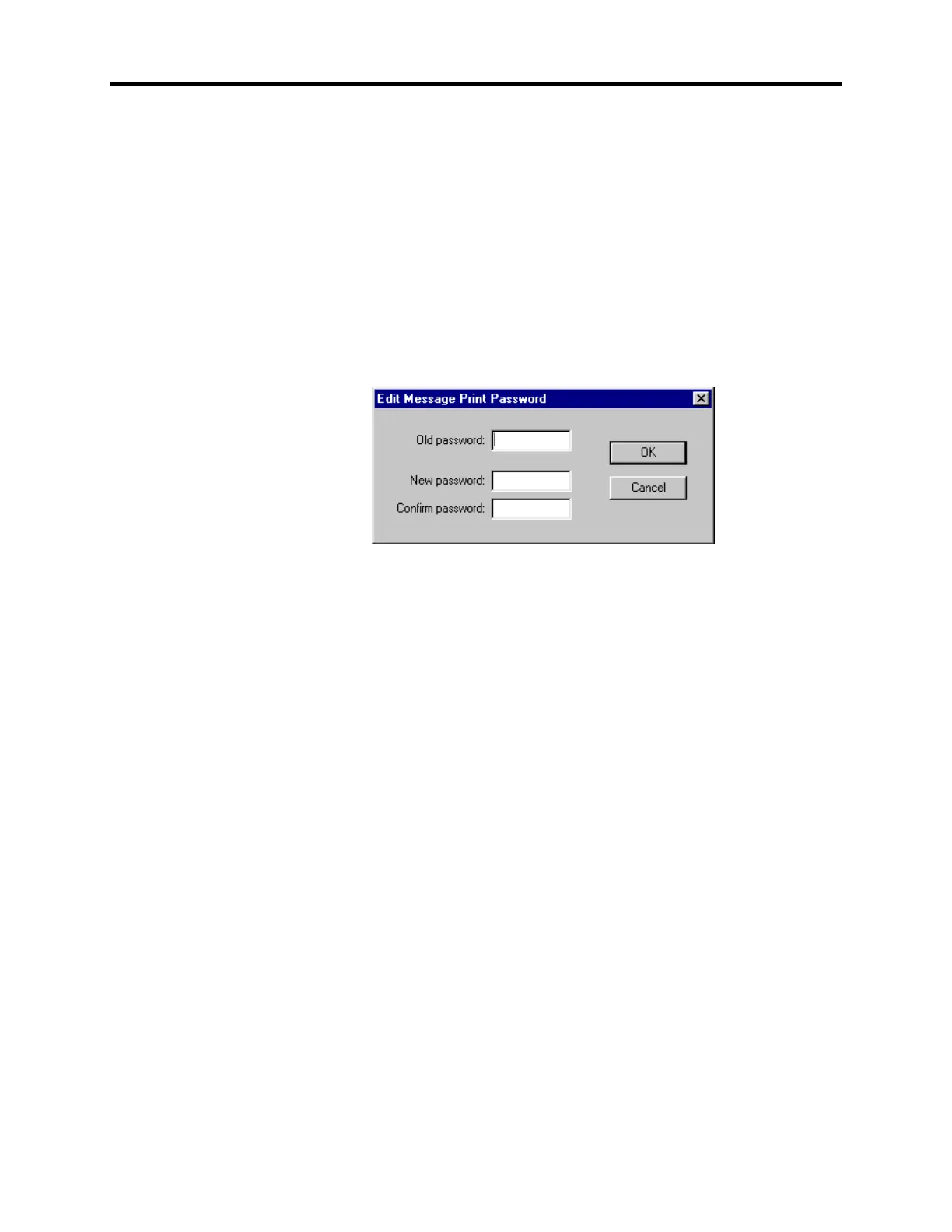
• Password: Right-click on the current Value for the network password and select Edit
Password to change the password for the socket. The following window appears. Enter
the old password, if one exists. Then enter the new password in the New Password and
Confirm Password text boxes and select
OK.
• Enabled: To enable the socket, select
No and then place a check mark in the check box.
To disable the socket, select
Yes and remove the check from the check box. Then press
ENTER or select another field to save your change.
E. CIRCUIT CARDS
3.22 To select the type of card that will be assigned to a card slot, click on the desired card
slot and then scroll to the desired card type in the list box. The following cards are config-
urable:
• Call Processing Card or Central Processing Unit Card (see page 6-116)
• Options Card (see page 6-117)
• Digital Keyset Card (see page 6-118)
• Analog Keyset Card (see page 6-122)
• Executone Keyset Card (see page 6-123)
• Single-Line Card (see page 6-124)
• Loop Start Card, LSC Daughter card, Loops/Ground Start Card, or LGC-D (see page 6-
125)
• T1 Card, T1C with optional Primary Rate Interface daughter card, or E1/PRI card (see
page 6-126)
• Basic Rate Interface card (see page 6-136)
• Internet Protocol Resource Card (see page 6-145)



 To Next Page