EasyManua.ls Logo

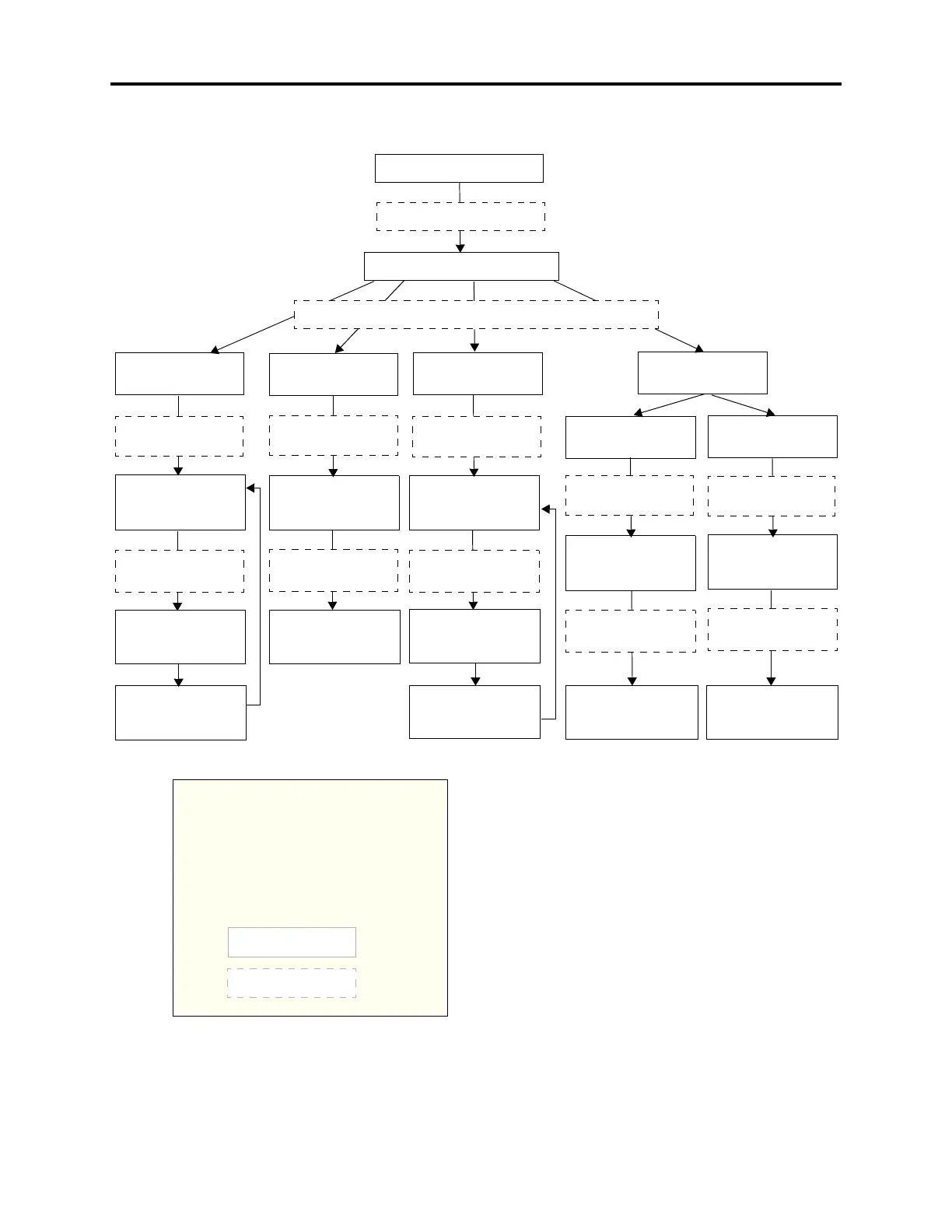
Inter-Tel AXXESS - Figure 5-10 System DB Programming Flowchart

Inter-Tel AXXESS
1626 pages
Print Icon
To Next Page IconTo Next Page
To Previous Page IconTo Previous Page
Loading...
Page 5-288
System Features
INTER-TEL
®
AXXESS
®
MANUAL VERSION 11.0May 2008
System DB Programming Flowchart
Figure 5-10. System DB Programming Flowchart
Enter Program Database
feature code 9932/9132
Press 2 or SYSTEM menu button
ENTER DATABASE OPTION
Press 2 or
PASSWORD
menu button
Enter the new
message using alpha
or numeric mode
ENTER SYSTEM OPTION
Enter message
number or select
DND message to
Press 1 or
DND MESSAGES
menu button
Press 4 or
STN EXTENSIONS
menu button
Press 1 or
CHANGE EXT
menu button
SELECT DND
If desired, select
another message
(DND message)
SCROLL OR EDIT
Enter the new
CHANGE
VERIFY
Enter the new
message using alpha
or numeric mode
Enter message
number or select
message to program
SELECT
If desired, select
another message
(Reminder message)
SCROLL OR EDIT
Enter the new
extension number
and press #
Enter the extension
ENTER STATION
CHANGE (number)
SCROLL OR EDIT
Enter 0-8 digit
password and
password again
EXTENSION
number of the station
to be changed
YOUR INPUT
PHONE DISPLAYS
AT ANY LEVEL:
Press * or the Speaker button to cancel any un-
saved changes and back up to exit program-
ming.
Press # or ACCEPT to save changes and back
up one display level.
INFORMATION IN THIS CHART IS SHOWN
AS FOLLOWS:
MESSAGE
program by scrolling
and press #
to program
PASSWORD
press #
PASSWORD
and press #
REMINDER MSG
by scrolling
and press #
to program
for the station
Enter the extension
number of the second
and press #
Enter the extension
ENTER STATION
SWAP (extension)
WITH EXTENSION
EXTENSION
number of the first
station to be swapped
Press 2 or
SWAP EXTS
menu button
Press 3 or
REMINDER MSGS
menu button
and press #

Table of Contents

Other manuals for Inter-Tel AXXESS

Related product manuals